Guides
Practical guides on giving AI coding agents exact on-screen context from a Mac.
AVIF and SVG Downloads: What Extensions Can Verify
AVIF and SVG downloads: what Chrome extensions can verify — honest limits on dimension checks with PinVari.
Image Format Conversion in a Chrome Downloader
Image format conversion in a Chrome downloader — JPG/PNG/WebP limits and megapixel caps explained for PinVari.
Why a CSV Manifest Matters for Image Batches
Why a CSV manifest matters for image batches — source URLs for audits, briefs, and handoffs with PinVari.
Contact Sheet vs ZIP for Creative Handoff
Contact sheet vs ZIP for creative handoff: review grids for decisions, production archives for files that ship.
Original Image vs Converted File — When to Keep Each
Original image vs converted file — when to keep each. Preserve animation and know what conversion flattens with PinVari.
ZIP vs Individual Image Downloads
ZIP vs individual image downloads — when one archive beats a flood of save dialogs, with PinVari ZIP workflow.
Extension Blocked on a Site — What To Do
Permissions prompts and site access. Image Downloader by PinVari: collect, preview, ==organized ZIP==.
Chrome Image Downloader Limits (Size, Count, ZIP)
2400 / 20MB / 100MB parts — set expectations. Image Downloader by PinVari: collect, preview, ==organized ZIP==.
Chrome Image Downloader Permissions Explained
downloads, scripting, host access — plain English. Image Downloader by PinVari: collect, preview, ==organized ZIP==.
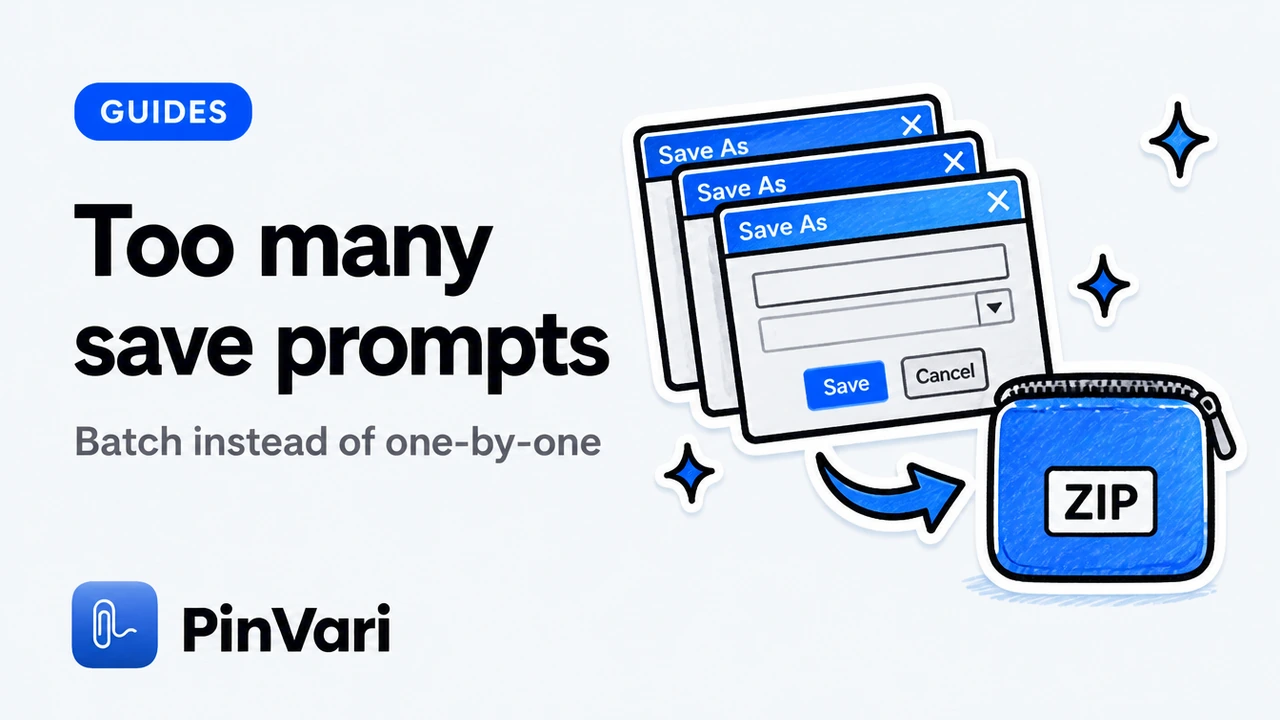
Fix Chrome Multiple Download Prompts
Default download folder + ZIP strategy. Image Downloader by PinVari: collect, preview, ==organized ZIP==.

Get Image Downloader by PinVari (Chrome Web Store)
CTA to CWS detail URL while release is in review. Image Downloader by PinVari: collect, preview, ==organized ZIP==.

Image Download Failed — Retry Playbook
Partial ZIP success accounting. Image Downloader by PinVari: collect, preview, ==organized ZIP==.
Image Downloader Without Tracking SDKs
Ads-free positioning and diagnostics opt-out. Image Downloader by PinVari: collect, preview, ==organized ZIP==.
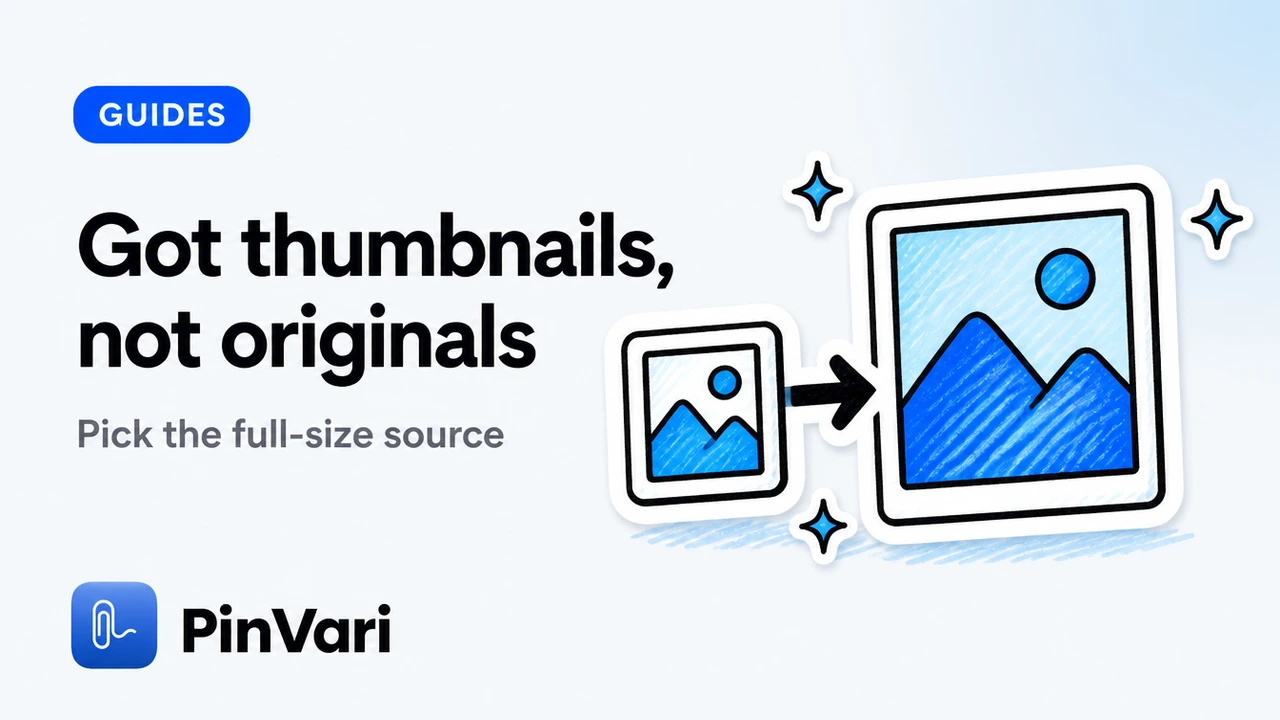
Images Downloading as Thumbnails — Fixes
Versions panel and page-exposed larger URLs. Image Downloader by PinVari: collect, preview, ==organized ZIP==.
Lazy-Load Images Missing from Scan
==Scroll & collect== before you filter. Image Downloader by PinVari: collect, preview, ==organized ZIP==.
Manifest V3 Image Downloaders: What Changed
Why MV3 matters for trust and updates. Image Downloader by PinVari: collect, preview, ==organized ZIP==.

PinVari Image Downloader Privacy Explained
Link privacy page; diagnostics defaults. Image Downloader by PinVari: collect, preview, ==organized ZIP==.
PinVari Image Downloader Support Guide Hub
Point to /image-downloader/support + FAQs. Image Downloader by PinVari: collect, preview, ==organized ZIP==.

Private / Local Image Downloader for Chrome
What PinVari sends (diagnostics) vs what stays local. Image Downloader by PinVari: collect, preview, ==organized ZIP==.
Is This Image Downloader Safe?
Permissions review checklist for any extension. Image Downloader by PinVari: collect, preview, ==organized ZIP==.
When Not to Use an Image Downloader
Paywalls, copyright, authenticated-only assets. Image Downloader by PinVari: collect, preview, ==organized ZIP==.
Why Some Images Won’t Download
CORS, auth, CWS pages, frames, blocked hosts. Image Downloader by PinVari: collect, preview, ==organized ZIP==.
Best Image Downloader Chrome Extension (2026 Guide)
What to look for in the best image downloader Chrome extension in 2026: preview, filters, ZIP, local convert, honest limits.
Bulk Image Downloader for Chrome: Save a Page of Images
Use a bulk image downloader for Chrome to turn a webpage into an organized ZIP—filter junk, preview heroes, and avoid Save-dialog chaos.
Chrome Extension to Download Images (No Account)
Why a no-account Chrome extension to download images matters: local processing, preview, organized ZIP, and clear privacy limits.

Chrome Extension for Saving Web Images Properly
Chrome extension for saving web images properly — beyond right-click Save Image As for bulk and selective work.

Chrome Web Store Image Downloaders: How to Choose
How to choose an image downloader on the Chrome Web Store: permissions, ratings hygiene, feature checks, and privacy before you install.
Free Image Downloader Chrome Extension — What “Free” Really Means
What free means for an image downloader Chrome extension: honest limits, diagnostics, local processing, and Store status clarity.
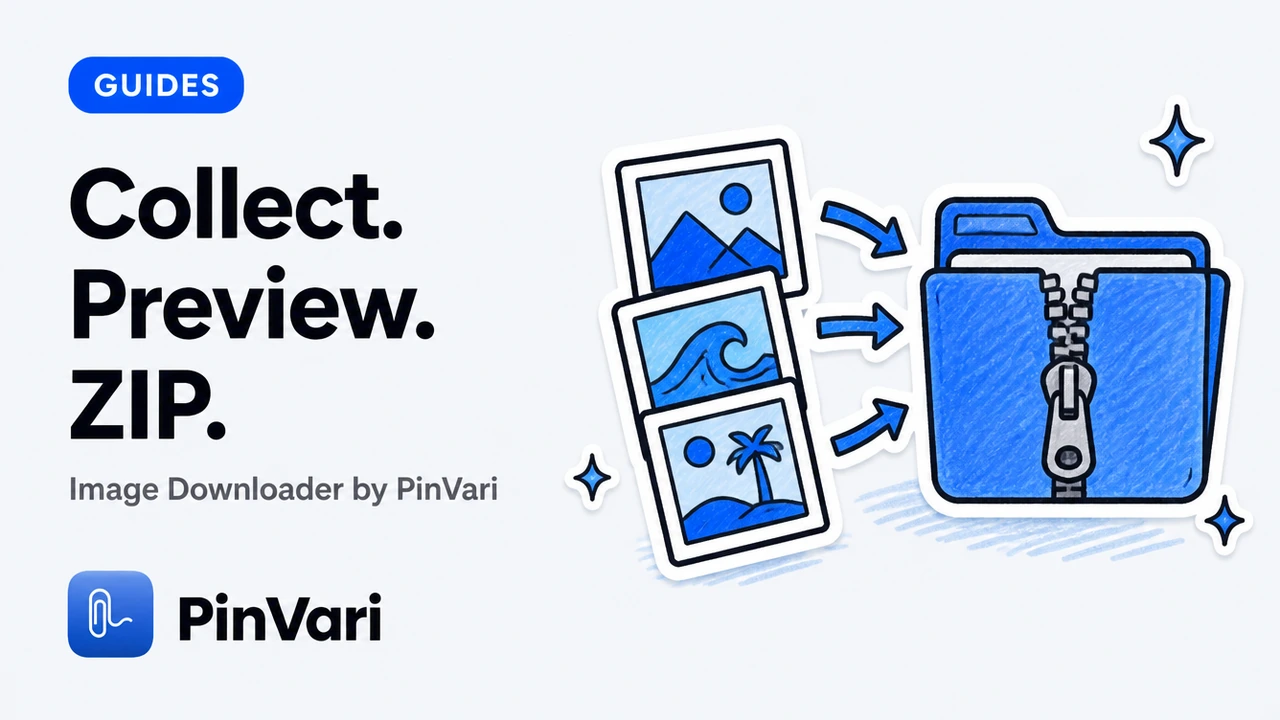
Image Downloader Chrome Extension — Collect, Preview, ZIP
Calm walkthrough of an image downloader Chrome extension: collect a page, preview assets, filter junk, and download an organized ZIP.
Image Extractor Chrome Extension Explained
Extractor vs downloader: what the words mean for Chrome extensions, and how PinVari’s collect → preview → ZIP workflow fits.
JPG vs PNG vs WebP When Downloading from the Web
JPG vs PNG vs WebP when downloading from the web — pick a format that fits the next tool with PinVari convert options.
51-Language Image Downloader UI
51-language image downloader UI — a global Chrome workspace without an account wall.
Image Downloader by PinVari: Features Walkthrough
Features walkthrough for Image Downloader by PinVari 2.5.x: collection, versions, convert, library, ZIP, and honest limits.
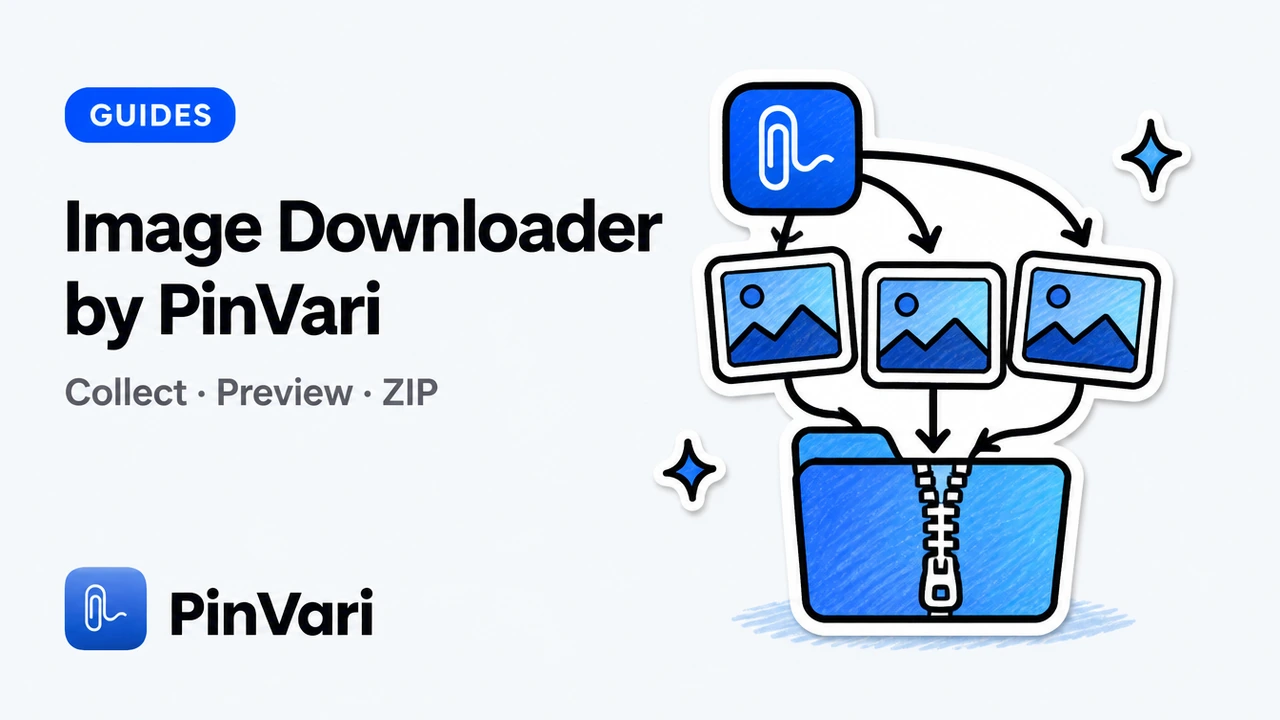
Image Downloader by PinVari — Product Overview
Image Downloader by PinVari overview: collect → preview → organized ZIP, local processing, no account, and honest Chrome limits.
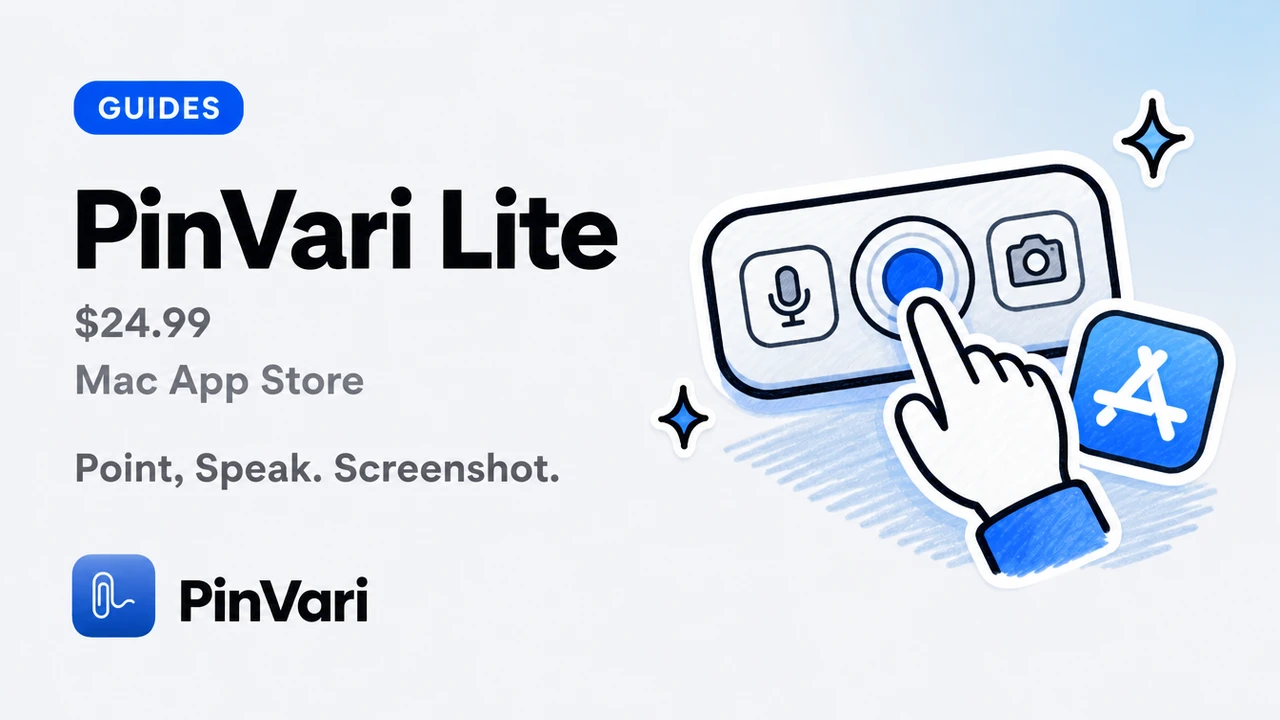
PinVari Lite (Mac App Store)
PinVari Lite is the $24.99 Mac App Store app listed as PinVari. Point, speak, screenshot, dashboard, copy-for-agent. Sandboxed. Does not name the button.
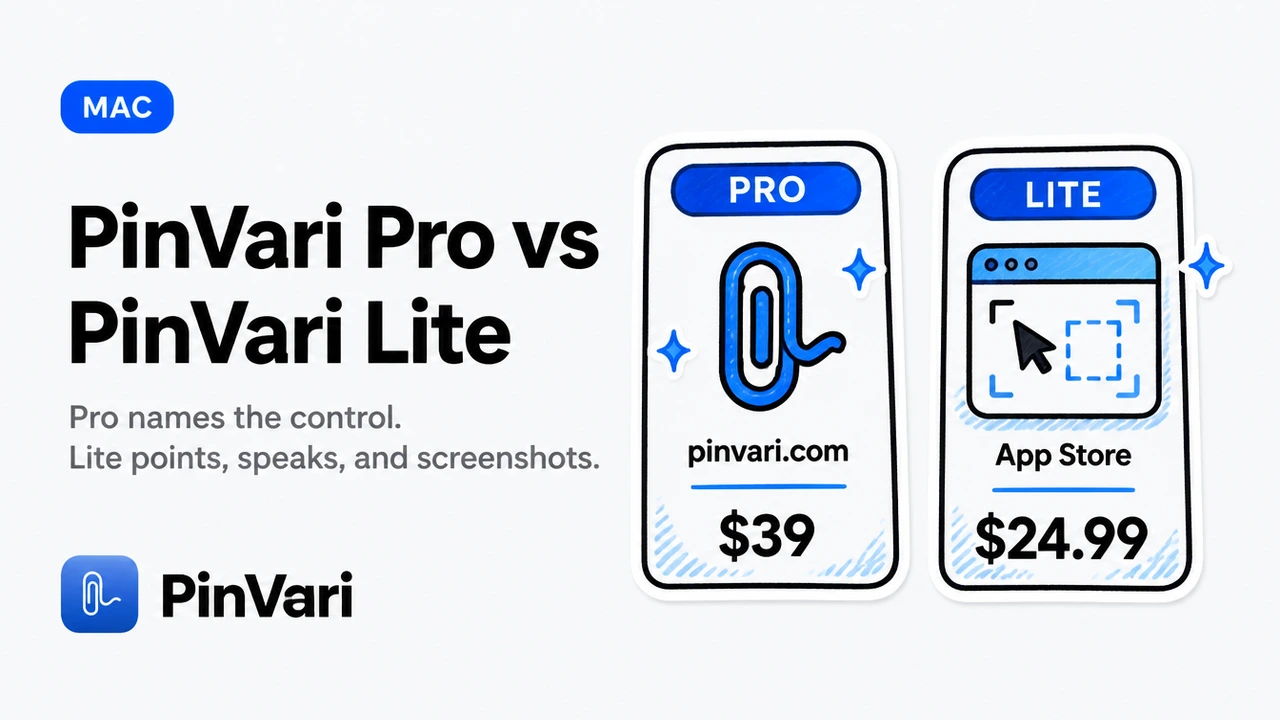
PinVari Pro vs PinVari Lite
PinVari Lite is a capture + paste Mac App Store app. PinVari Pro is the desktop tool that names the control for Claude Code and Cursor. Different products, not two prices for one.
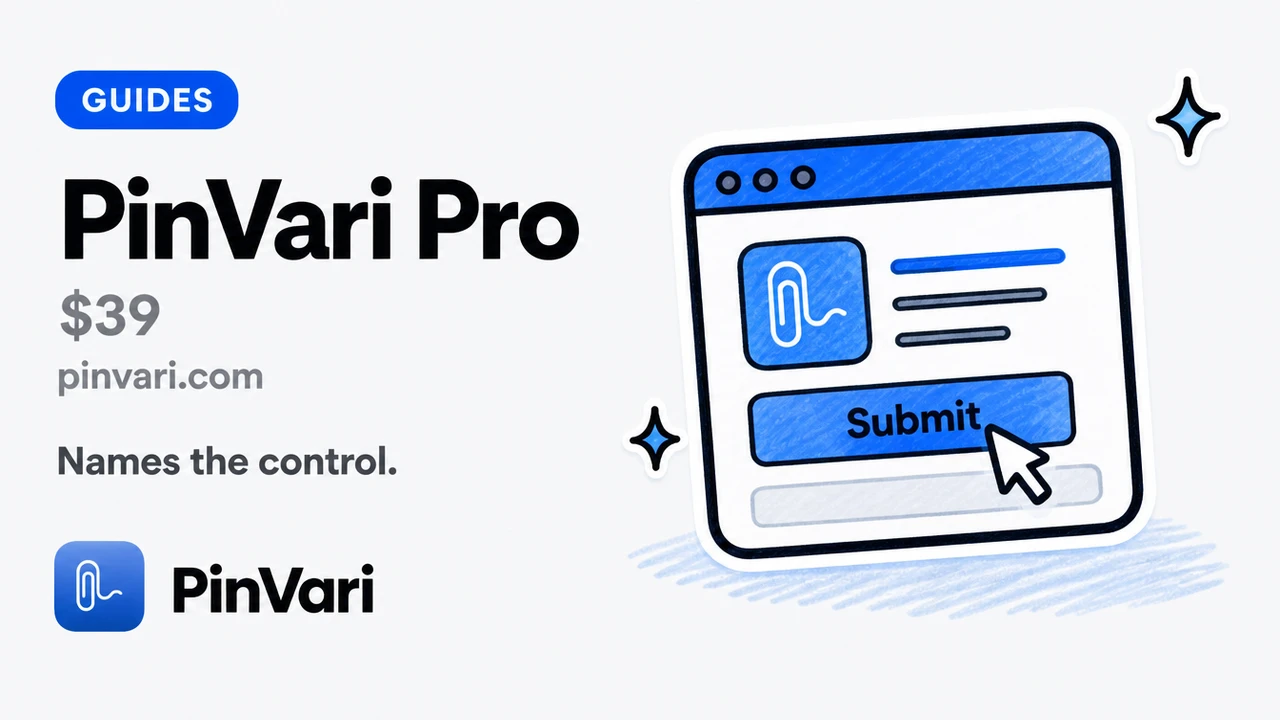
PinVari Pro
PinVari Pro names the control for Claude Code and Cursor. Desktop $39 for the first 500, then $99. Named AX, workflow recording, local MCP.
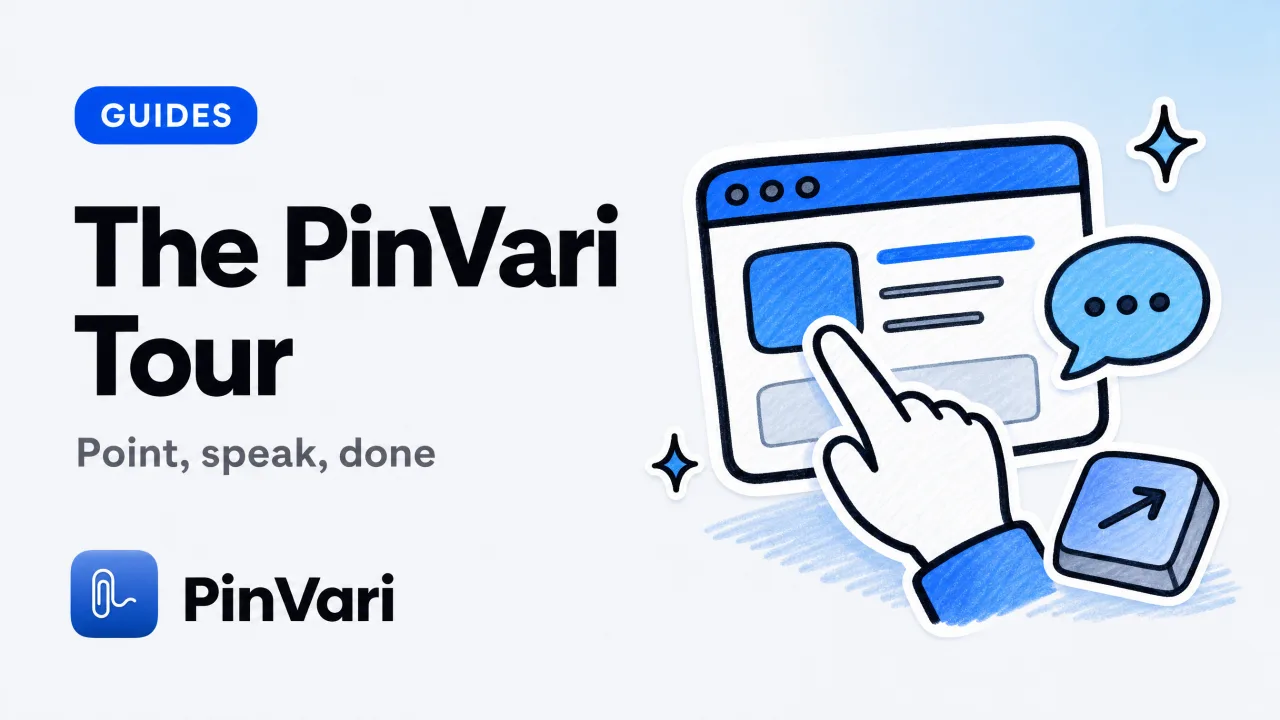
How to Use PinVari — A Full Visual Tour
A hands-on tour of PinVari for Mac - point and speak to capture the exact UI element, dictate anywhere by holding one key, and hand it all to Claude Code or Cursor. Every hotkey explained, with screenshots of the real app.
Annotate Screenshot Mac: Marks That Name Elements
Annotate screenshot Mac tools draw arrows on pixels. Here is native Markup vs CleanShot X vs capture that also names the UI element.
Claude Code Add Screenshot: Step-by-Step Tutorial
Claude Code add screenshot in 2026: a start-to-finish tutorial for pasting pixels, then replacing the guess with a named PinVari mark.
Claude Code Billing Options in 2026
Claude Code billing options are Pro, Max, Team, Enterprise, or API credits. Here is how each one actually charges.
Claude Code for Beginners: Your First Week
Claude Code for beginners is a terminal agent that edits your repo. Install it, give it one small job, and point at UI that is wrong.
Claude Code for Product Managers: Feedback That Lands
Claude Code for product managers is a terminal agent that applies your feedback if you point at the control instead of writing a prose spec.
Coding with AI: The Fastest Workflow in 2026
Learn coding with AI assistants in 2026. Start with Claude Code or Cursor, point at broken UI instead of describing it, and ship faster with on-device tools.
Cursor AI Tips and Tricks I Use Every Week
Cursor AI tips and tricks that actually save a turn: Agent scope, rules, MCP, and how to point at UI instead of pasting paragraphs.
Cursor AI Tutorial: Beginner Guide for Teams
Cursor AI tutorial for a team: install, first Agent task, rules, MCP, and how to send a named UI element so the agent stops guessing.
Cursor MCP Integration: Wire Local Tools in Minutes
Cursor MCP integration connects Cursor's Agent to local tools via mcp.json. Here is the one-click path, the JSON path, and a named-element example.

Cursor MCP Not Working: 8 Fixes for Connection Errors
Cursor MCP not working? Fix connection errors, server crashes, and missing tools in 8 steps. See real fixes for mcp.json, agent mode, and context issues.
Excalidraw MCP for Cursor: Visual Diagrams in AI Code
Excalidraw MCP for Cursor turns a whiteboard into named tools the Agent can read and update. Here is the team setup.
How to Code on Mac: Setup Guide for AI-Assisted Dev
Learn how to code on Mac with AI coding agents in 2026. Complete setup guide with Claude Code, Cursor, and point-and-speak tools for beginners.
How to Do Voice to Text on a Mac: Complete Guide
Learn every way to do voice to text on a Mac — built-in dictation, speech to text Mac shortcut, third-party apps, and spatial-capture workflows for developers.

How to Learn AI Coding in 2026
How to learn AI coding without memorizing syntax first: pick one agent, one small app, and a way to point at what is wrong.
How to Report a Bug Developers and Agents Can Fix
How to report a bug with steps, named UI elements, and a crop so developers and AI agents can reproduce it without guessing.
How to Use Claude Code in Terminal: Complete Setup Guide
Learn how to use Claude Code in terminal with step-by-step setup, MCP integration, and real workflows that ship faster than GUI agents.
Install MCP Server Mac: Complete Setup Guide
Install MCP server Mac by picking a client, a scope, and a running local process. Here is the setup and the mistakes that leave a red tool list.
Mac Menu Bar Apps: Essential Utilities for Developers
Mac menu bar apps transform your workflow with quick-access utilities. Compare pricing, features & AI-aware tools developers actually use in 2026.
MongoDB MCP for Claude Code: 2026 Guide
MongoDB MCP for Claude Code connects Atlas or a local cluster. Pair queries with a named UI mark for the screen that shows the data.
Pencil MCP for Claude Code Setup 2026
Pencil MCP for Claude Code lets the agent read and edit .pen files. Pair it with a named live element so the running UI stays in scope.
Productivity Apps on Mac I Still Pay For
Productivity apps on Mac that earn a one-time license: Raycast, CleanShot, dictation, and a capture layer that names UI for your coding agent.
Push to Talk Mac: Voice Capture That Stays Local
Push to talk Mac means a held hotkey that records speech. Here is native dictation vs Wispr Flow vs on-device capture that names the UI.
Screen Capture Mac Laptop: Methods and Apps
Screen capture on a Mac laptop in 2026: built-in shortcuts, apps, and the fastest path from a crop to a named element for an agent.
Screen Capture Mac to Clipboard: Shortcuts That Stick
Screen capture Mac to clipboard with the system shortcut, CleanShot-style tools, and why a clipboard PNG still is not a named UI element.
Talk to Text Word Mac: Dictation That Stays Local
Talk to text Word Mac works with Apple Dictation, Word Dictate, and point-and-speak capture. Here is which path to use.
Talk to Type Mac: Voice Input Setup & Best Tools 2026
Talk to type mac: Talk to type on Mac in seconds. Enable native dictation with ⌘⌘ or use third-party tools like Wispr Flow and PinVari. Real setup steps,
Vibe Coding Best Practices That Ship
Vibe coding best practices for Cursor, Lovable, Bolt, and v0: tight prompts, one surface, named UI, and how to stop the agent rewriting the app.
Vibe Coding Lovable: Fix UI Without Code Speak
Vibe coding Lovable is prompting a hosted builder until the UI matches. Point at the broken control and speak; skip fake CSS vocabulary.
Agentic Coding Meaning: What It Is & How It Works
Agentic coding meaning: Agentic coding means an AI agent writes and edits code for you by observing your screen, understanding context, and executing task
Best Mac Apps 2026: Top Productivity Tools for Devs
The best Mac apps 2026 for developers: one-time purchase tools, AI coding agents, and capture utilities that understand your screen—no subscriptions required.
Best Mac Apps for Free: 9 Tools Worth Keeping
The best Mac apps for free that a power user actually keeps, plus the one paid tool that finally understands what is on your screen.
Talk to Type on MacBook: Fast Voice Dictation
Talk to type on MacBook in seconds: enable built-in Dictation, the fastest shortcut, on-device options, and when voice beats a keyboard for developers.
Vibe Coding Tutorial: Build Apps with Cursor & Claude
A vibe coding tutorial for building real apps with Cursor and Claude, focused on the one step most guides skip, telling the AI what is wrong.
Best Coding Software for Beginners in 2026
The best coding software for beginners pairs an AI coding assistant with a way to point at bugs you cannot yet name.

Best Local AI for Mac: Private, On-Device Dev Tools
The best local AI for Mac runs on-device with no cloud uploads or subscriptions. Compare Ollama, LM Studio, MLX, and on-device capture tools.
Best Productivity Apps for Mac (Developer Edition)
The best productivity apps for Mac developers who buy once and skip subscriptions: launcher, screenshot, clipboard, and the layer that reads your screen.
Can Claude Code See My Screen? The Honest Answer
Can Claude Code see my screen? Not on its own; it reads text you paste or type. Here is what it actually sees and how to give it real screen context.
Claude Code Screenshots: Stop Wasting Tokens on Pixels
Claude Code screenshots waste tokens and fail to identify UI elements. Named accessibility elements replace pixel uploads for the right edit.
Claude Code Skills: How to Build and Use Them
Claude Code skills are on-demand folders with a SKILL.md that teach Claude Code new workflows. Learn how to create, structure, and reliably trigger them.
Claude Code Tutorial: Build Your First AI Project
This claude code tutorial walks a beginner from install to a first working feature, with a copy-paste checklist and the mistakes to skip early on.
Codex CLI: A Practical Guide to Terminal AI Coding
Codex CLI is OpenAI's open-source terminal coding agent. A guide to install, config, MCP servers, sandbox modes, and giving it screen context.
Cursor Agent Mode: Enable Autonomous AI Coding
How to open Cursor Agent mode, use it well, and feed it the exact UI element you mean so it stops editing the wrong component.
Cursor Rules: Configure AI Behavior With .cursorrules
Cursor rules tell the AI how to behave. Learn .cursorrules vs project rules, the four rule types, and how to keep the agent following your conventions.
How to Use Claude Code: A Practical 2026 Guide
How to use Claude Code from install to first fix: setup, the core loop, MCP, skills, and the fastest way to point it at a broken UI element.
How to Vibe Code: Build Apps with Cursor, Lovable, v0
How to vibe code: a step-by-step guide to building real apps with Cursor, Claude, Lovable, and v0 — and the fastest loop from "that looks wrong" to fixed.

Local AI for MacBook: Best Private On-Device Tools
Local AI for MacBook, ranked: the best private, on-device tools and LLMs that run without cloud uploads, subscriptions, or API keys on Apple Silicon.
Screen Capture Mac QuickTime: Tips & Shortcuts
Screen capture Mac QuickTime is free and built in, but it has real limits. Here are the tips, shortcuts, and fixes for when it falls short.
Screen Capture Mac Shortcut: The Complete Keyboard Guide
The main screen capture Mac shortcut is Cmd-Shift-4 for a region and Cmd-Shift-5 for the toolbar. Every key combo, plus clipboard tricks.
Talk to Text on Mac: Enable Voice Dictation & Shortcuts
Talk to text on Mac with built-in Dictation: enable it in System Settings, learn the shortcut, and compare on-device options against paid dictation apps.
Vibe Coding Tools: The Real Guide for Non-Coders Building with AI
Vibe coding tools help you build with Cursor, Lovable, Bolt, or v0 without deep coding skills. Compare free and paid options, and close the "it looks wrong" loop faster.

Vibe Coding: Build Software by Describing What You Want
Vibe coding means describing what you want and letting an AI agent write the code. How it works, the tools, and how to close the loop.
Voice to Text Mac: Best Dictation Apps in 2026
Voice to text Mac options compared: built-in dictation, on-device apps, and no-subscription picks that never upload your speech.
What Is Spatial Context for AI Coding Agents?
Spatial context is everything on your screen your repo cannot tell an AI agent - the screenshot, the element you point at, your words, and the window text.
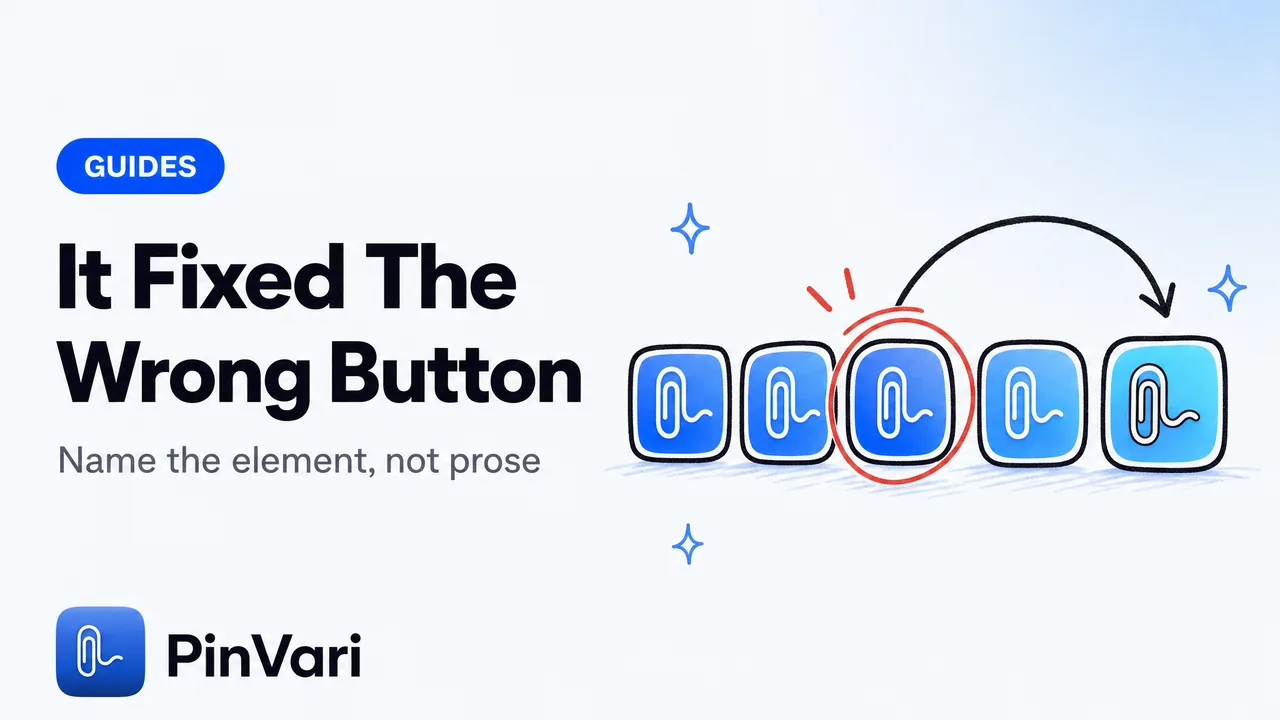
Why Claude Code Fixes the Wrong Element
Claude Code fixes the wrong element because it sees a screenshot, not a named element. Point at the exact control and the guessing stops.
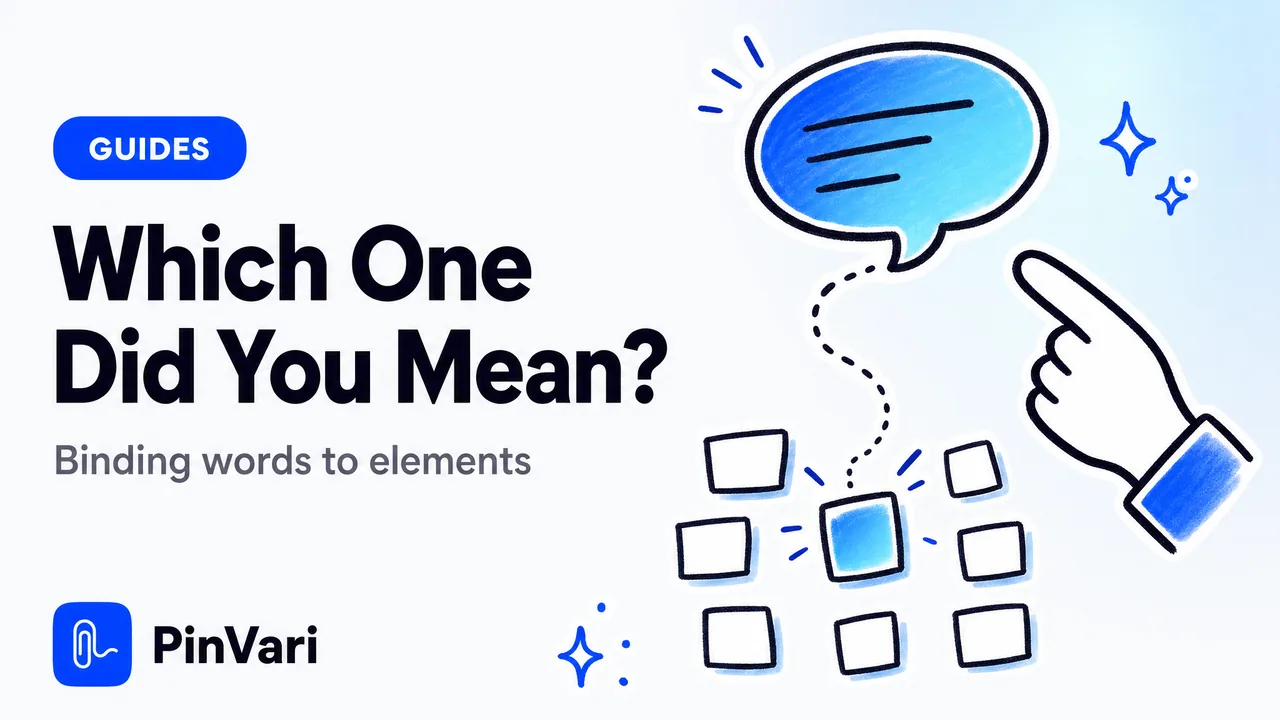
How AI Agents Know Which UI Element You Mean
How does an AI agent know which UI element you mean? It resolves your pointer and words into one named accessibility element, not a pixel guess.
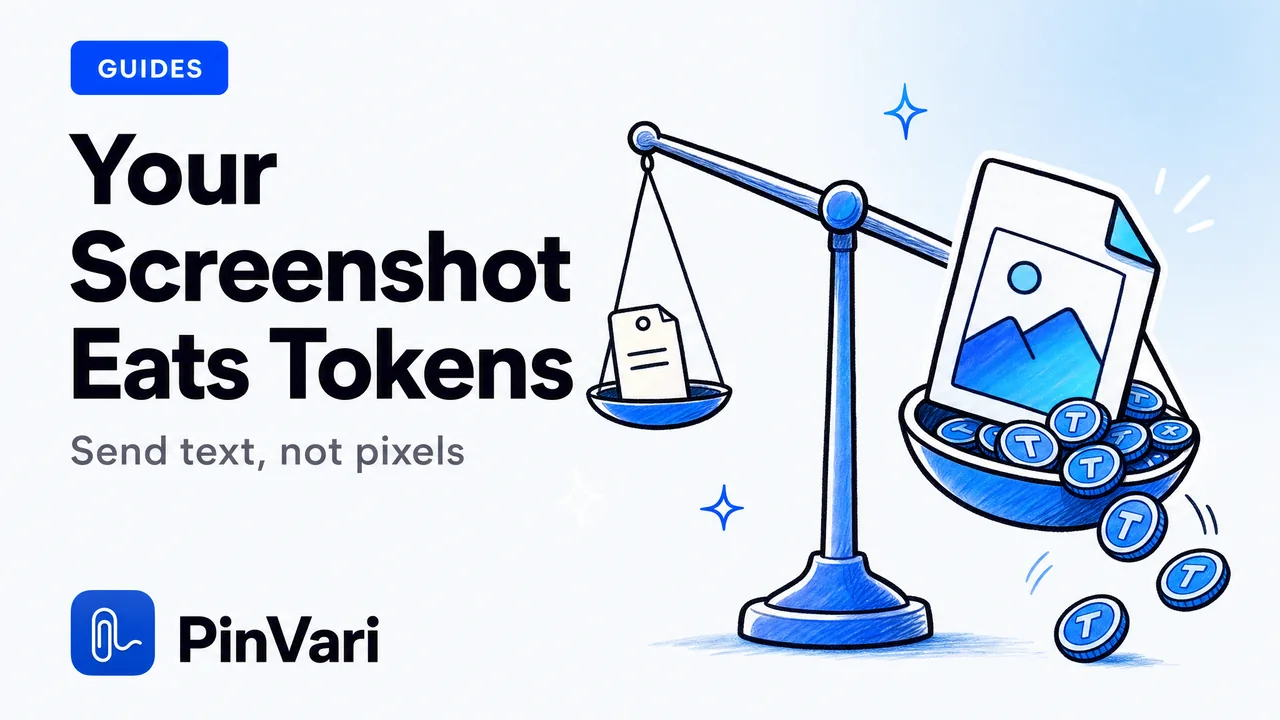
Screenshots Waste Claude Code Tokens: Fix It
Screenshots waste Claude Code tokens: each image re-encodes to ~1,300+ vision tokens per turn. Send the resolved, named UI element as text instead.