PinVari Pro vs PinVari Lite
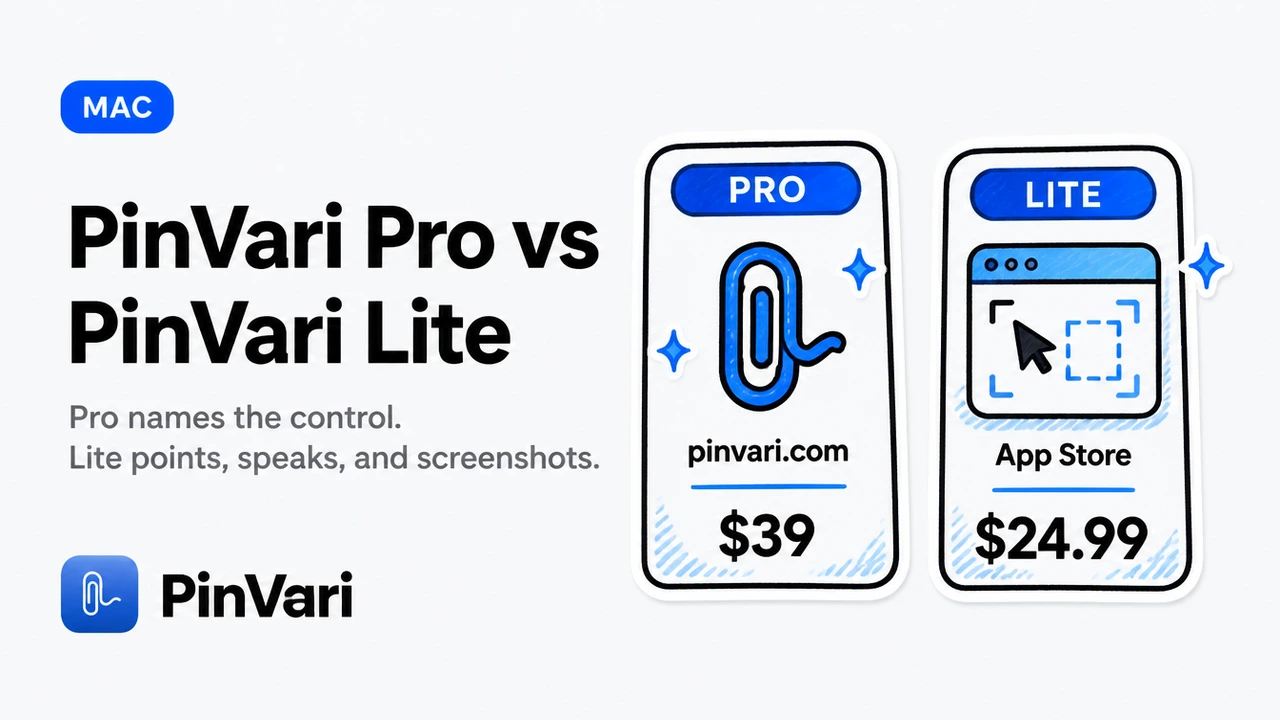
PinVari Lite is a capture + paste tool. Get it on the Mac App Store — the listing is titled PinVari, not “PinVari Lite”.
PinVari Pro is the tool that names the control for Claude Code and Cursor. Get it from pinvari.com.
Install Pro with curl -fsSL https://pinvari.com/install.sh | sh, or grab the DMG from the same page.
Lite pastes a note. Pro names the button. They are different products.
This page is the split as of 30 Aug 2026. Do not read it as two storefronts for one app.
What is PinVari Lite, really?
Lite is the Mac App Store product. Apple installs it, Apple updates it, and the binary is fully sandboxed.
The store title is PinVari. We say Lite here so you do not mix it with the desktop Pro build.
The live price is $24.99 one-time. Ignore older $29.99 figures in listing body copy.
What you get is the capture loop: point, speak, screenshot, a dashboard, and a one-paste / copy-for-agent hand-off.
You circle a control. You say expected versus actual.
Lite keeps a screenshot and your words. You paste that note into Claude, Cursor, or a ticket.
That is a real product. It is a capture + paste product.
Lite never names the control. There is no hidden Accessibility toggle.
It does not hit-test the macOS Accessibility API for a role and a label. The agent does not receive AXButton · Publish.
It does not record a workflow. There is no named timeline of the buttons and fields you used.
It does not send the full window AX context stack that Pro MCP sends. No 40,000-character dump of scrolled-out text.
Lite’s job is trust and discovery. Apple is the installer, the sandbox is the wall, and the App Store is how people find the capture loop.
Buy it when you want a note you can paste. Do not buy it hoping the note will resolve a UI element.
PinVari Lite is point, speak, screenshot, dashboard, and one paste. If your next reader needs the control’s name, that is a different product.
Speech-to-text is on-device. There is no account and no API key.
macOS 14 or newer. One-time purchase, no subscription.
Those constraints are true of Lite. They are not a reason to treat Lite as a cheaper Pro.
What is PinVari Pro, really?
Pro is the desktop app from pinvari.com. It is not on the App Store, and it is not sandboxed the Mac App Store way.
Updates come from pinvari.com. You install it with the curl line or a DMG.
The launch price is $39 one-time for the first 500 seats, then $99.
Still one-time, still no subscription.
Named AX is the moat, and it is Pro only. That is the product.
You point at a button. Pro asks macOS Accessibility for the element under your ink.
Your agent gets AXButton · Publish, not a crop and a guess. Role, label, frame — the control, not the pixels.
That is spatial context delivered as a name.
A screenshot is still attached. The name is the payload.
Pro also records a workflow. You work as normal, and it saves a named timeline of what you did.
The timeline is buttons and fields, not click coordinates. Lite has no equivalent.
Pro sends full window context with every capture, up to 40,000 characters. That includes text scrolled out of view.
Lite does not send that stack. The Pro MCP does.
Pro runs a local MCP server on 127.0.0.1:3402. The connector lives at ~/.pinvari/mcp/pinvari-mcp.
Claude Code and Cursor pull the resolved note. You are not limited to a clipboard paste.
The capture hotkey is Option-Command-A (⌥⌘A). Never Option-Space.
Hold it, circle the control, speak. Transcription stays on the Mac.
Nothing leaves unless you send the note. No account, no API key, macOS 14+.
Pro exists because Apple’s sandbox will not allow this depth. Named element, workflow recording, and the full window AX stack are desktop features.
If your agent already edits the wrong control from a PNG, Lite will not fix that miss. Pro is the tool built for that miss.
Capabilities, stacked
Keep this as stacked cards. A pipe table collapses on a phone, and a store-only grid hides the product split.
Named UI element (the moat)
PinVari Pro: macOS Accessibility hit-test. The agent gets AXButton · Publish, not pixels.
PinVari Lite: no named-element AX resolution. A screenshot plus your words — the control is not named.
Workflow recording
PinVari Pro: a named timeline of what you did — buttons and fields, in order.
PinVari Lite: none. There is no recorder and no named step list.
Full window context
PinVari Pro: up to 40,000 characters, including text scrolled out of view, with the capture.
PinVari Lite: none of the Pro MCP window stack. The note is the crop and the sentence.
Agent connection
PinVari Pro: local MCP on 127.0.0.1:3402. Tools pinvari_next_instruction, pinvari_mark_done, pinvari_request_capture.
PinVari Lite: dashboard and one-paste / copy-for-agent hand-off. No local MCP listener.
Capture loop
PinVari Lite: point, speak, screenshot, dashboard. That is the whole Lite product.
PinVari Pro: you point and speak, then a resolved control your agent can search for.
What the agent receives
PinVari Pro: named element, spoken instruction, screenshot, and window text, pulled over local MCP.
PinVari Lite: screenshot and words on the clipboard. No AX name, no MCP pull.
Read the cards top to bottom. Blank on Lite is a product boundary, not a future checkbox.
Store and price follow from that boundary. They are not the comparison.
Who should buy which?
Buy Lite if you want a capture + paste Mac app that Apple installs. You want a screenshot, a spoken sentence, a dashboard, and one paste into chat.
That is enough when a human will read the note. It is the App Store path for trust and discovery.
Buy Pro if Claude Code or Cursor must hit the named control. You are tired of pasting a PNG and watching the agent edit a nearby div.
You need the role, the label, and the window text around the mark. You already run an MCP client on a Mac.
Do not buy Lite as a trial of named AX. Named AX is not in that binary.
Do not buy Pro expecting an App Store icon and sandboxing. Pro is a desktop download from pinvari.com.
A Pro licence does not unlock the Mac App Store app. An App Store purchase does not unlock Pro.
They are different products with different jobs. Pick the job, not a second receipt.
Lite is the right buy when procurement wants an App Store invoice and a pasteable note. Pro is the right buy when the agent has to press Publish, not a nearby control.
If you are still unsure, ask what fails today.
Wrong control means Pro. Slow screenshots mean Lite already matches the job.
Both are one-time with on-device transcription. Both need macOS 14+ and no account.
Those shared constraints do not make them the same app. One pastes; one names.
How PinVari Pro talks to Claude Code and Cursor
Pro runs a local MCP server on 127.0.0.1:3402. The connector is ~/.pinvari/mcp/pinvari-mcp.
Wire Claude Code with this, scoped to your user:
claude mcp add --scope user pinvari -- "$HOME/.pinvari/mcp/pinvari-mcp"Local MCP for agent screen context is the transport. Nothing leaves the Mac unless you send the note.
The tools that matter:
pinvari_next_instruction returns the resolved element, your words, and the capture.
pinvari_mark_done closes that item.
pinvari_request_capture lets the agent ask you to point mid-task.
Lite has none of those tools. Lite’s hand-off is copy and paste.
The capture hotkey is Option-Command-A. Never Option-Space.
Hold it, circle the control, speak expected versus actual. Pro transcribes on-device and attaches the named element plus window text.
If PinVari is quit, the MCP listener is gone. Start the app first, then ask the agent for the next instruction.
The listener is local. 127.0.0.1:3402 is not a public URL.
You do not paste an API token. You do not open a cloud dashboard to “enable MCP”.
Install from pinvari.com, run the add command, hold Option-Command-A. That is the Pro loop.
Lite will still give you a useful paste. It will not name the Publish button.
That is the line. Keep it.
FAQ
Does PinVari Lite name the control?
No. Named AX resolution is Pro only.
Lite is point, speak, screenshot, dashboard, and one-paste hand-off. There is no Accessibility hit-test for a role and a label.
Is the App Store listing called PinVari Lite?
No. The Mac App Store listing is titled PinVari.
We call it Lite on this site so you do not confuse it with desktop Pro. Different product, different store, different binary.
Does a Pro licence unlock the App Store app?
No. A Pro licence does not unlock the Mac App Store copy, and an App Store purchase does not unlock Pro.
They are different products. Buy the one whose job you need.
Are either of them a subscription?
No. Both are one-time purchases with on-device speech-to-text and no account.
Pro is $39 at launch for the first 500, then $99. Lite is $24.99 on the Mac App Store.
What Mac does each need?
macOS 14 or newer for both. Apple Silicon or Intel.
Pro is the desktop download from pinvari.com. Lite is the sandboxed App Store binary, installed by Apple.
Can I get Pro from the App Store?
No. Pro is not on the App Store.
Pro is the desktop app that names the control. Lite is the capture + paste App Store app.
What is the Pro hotkey?
Option-Command-A. Never Option-Space.
Hold it to capture. Circle, speak, done.
How do I connect Pro to Claude Code?
Run claude mcp add --scope user pinvari -- "$HOME/.pinvari/mcp/pinvari-mcp". The listener is 127.0.0.1:3402.
The binary is ~/.pinvari/mcp/pinvari-mcp. Start PinVari first.
Lite has no MCP connector.
Hand your agent the exact element
PinVari resolves what you point at into a named, executable instruction — on-device, no keys, your own agent. One click inside PinVari connects Claude Code, Cursor, VS Code or Codex — or paste one CLI line from pinvari.com/connect.
PinVari → Connect → your agent (one click)Get PinVari — $39 →


