Productivity Apps on Mac I Still Pay For
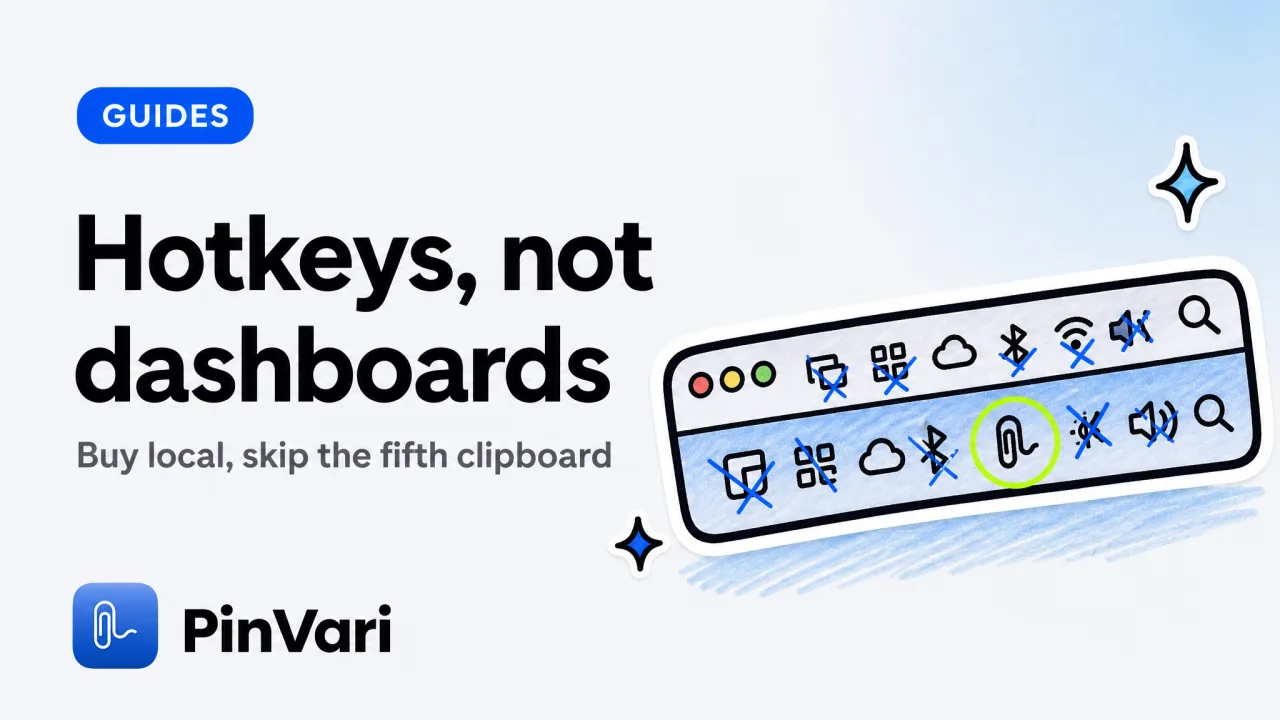
Productivity apps on Mac earn their keep when they bind to a hotkey, stay on the machine, and remove a paste you were doing by hand. The rest of the category is a menu-bar museum.
I already keep a catalog in best productivity apps for Mac and a laptop-shaped list in MacBook productivity apps. This is the shorter "what I would install on a new Mac tomorrow" version for people who also run an AI coding agent.
Which productivity apps on Mac are still worth a license?
I buy one-time or I already have the subscription through work. I do not collect trials.
Raycast
Job: launcher, snippets, window jumps
Why it stays: faster than Spotlight once configured
Why it is not enough: it does not understand the UI of the app you launched
CleanShot X
Job: screenshots, annotate, scroll capture
Why it stays: still the best screenshot tool on Mac for pixels
Why it is not enough: zero AX names. See CleanShot X alternative when the next reader is an agent
Superwhisper or stock dictation
Job: speech to the focused field
Why it stays: talking is faster than typing for prose
Why it is not enough: text without a target
Things or a boring reminders list
Job: the list
Why it stays: I will not discuss this
Why it is not enough: a list is not capture
PinVari
Job: point-and-speak to an agent or a ticket
Why it stays: named element, confidence, on-device STT/OCR
Why it is not enough: it will not replace CleanShot for a marketing PNG
Hotkey density beats app count. If I cannot remember the shortcut, I uninstalled it in my head already.
What do I refuse to install now?
A second clipboard manager. A new calendar skin.
Another floating AI chat that uploads the screen to a vendor I met this week.
A "productivity suite" subscription that bundles eleven apps so I will use two. Setapp can be rational if you already wanted four of those apps.
It is not rational as a personality.
Browser annotation SaaS for a native Mac workflow. Marker.io at $39+/month is a real product for agencies on websites.
It is the wrong default on an Electron editor.
Cloud "computer use" helpers that want Accessibility plus Screen Recording plus your repo are not a harmless menu extra. Read the permission list like it is a contract.
I also refuse tools that only exist to make screenshots prettier for Twitter. CleanShot already does that.
How should a Mac power user add AI without wrecking the setup?
Keep the editor you have. Add tools to it over MCP.
Do not add a second editor "to try agent mode" as a permanent resident.
PinVari is the capture layer I use. ⌥⌘A to mark, ⌥⌘V voice-only, ⌥⌘P to pause on a long scroll.
Freehand marks, lime trail, notch island, Command Center grouped by app.
It resolves AXUIElementCopyElementAtPosition, walks chainExcludingSelf so the overlay does not hit-test itself, forces AXManualAccessibility on lazy Electron trees, and descends labeledDescendant when you land on a mute AXGroup. Chromium ids (AXDOMIdentifier, AXDOMClassList) name title-less nodes.
Transcription and OCR stay on-device. No API key.
You bring Claude Code, Cursor, Codex, or Zed.
claude mcp add --scope user pinvari -- "$HOME/.pinvari/mcp/pinvari-mcp"One-click: PinVari → Connect. App must run.
127.0.0.1:3402.
Put capture on a chord that does not collide with CleanShot or Raycast. I have watched people "lose" a tool for a month because two apps fought over the same keys.
Launch price is $39 one-time for the first 500 licenses, then $59. Team seats exist.
How do I keep the menu bar from rotting?
If it is not a clock, a VPN, or a capture/screenshot tool, it hides.
Raycast can replace a pile of menu extras. That is a feature.
Do not then install the extra anyway.
Review permissions quarterly. Screen Recording and Accessibility are the dangerous pair.
A screenshot app needs them. A random "AI meeting assistant" from a newsletter does not need your IDE.
A productive Mac is a small set of local tools with boring permissions. The AI coding agent is one of those tools. It still cannot see the screen unless you hand it a name.
On multi-display, I want the capture app to remember which screen the mark was on. CleanShot already does this for pixels.
The agent layer has to do it for elements.
Crash-safe session recovery matters the day you mark twenty issues and the laptop sleeps. I will not praise a pretty HUD that forgets.
Local, one-time, named is the filter I apply to every new Mac app pitch in 2026.
My install order on a new Mac
1. Raycast
2. CleanShot X
3. The coding agent I already pay for
4. Capture → MCP
5. Dictation if I still hate typing prose
Nothing else for week one.
I also keep the focused-window text dump (up to 40,000 characters, including off-screen) off the default path. The agent can ask.
I do not lead with a novel.
Dwell (~0.2s) marks small controls without a circle. Per-mark word buckets keep three spoken fixes from becoming one muddled transcript.
Those details are why a capture app is a productivity app and a screenshot app is not.
When I travel with one display, I still want pause/resume (⌥⌘P) on long settings pages. Scroll-aware frames stop me from filing a crop of the wrong row.
If a new app cannot explain its permission sheet in one sentence, it does not ship on this machine.
A week-one setup I actually run after a wipe
I install Raycast before I touch Dock settings. Spotlight is fine.
Raycast is the difference between hunting an app and jumping to a snippet I already named.
I install CleanShot and I steal its default chords immediately if they collide with anything I already love. I would rather fight the settings panel once than fight a missed capture for a year.
I sign into the coding agent last, not first. A fresh Mac with only Cursor installed is how I end up taking desktop PNGs with Cmd-Shift-4 and calling it a workflow.
Then I install PinVari, grant Accessibility and Screen Recording, and I send one test mark to the agent: a system Settings toggle I do not care about. If pinvari_health fails, I fix the connector before I pretend I have a stack.
I copy two snippets into Raycast: the MCP add command, and the sentence "only edit the file I named." That second snippet is the cheapest productivity app on the machine.
I do not migrate every old menu extra from a backup on day one. I wait until I reach for one.
Most of them I never reach for. That is the audit.
Battery is part of productivity. A menu bar full of Electron extras that poll every ten seconds is a fan.
Capture on a hotkey is idle until I press it. I prefer idle.
The test of the whole kit is a Tuesday afternoon bug. If I can circle, speak, and get a named instruction into the agent without opening CleanShot, Slack, and a new GitHub tab, the Mac is set up.
If I cannot, I own too many apps or too few hotkeys.
One new app per week after that. Not one per newsletter.
Intel Macs still run this stack. Large on-device models just run hotter.
I pick the small speech model on an Intel laptop and I do not pretend that is a reason to subscribe to a cloud dictator.
If you share the Mac with someone who is not a developer, give them CleanShot and stock dictation. Keep the MCP connector on your user account.
Shared-home capture sessions mix word buckets and tickets.
FAQ
What productivity apps on Mac should a developer install first?
Raycast, a real screenshot app, your editor or CLI agent, and a capture tool if you file UI bugs. Everything else can wait a week.
Is CleanShot X still worth it if I have an AI capture app?
Yes, for annotating a PNG you will publish or send to a human. No, as your only path into Cursor.
They stack.
Are subscription Mac apps dead?
No. Wispr Flow and Setapp prove people pay.
I just refuse a subscription that duplicates a one-time app I already own.
Do I need BetterTouchTool in 2026?
Only if you already think in gestures. Do not install it to feel advanced.
A few hotkeys beat a 40-gesture profile you will forget.
What about Notion as a productivity app on Mac?
Notion is a database you open. It is not a hotkey tool.
I use it for docs. I do not count it in the menu-bar kit.
How do I try PinVari without wrecking CleanShot?
Different hotkeys. Different job.
CleanShot copies pixels. PinVari names an element and talks to your agent.
Keep both until you know which paste disappeared.
Hand your agent the exact element
PinVari resolves what you point at into a named, executable instruction — on-device, no keys, your own agent. One click inside PinVari connects Claude Code, Cursor, VS Code or Codex — or paste one CLI line from pinvari.com/connect.
PinVari → Connect → your agent (one click)Get PinVari — $39 →


