PinVari for Mac power users
Articles for the Mac power user who buys premium one-time apps (CleanShot X, Raycast, Setapp) and runs an AI coding tool. The pain we write about: has a screenshot tool but nothing that understands the screen; hates subscriptions and cloud uploads.
Image Downloader Pro Alternative (2026)
Library, naming, ZIP — overlapping jobs with ExtensioHub-style tools. Image Downloader by PinVari: collect, preview, ==organized ZIP==.

ImageAssistant Alternative for Everyday Pages
When you need simpler select + ZIP than heavy sniffing. Image Downloader by PinVari: collect, preview, ==organized ZIP==.

Pact Image Downloader Alternative (2026)
Legacy bulk tools vs modern preview workspace. Image Downloader by PinVari: collect, preview, ==organized ZIP==.

Download All Images Alternative with Preview
Download All Images alternative with preview first — select-then-download vs one-click ZIP dumps.

Fatkun Alternative for Organized Downloads
Fatkun alternative for organized image downloads — ecommerce grouping vs PinVari collection workspace.

Imageye Alternative: Preview + Organize
Imageye alternative when you want preview plus organize — PinVari as an organized ZIP workspace.

When an Image Downloader Beats Screenshots
When an image downloader beats screenshots — real assets vs flattened screen grabs for design and QA.

UI Inspiration Image Collector in Chrome
UI inspiration image collector in Chrome — selective capture for design systems and pattern libraries.
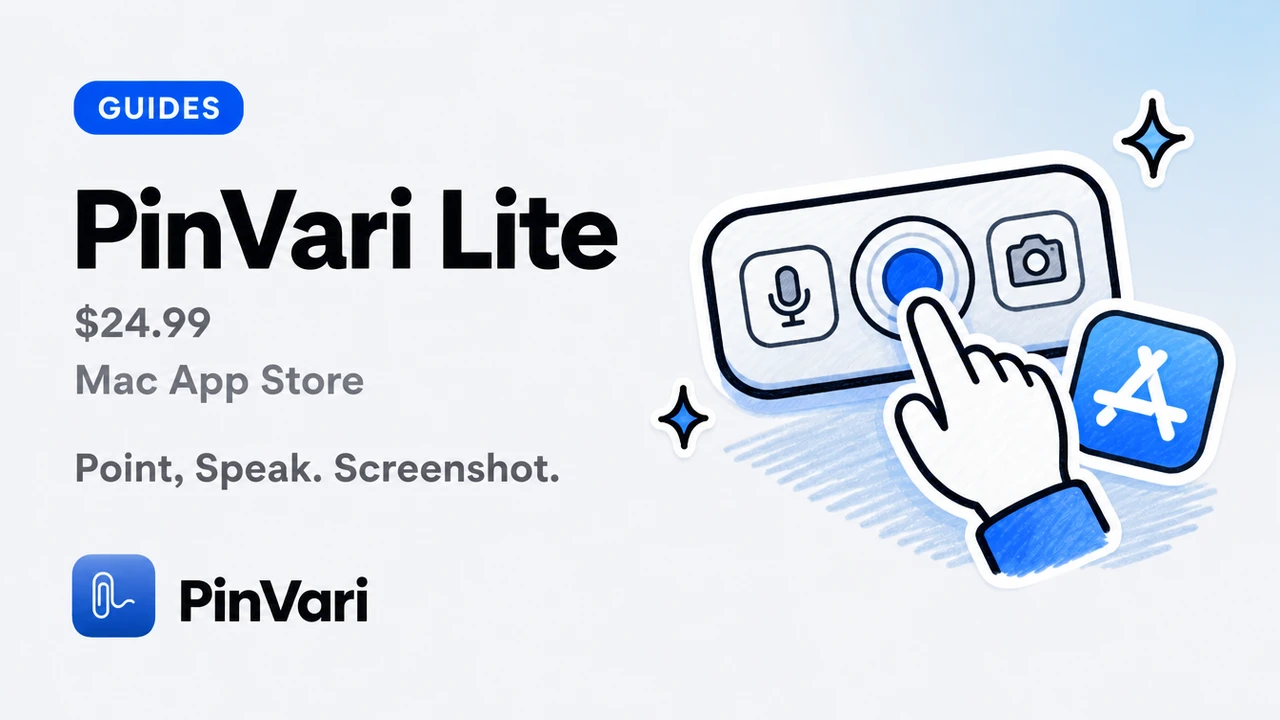
PinVari Lite (Mac App Store)
PinVari Lite is the $24.99 Mac App Store app listed as PinVari. Point, speak, screenshot, dashboard, copy-for-agent. Sandboxed. Does not name the button.
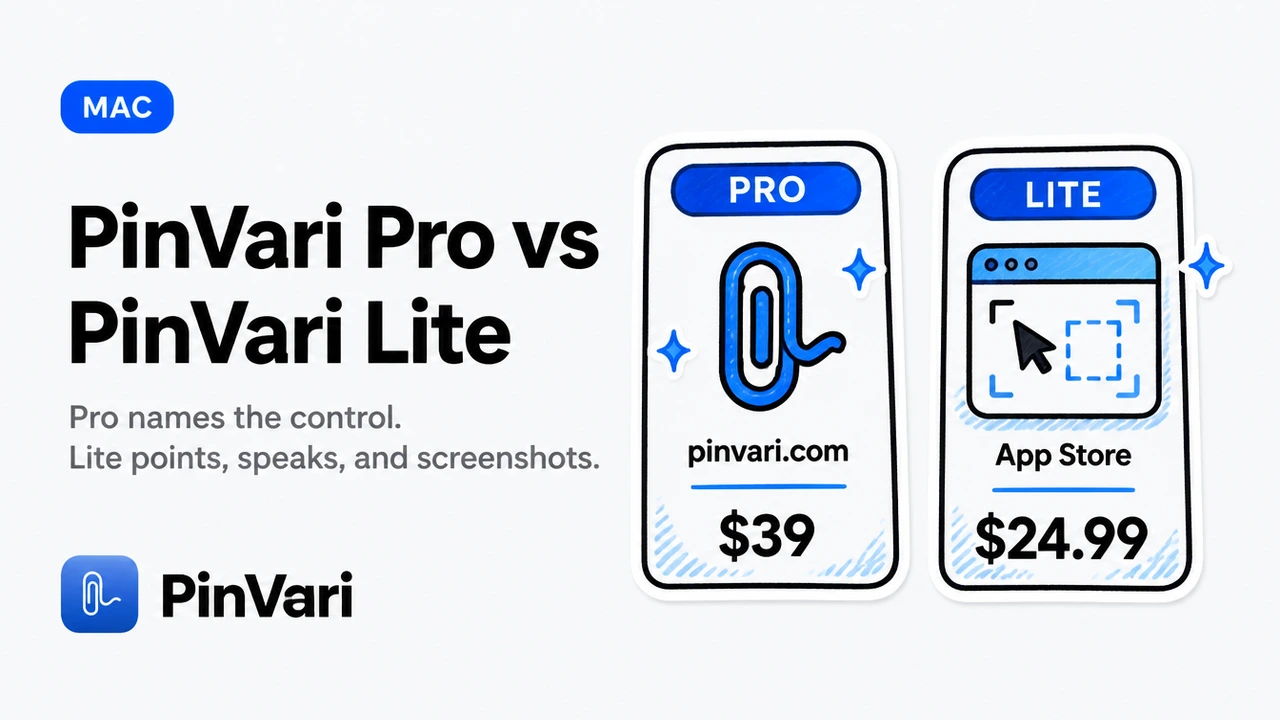
PinVari Pro vs PinVari Lite
PinVari Lite is a capture + paste Mac App Store app. PinVari Pro is the desktop tool that names the control for Claude Code and Cursor. Different products, not two prices for one.

How to Use PinVari — A Full Visual Tour
A hands-on tour of PinVari for Mac - point and speak to capture the exact UI element, dictate anywhere by holding one key, and hand it all to Claude Code or Cursor. Every hotkey explained, with screenshots of the real app.

AI Agent Use Context To Execute Tasks: The 2026 Workflow
AI agents use context from MCP servers, screenshots, and accessibility trees to resolve UI elements and execute tasks. Here's how on macOS in 2026.

AI Coding Assistant Pricing Changes: What Still Holds
AI coding assistant pricing changes keep moving. Here is what stays true: tokens, wrong-element retries, and one-time capture versus a new seat.

Annotate Screenshot Mac: Marks That Name Elements
Annotate screenshot Mac tools draw arrows on pixels. Here is native Markup vs CleanShot X vs capture that also names the UI element.
Best MacBook Apps for Developers: 25 Must-Have Tools 2026
The 25 best MacBook apps for developers in 2026 — coding agents, screenshot tools, menu bar utilities, and productivity apps every developer actually uses.

Best MCP for Cursor: Local Tools That Name UI
The best MCP for Cursor is the local server that returns a named UI element, not another screenshot. Here is how I pick.
Best Screen Capture App for Mac in 2026
The best screen capture app for Mac depends on the job: pixels, annotation, or a named UI element your coding agent can execute.
Bug Reporting Tool Free: 12 Best Options for Dev Teams
Compare 12 free bug reporting tools that give developers named elements, reproducible steps, and screenshots. Find the fastest workflow for your team in 2026.

Build MCP Server: Step-by-Step Implementation Guide
Build an MCP server in under an hour with this practical guide. Real Node.js code, testing steps, and how to connect it to Claude Code or Cursor on macOS.

Claude Code Add Screenshot: Step-by-Step Tutorial
Claude Code add screenshot in 2026: a start-to-finish tutorial for pasting pixels, then replacing the guess with a named PinVari mark.

Claude Code Context: What the Agent Actually Sees
Claude Code context is the files, tools, and images in the window. Here is what fills it, what wastes it, and how named UI beats screenshots.
Claude Code for Beginners: Your First Week
Claude Code for beginners is a terminal agent that edits your repo. Install it, give it one small job, and point at UI that is wrong.
Claude Code for Product Managers: Feedback That Lands
Claude Code for product managers is a terminal agent that applies your feedback if you point at the control instead of writing a prose spec.
Claude Code Memory: Use Context & Project Knowledge
Claude Code memory lives in project instructions and MCP context. Learn how to build persistent knowledge, share UI state via screenshots, and ship faster in 2026.
Claude Code vs Codex October 2025: Which Agent Wins?
Claude Code vs Codex October 2025 comparison: usage limits, MCP support, speed, and cost. Real workflow benchmarks for developers shipping AI-assisted code.
Claude Code vs Cursor vs Codex
Claude Code vs Cursor vs Codex compared for daily agent work: terminal vs editor, MCP, diffs, and the screen-context gap all three share.
Codex CLI MCP: Model Context Protocol Integration Guide
Codex CLI MCP connects local context servers to Claude Code. Learn how Model Context Protocol works, how to add MCP servers, and a real macOS example.
Codex CLI vs Codex App: Which OpenAI Surface?
Codex CLI vs Codex app is terminal agent versus ChatGPT-hosted Codex. Compare loop, MCP, context, and when a Mac capture layer helps both.
Computer Use AI Anthropic: Screenshots vs Named Elements
Computer use AI Anthropic lets Claude click pixels from screenshots. A local MCP capture instead hands the named macOS element you pointed at.

Computer Use AI GitHub: Open Source Projects 2024
Computer use AI GitHub repositories let agents control your desktop. Compare open-source projects, see real MCP server examples, and connect Claude Code to macOS apps.
Computer Use AI Open Source: What Exists
Computer use AI open source options, what they actually control, and why a local MCP plus named elements beats a raw screenshot loop.

Copilot Alternatives: 8 AI Assistants Beyond GitHub
Copilot alternatives a team can run at scale: eight AI coding assistants, what each owns, and how to feed them a named UI element.
Cursor AI Tips and Tricks I Use Every Week
Cursor AI tips and tricks that actually save a turn: Agent scope, rules, MCP, and how to point at UI instead of pasting paragraphs.
Cursor Context Window Size, Explained
Cursor context window size is the model's token limit, not a Cursor number. What Max mode, @Codebase, and screenshots actually consume.

Cursor MCP Tools: 15 Best Servers to Supercharge Your AI
Cursor MCP tools give your AI agent real powers — filesystem access, browser control, screenshot capture. Here are the 15 servers that actually work in 2026.

Cursor vs Windsurf Free Tier: Which to Choose
Cursor vs Windsurf free tier is Hobby versus a light agent quota with unlimited Tab. Here is how to choose without stale request counts.

Cursor vs Windsurf July 2025: Which AI Editor Wins?
Cursor vs Windsurf July 2025 comparison: pricing, agentic modes, context limits, MCP support. Real screenshots, token costs, which one to pick today.

Cursor vs Windsurf vs Roo Code: Who Edits What You Meant
Cursor vs Windsurf vs Roo Code compared for vibe coders: hosted agents, bring-your-own-key, and the screen-context gap all three share.

Cursor vs Windsurf vs Warp: Pick One
Cursor vs Windsurf vs Warp compared by job: editor agent, editor agent, and AI terminal. Pick one home, then add named screen context.
Design Review Tool for PMs Who Point
A design review tool should name the element, not drop another pin on a screenshot. Compare Marker, Jam, Figma comments, and Mac capture.
How to Code on Mac: Setup Guide for AI-Assisted Dev
Learn how to code on Mac with AI coding agents in 2026. Complete setup guide with Claude Code, Cursor, and point-and-speak tools for beginners.
How to Use Claude Code in Terminal: Complete Setup Guide
Learn how to use Claude Code in terminal with step-by-step setup, MCP integration, and real workflows that ship faster than GUI agents.
Include Cursor in Screenshot on Mac
Include cursor in screenshot on macOS with Shift-Command-5, screencapture -C, or CleanShot. A pointer overlay is still not a named UI element.
Mac Menu Bar Apps: Essential Utilities for Developers
Mac menu bar apps transform your workflow with quick-access utilities. Compare pricing, features & AI-aware tools developers actually use in 2026.
Marker.io Alternative: Native Mac Feedback Without a Tab
A Marker.io alternative for founders and PMs who review native Mac apps, Electron, and IDEs, not just websites in a browser.

Menu Bar Apps for Mac: 30 Productivity Tools for Developers
The definitive menu bar apps for mac list: 30 productivity tools developers actually use, with prices, what they do, and which ones replace subscriptions.

Model Context Protocol GitHub: Implementation Examples
Model Context Protocol GitHub examples show how local MCP servers connect macOS apps to AI coding agents. Real implementations, connection steps, and working code.
Productivity Apps on Mac I Still Pay For
Productivity apps on Mac that earn a one-time license: Raycast, CleanShot, dictation, and a capture layer that names UI for your coding agent.
Push to Talk Mac: Voice Capture That Stays Local
Push to talk Mac means a held hotkey that records speech. Here is native dictation vs Wispr Flow vs on-device capture that names the UI.
Screen Capture Mac Laptop: Methods and Apps
Screen capture on a Mac laptop in 2026: built-in shortcuts, apps, and the fastest path from a crop to a named element for an agent.
Screen Capture Mac to Clipboard: Shortcuts That Stick
Screen capture Mac to clipboard with the system shortcut, CleanShot-style tools, and why a clipboard PNG still is not a named UI element.

Screenshot to Code Cursor: Turn Designs into Working Apps
Screenshot to code Cursor in 2026: a start-to-finish walkthrough from a design PNG to a named-element review in the real window.
Talk to Text Word Mac: Dictation That Stays Local
Talk to text Word Mac works with Apple Dictation, Word Dictate, and point-and-speak capture. Here is which path to use.

Vibe Coding Free: What You Can Ship Without a Card
Vibe coding free options in 2026: free tiers of Cursor, open tools, and the one paid gap free stacks still do not close.

AI Pair Programming: What Actually Works in 2026
AI pair programming means an AI agent writes and reviews code beside you. Here is what actually works in the terminal, and where it still breaks.
Best Mac Apps 2026: Top Productivity Tools for Devs
The best Mac apps 2026 for developers: one-time purchase tools, AI coding agents, and capture utilities that understand your screen—no subscriptions required.

Best Mac Apps for Free: 9 Tools Worth Keeping
The best Mac apps for free that a power user actually keeps, plus the one paid tool that finally understands what is on your screen.

Claude Code Alternatives Free: 7 Tools for 2026 Teams
Claude Code alternatives free: compare Cursor, Codex, Windsurf, Zed, and open-source options. Real prices, token limits, and MCP support for teams at scale.
Claude Code Workflow: Optimize Your AI Coding Process
Claude Code workflow combines agent instructions, context, and verification steps. Point-and-speak captures on macOS resolve the exact element Claude needs to edit.
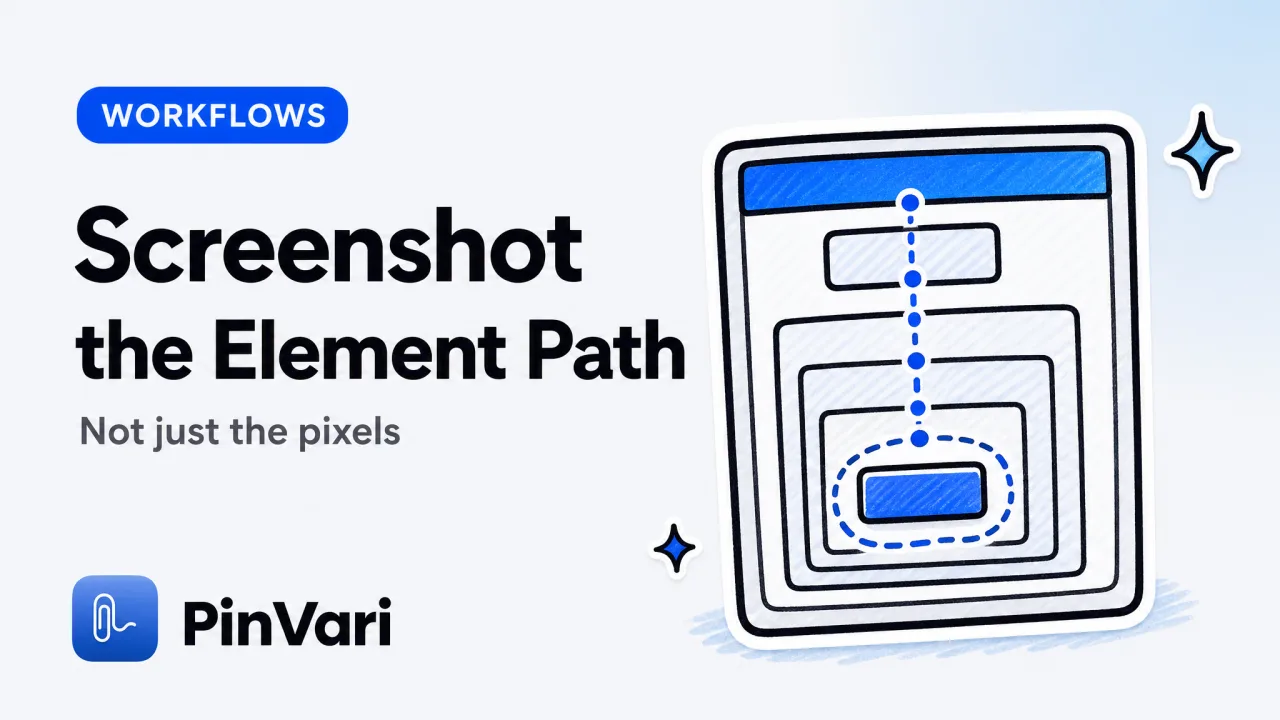
Cursor Screenshot: Capture UI Elements & Context Fast
Cursor screenshot workflows miss named elements and context. Learn how to capture UI with accessibility paths, spoken instructions, and MCP integration.

How to Annotate a Website for Bug Reports
How to annotate a website so developers and AI agents can act on it: the methods, the fields a report needs, and how to name the exact element fast.
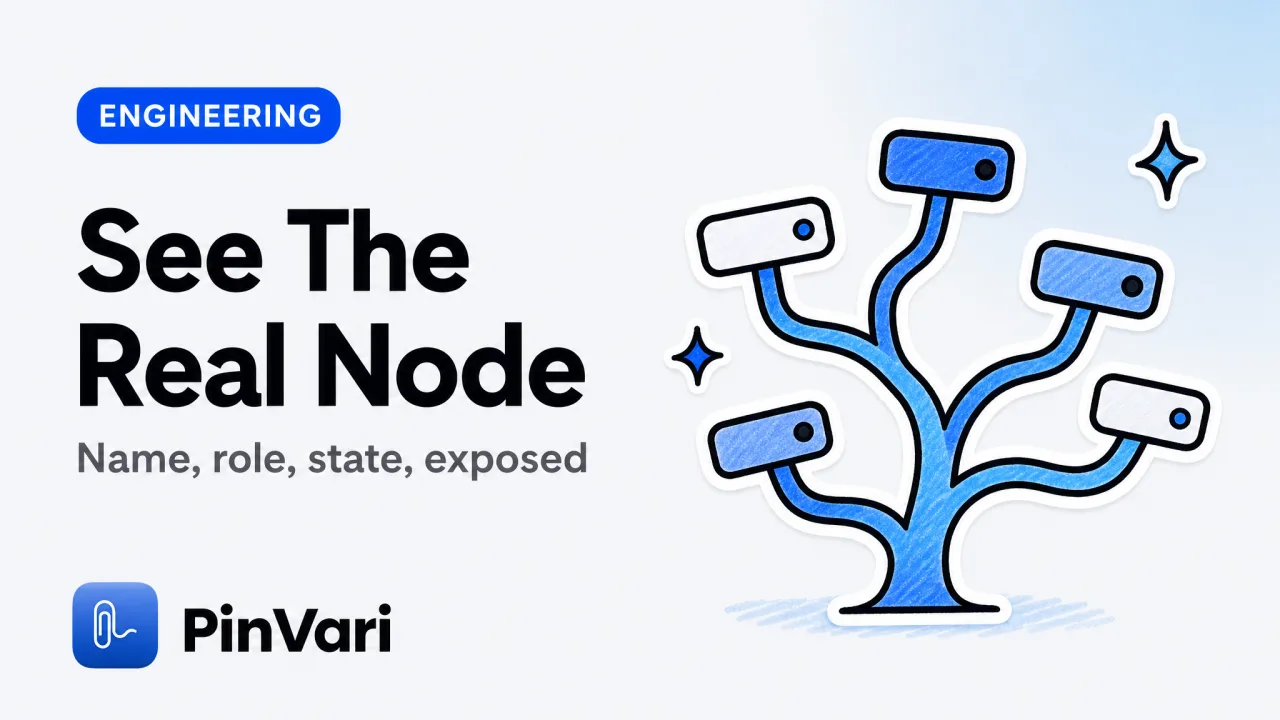
Accessibility Tree View Chrome: Inspect UI Fast
Accessibility tree view Chrome: open it in DevTools, read a node's role and name, and see why the same tree resolves named UI elements on macOS.

AI Agent Workflow: A UI Feedback Loop That Works
An AI agent workflow for UI work needs a tight feedback loop. Here is how to build one on macOS so your agent fixes the right element.
AI Code Editor: 9 Best Tools for Developers 2026
The best ai code editor depends on whether you want inline edits, an agent, or a terminal. Here are 9 compared on context, MCP, and the wrong-element bug.
Best Productivity Apps for Mac (Developer Edition)
The best productivity apps for Mac developers who buy once and skip subscriptions: launcher, screenshot, clipboard, and the layer that reads your screen.
Best Screenshot MCP Servers for Claude Code (2026)
The best screenshot MCP servers for Claude Code, compared honestly: Playwright, Peekaboo, Screenpipe, snap-happy, PinVari and more.

Best Screenshot Tool Mac: 10 Picks for Developers
The best screenshot tool mac developers pick depends on whether you need pixels or an app that understands the screen. Here are 10, compared honestly.
Bug Report Example: Named Elements Beat Pixel Guesses
A bug report example that shows how to give developers and AI agents the exact named UI element, repro steps, and screenshot.
Bug Reporting Software: 8 Tools for QA Teams
Bug reporting software compared for QA teams: 8 tools, the standard bug report format, and how to file named, reproducible reports fast on macOS.

Can Claude Code See My Screen? The Honest Answer
Can Claude Code see my screen? Not on its own; it reads text you paste or type. Here is what it actually sees and how to give it real screen context.

Claude Code Alternatives: 6 AI Coding Tools Compared
The best Claude Code alternatives compared: Cursor, Codex CLI, Copilot, Windsurf, Aider, and Zed, plus the gap none of them fix.
Claude Code Screenshots: Stop Wasting Tokens on Pixels
Claude Code screenshots waste tokens and fail to identify UI elements. Named accessibility elements replace pixel uploads for the right edit.

Claude Code vs Codex: Comparison for AI Coding
Claude Code vs Codex compared for real work: agent behavior, context handling, billing, and where each one wins for developers choosing a CLI agent.
Claude Code vs Cursor: Which AI Coding Tool Is Better?
Claude Code vs Cursor comes down to a terminal agent versus an AI editor. Here is how they differ on context, MCP, multi-file edits, and which to pick.
CleanShot X Alternative That Understands What's On Screen
CleanShot X captures pixels. A CleanShot X alternative that resolves named UI elements with confidence, on-device, and routes to agents.

Codex CLI: A Practical Guide to Terminal AI Coding
Codex CLI is OpenAI's open-source terminal coding agent. A guide to install, config, MCP servers, sandbox modes, and giving it screen context.

Cursor Agent Mode: Enable Autonomous AI Coding
How to open Cursor Agent mode, use it well, and feed it the exact UI element you mean so it stops editing the wrong component.

Cursor Alternatives Free: 8 Top Editors Compared
Cursor alternatives free in 2026—VS Code, Zed, Codex, Windsurf, and more. Compare free tiers, features, and limits so you pick the right AI editor today.
Cursor Alternatives: 7 AI Code Editors Compared
Cursor alternatives worth trying in 2026, from Claude Code to Windsurf, Zed, and Copilot. A plain comparison for picking the right AI code editor.
Cursor Rules: Configure AI Behavior With .cursorrules
Cursor rules tell the AI how to behave. Learn .cursorrules vs project rules, the four rule types, and how to keep the agent following your conventions.

Cursor vs Windsurf: Which AI Code Editor Wins?
Cursor vs Windsurf compared for vibe coders: agent modes, free tiers, and the one bottleneck neither editor fixes on its own.
Customer Feedback Tool: 11 Picks for Product Teams
A customer feedback tool should turn vague comments into action. Here are 11 picks for product teams, sorted by the job each one does.

Customer Feedback Tools: Best Picks for Product Teams
Customer feedback tools range from survey boards to visual bug capture. Here is how the types compare and which one turns feedback into fixes.
Feedback Tool for Website: 9 Annotation Platforms
A feedback tool for website review names the exact element and routes it to a developer or AI agent. Here are 9 platforms compared.
How to Give Claude Code Context That Actually Works
Give Claude Code the exact element, spoken instruction, and screenshot it needs—no token waste, no guessing. Here's how to make context work.
How to Use Accessibility Inspector on macOS
How to use Accessibility Inspector on macOS: open it from Xcode, inspect the AX tree, read roles and labels, and see exactly what an AI agent sees.
MacBook Productivity Apps: 14 Picks for Developers 2026
The best MacBook productivity apps for developers in 2026 — menu bar tools, screenshot apps, and on-device AI, with a free vs paid comparison.

MCP Server Examples: 12 Real Model Context Protocol Uses
See 12 working MCP server examples — Python, OAuth, sampling code — plus how to connect a local MCP server to Claude Code or Cursor on macOS.

Vibe Coding App: Cursor, Lovable, Bolt & v0 Guide
A vibe coding app like Cursor, Lovable, Bolt, or v0 builds software from plain-language prompts. Here is how they compare and where each breaks.

What Is Spatial Context for AI Coding Agents?
Spatial context is everything on your screen your repo cannot tell an AI agent - the screenshot, the element you point at, your words, and the window text.

Wispr Flow Alternative: 5 Mac Voice Tools Compared
Looking for a Wispr Flow alternative on Mac? Here are 5 voice input tools compared on price, on-device privacy, and what they do beyond dictation.
Why Claude Code Fixes the Wrong Element
Claude Code fixes the wrong element because it sees a screenshot, not a named element. Point at the exact control and the guessing stops.
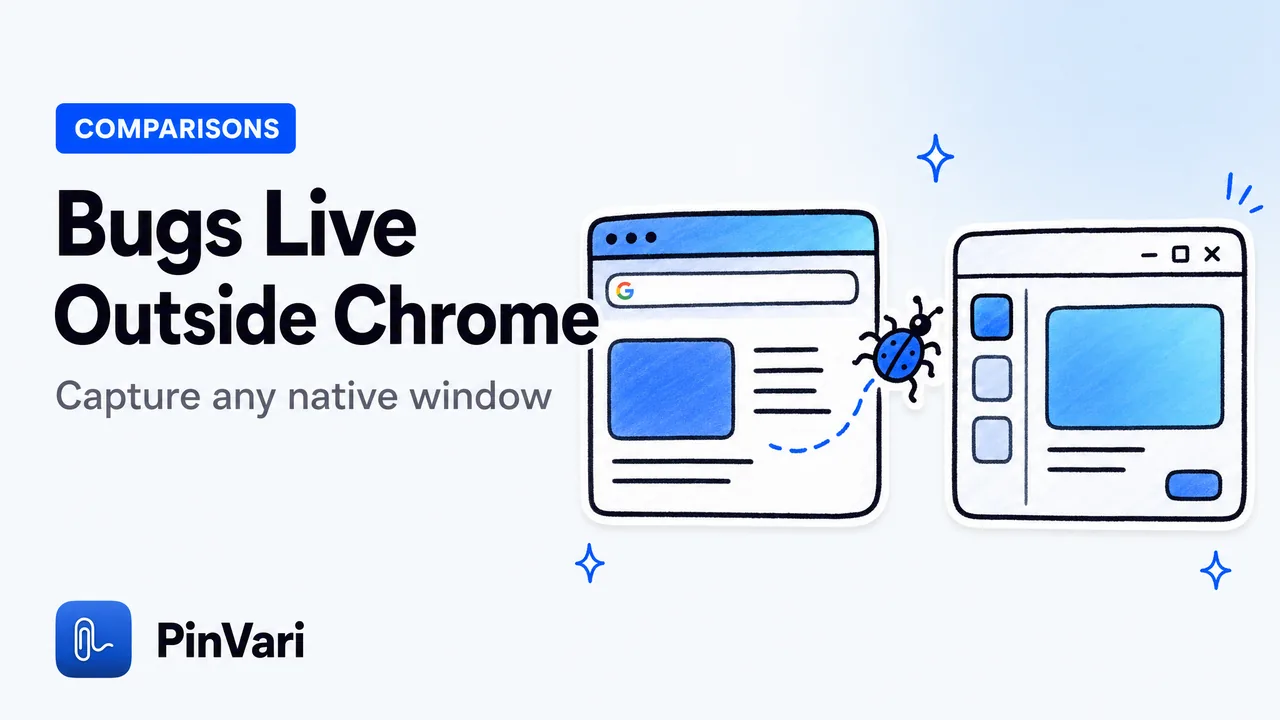
Jam.dev Alternative for Native Mac Apps
The best Jam.dev alternative for native Mac apps captures bugs in any macOS window: IDEs, Electron, and native apps, by voice with named UI elements.

MCP Server for AI Agent Screen Context
A local MCP server for AI agent screen context resolves the named UI element on-device, so Claude Code gets confidence and provenance, not raw pixels.
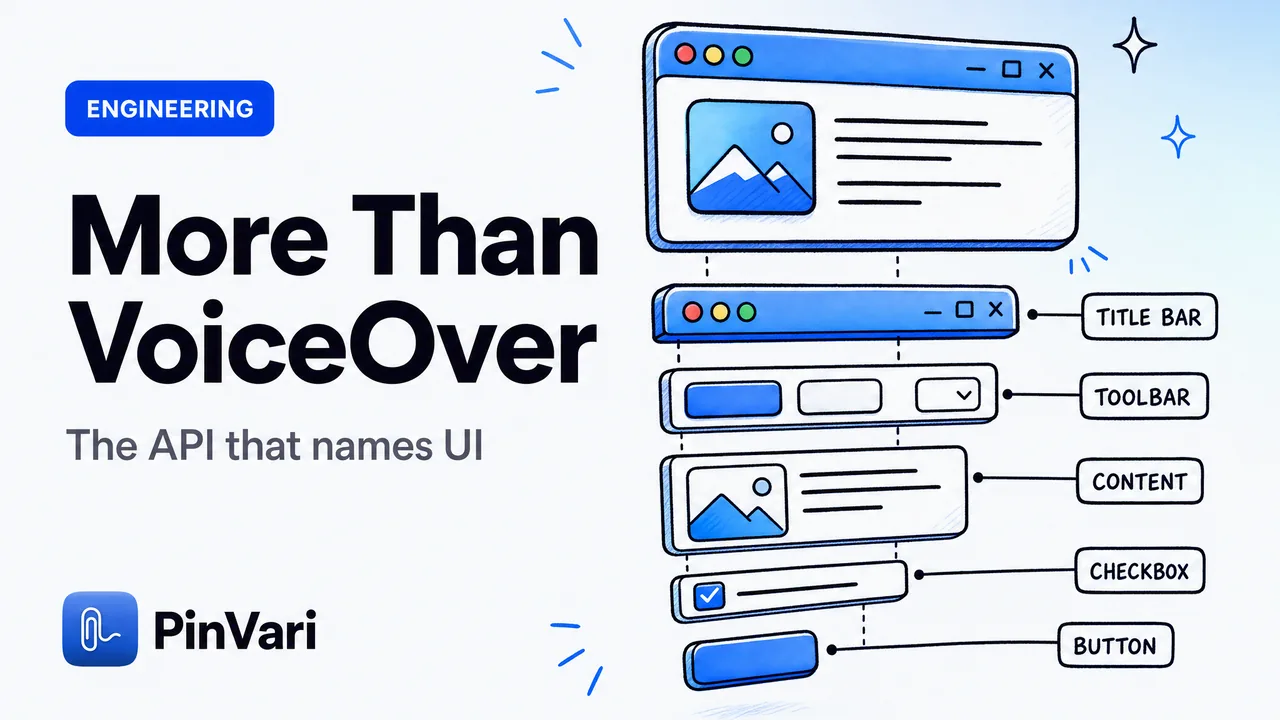
What Is the macOS Accessibility API Used For?
What the macOS Accessibility API is used for beyond screen readers — reading any app's UI as named AXUIElement roles, labels, and frames.

Point and Speak to File Bugs to Linear and GitHub
File a bug to Linear from a screenshot and voice on Mac — circle the broken element, speak, and get a named, ready-to-file ticket.

Push-to-Talk Voice for Claude Code on Mac
Push-to-talk voice for Claude Code on Mac lets you hold a hotkey, point at a UI element, and speak — the agent gets the named element, not a vague prompt.

Screenshots Waste Claude Code Tokens: Fix It
Screenshots waste Claude Code tokens: each image re-encodes to ~1,300+ vision tokens per turn. Send the resolved, named UI element as text instead.