Marker.io Alternative: Native Mac Feedback Without a Tab
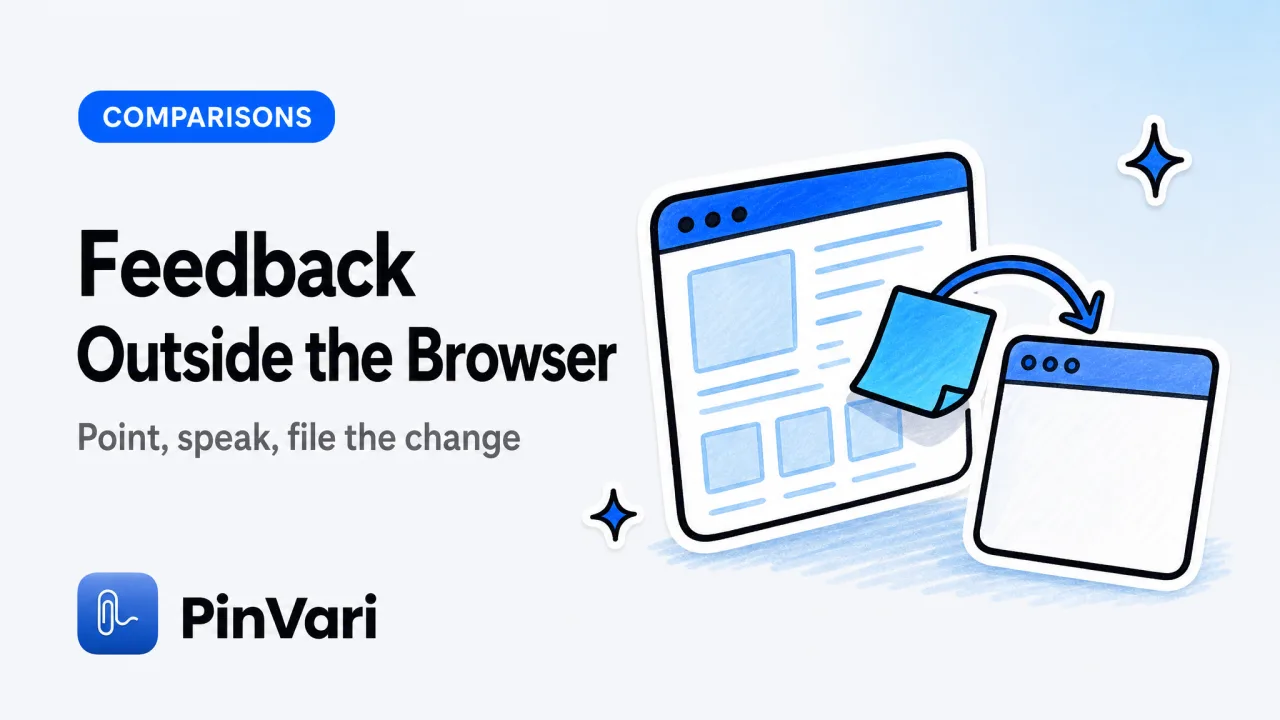
A Marker.io alternative on a Mac has to work outside Chrome: Marker.io is a website annotation product that agencies pay $39+ a month for, and it is good at that job, but it cannot see a native window, an IDE, or an Electron app. If your review is a running build rather than a staging URL, you need a capture tool that resolves the named UI element you pointed at.
Most "Marker.io alternative" lists swap one browser widget for another. The useful split is browser-only annotation versus point-and-speak on any macOS surface.
What does Marker.io actually do well?
Marker.io is built for website feedback. A reviewer opens a page, drops pins, types comments, and the tool packages a visual report for the agency or the product team.
That workflow is real. Teams pay for it because a pin on a heading beats a Slack paragraph that says "the hero feels off."
It also stays honest about its surface. It lives in the browser. Console and page context are in reach. Native apps are not.
If every review you run is a marketing site or a web app in Chrome, Marker.io may already be the right tool. You do not need an alternative for that slice.
The case for switching starts when the build is a Mac app, a desktop Electron client, a Figma window, or an editor preview that is not a tab.
Why do founders outgrow Marker.io?
Founders and PMs do not review one surface. They review the site, the Mac menu bar app, the settings window, and the AI agent sitting in the terminal.
Marker.io covers the first item. The rest become screenshots and prose.
Prose gets misread. "Make that button primary" is four possible buttons in a settings sheet. The developer, or the agent, picks the wrong one and you file the same note again.
Voice is also missing. Marker.io expects typed comments. A PM walking a build with a designer wants to talk while pointing, not stop to write a paragraph for every pin.
Jam.dev sits in the same browser-only bucket and is stronger on console capture. The Jam.dev alternative for native Mac apps piece covers that cousin. This page is the Marker.io cut: annotation price, agency habit, and the native gap.
Pay for Marker.io if your entire review surface is a URL. Look for a Marker.io alternative the first week a native window or an Electron build shows up in the same sprint.
Marker.io vs PinVari vs a raw screenshot
Compare the handoff, not the marketing site.
Marker.io
Type: Website annotation, agency-priced.
Capture: Browser page, pins, typed comments.
Resolution: Pixel region on a web page. No Accessibility name.
Voice: No.
Cost: From about $39/month.
Jam.dev
Type: Browser bug capture.
Capture: Tab, console, network, repro.
Resolution: Browser session, not a native AX node.
Voice: No.
Cost: Free tier that dominates browser QA.
CleanShot X
Type: Mac screenshot tool.
Capture: Any screen, crisp pixels.
Resolution: None. Zero understanding of the UI.
Voice: No.
Cost: One-time Mac purchase.
PinVari
Type: Point-and-speak spatial capture.
Capture: Any macOS window, multi-display, voice per mark.
Resolution: Named AX element, confidence, circled-vs-dwelled provenance.
Voice: Yes, on-device.
Cost: One-time $39 launch license (first 500, then $59). Team seats available.
CleanShot X is the screenshot king and a fair peer for pixels. It does not name the control. Marker.io names a pin on a page. PinVari names the control the OS already knows.
If you want the annotation-only landscape, the website annotation guide stays in the browser. If you want the PM stack around tickets, see product feedback tools.
How does a native Marker.io alternative resolve the element?
macOS exposes the UI element under a point through AXUIElementCopyElementAtPosition. You get role, title, value, frame, and a parent chain.
PinVari hit-tests the real app, not its own overlay. The overlay is topmost, so a naive hit-test would return PinVari itself. chainExcludingSelf walks the on-screen window list and tests the app underneath.
Electron and Chromium build the AX tree lazily. PinVari sets AXManualAccessibility and retries for about 150ms until a labeled node appears.
A bare AXGroup is not a useful name. labeledDescendant walks down to the deepest labeled child. Chromium identity attributes (AXDOMIdentifier, AXDOMClassList) name a title-less node.
Every mark stores confidence and provenance. Circled means you drew around it. Dwelled means the pointer hovered about 0.2s.
Below about 0.8 confidence, the capture asks instead of guessing. That is the opposite of a pin that looks precise and still points at the wrong div.
Circle three things in one breath. Each mark gets its own word bucket, so "this is too tight" and "that label wraps" do not collapse into one muddy comment the way a single Marker.io note can.
Can a Marker.io alternative file to Linear and GitHub?
Yes, if the tool is built for trackers instead of only an agency inbox.
PinVari can file a capture to Linear, GitHub, or Slack, or hand the same bundle to your own agent over a local MCP server. The point-and-speak Linear and GitHub walkthrough is the ticket-shaped version of this flow.
The agent path matters for founders who already use Claude Code or Cursor. The capture is not a pretty image in a thread. It is a resolved instruction: spoken text, named element, cropped screenshot, window text up to 40,000 characters including scrolled-off content, the browser URL when the surface is a page, and a pointer trail that binds "this" and "that."
Connect with one click inside the app (PinVari → Connect) or:
claude mcp add --scope user pinvari -- "$HOME/.pinvari/mcp/pinvari-mcp"The app must be running. The connector listens on 127.0.0.1:3402. pinvari_next_instruction returns the bundle. pinvari_mark_done closes it. Mid-task, pinvari_request_capture lights the notch island so you can point again.
Nothing is uploaded by default. No API keys for capture. You bring the agent and the tracker.
When should you keep Marker.io anyway?
Keep it when the work is website QA for clients who already live in Marker.io's inbox. Switching an agency process has a cost that a Mac app does not erase.
Keep it when console logs and page metadata are the main artifact. A native capture tool does not replace a browser extension's view of the network panel.
Add a native tool when the same person also reviews a Mac build. Using Marker.io for the site and PinVari for the app is a normal split, not a failure.
The honest limit on the native side is AX-blind surfaces. Canvas and some games need on-device OCR. Multi-display captures remember which monitor a mark was drawn on, and pause/resume (⌥⌘P) keeps scroll-aware marks on long pages.
A screenshot annotated in Preview is not a Marker.io alternative. It has no named element, no confidence, and no path into Linear or an agent except whatever you type next to the arrows.
What does a PM review loop look like without Marker.io?
Open the build. Hold ⌥⌘A. Circle the control. Speak the change. Press the hotkey again or hit return.
Captures collect in the notch island and in the Command Center, grouped by app. Crash-safe session recovery keeps a pass that died mid-scroll.
File the ones that need a human to Linear or GitHub. Send the ones that should become a patch to Claude Code or Cursor over MCP.
Optional whole-screen OCR covers AX-blind chrome. The focused window's interactive-element map comes along so the agent sees neighbors, not only the circled node.
That loop is why a founder pays once instead of $39 every month for a tool that cannot see the desktop app. Launch pricing is $39 for the first 500 licenses, then $59, via Polar, with team seats and no subscription on the core app. The pricing section is the current number.
macOS 14+, Apple Silicon and Intel, notarized Developer-ID DMG. Not the Mac App Store, because the sandbox blocks the global hotkey and reading other apps' AXUIElement.
FAQ
What is the best Marker.io alternative for native Mac apps?
A native point-and-speak tool that resolves the Accessibility element you circled, not another browser pin widget. Marker.io remains the better fit when the only surface is a website.
Is there a free Marker.io alternative?
Jam.dev is the free, dominant option for browser bugs. It still cannot capture native Mac apps. A one-time Mac app is the usual alternative when you leave the tab.
Does Marker.io work on desktop apps?
No. It is a website annotation product. Desktop Electron, SwiftUI, and IDEs are outside its reach, which is the whole reason people search for a Marker.io alternative.
Can I replace Marker.io with screenshots and Slack?
You can, and many teams do, until the same feedback is misread twice. Slack plus a PNG has no named element and no structured handoff to an agent or a tracker.
Does a Marker.io alternative support voice comments?
Marker.io itself is typed pins. A Mac-native alternative can transcribe on-device while you point, then attach those words to each mark. That is closer to how a PM actually reviews a build.
How do I send captured feedback to Linear from a Mac?
Use a capture tool that files to Linear (or GitHub, or Slack) instead of only an annotation inbox. Point at the control, speak the change, and let the ticket carry the named element and the crop, not a vague paragraph.
Hand your agent the exact element
PinVari resolves what you point at into a named, executable instruction — on-device, no keys, your own agent. One click inside PinVari connects Claude Code, Cursor, VS Code or Codex — or paste one CLI line from pinvari.com/connect.
PinVari → Connect → your agent (one click)Get PinVari — $39 →


