Computer Use AI Open Source: What Exists
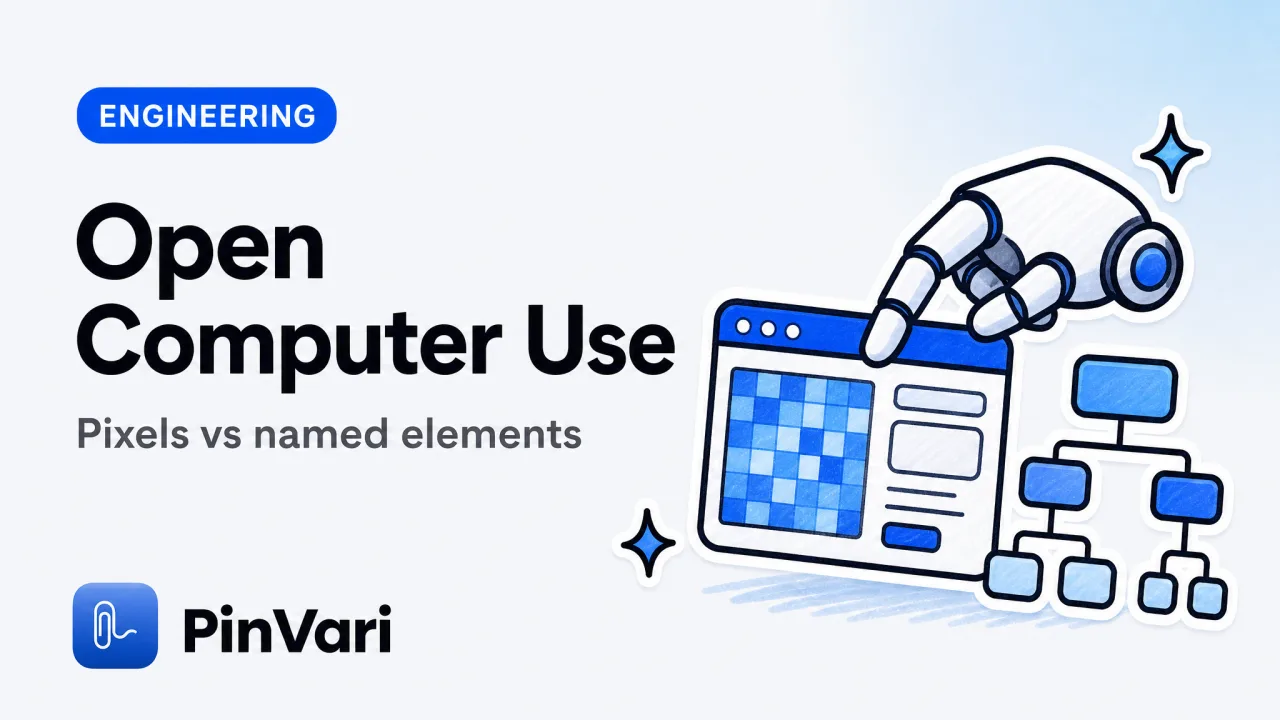
Computer use AI open source is a family of projects that let a model see a screen and act on it: click, type, scroll, sometimes run a browser. The common core is a loop of screenshot in, action out, usually without a named UI element.
Most write-ups treat "the model can use a computer" as one product. It is not. Driving a whole desktop from pixels is a different job from handing your coding agent one resolved control.
I care about the second job. If you already have Claude Code, Cursor, Codex, or Zed, you rarely need the model to move the mouse. You need it to know which button you meant.
That is why this post splits the landscape, then shows a local MCP path that stays on your Mac.
What does computer use AI open source actually do?
Open computer-use stacks capture a frame, send it to a model, and accept an action: click (x, y), type a string, press a key. Some add a DOM dump for browsers. Most of the desktop ones stay in pixel space.
Pixels do not name the control. A screenshot of a Settings window does not tell the model that the toggle is AXCheckBox "iCloud Drive" at a known frame. It tells the model there is a gray switch somewhere in the image.
That is fine for demos and for unattended desktop tasks. It is a poor fit for a developer who is already looking at the UI and can point.
The other split is local vs hosted. Hosted computer-use APIs upload frames. Local open-source runners keep the loop on your machine if you bring your own model.
If you are still fuzzy on the connector standard, start with what an MCP server is. Computer use is one capability you might expose. MCP is the plug.
Computer use is an action loop. MCP is a tool interface. You can have either, both, or a thin local tool that only returns the element you pointed at.
Which open-source computer-use projects are worth knowing?
I will not invent rankings. The honest map is by what they control.
Browser computer use
Type: Playwright / Chromium drivers, DOM plus screenshot.
Strength: Real selectors, console, network. Jam.dev lives here for humans.
Limit: Browser only. Native Mac apps and IDEs are out of scope.
Desktop pixel agents
Type: Screenshot to click (x, y).
Strength: Works on anything you can see, including canvas.
Limit: No named element, brittle on retina scaling and multi-display.
Accessibility-backed agents
Type: OS tree plus optional OCR.
Strength: Role, label, frame, parent chain.
Limit: AX can be empty on games and some canvas; you need an OCR fallback.
macOS is unusually good at the third category. AXUIElementCopyElementAtPosition returns the element under a point. Chromium apps build their tree lazily, so a serious tool sets AXManualAccessibility and retries until a labeled node appears.
That is the same stack described in how AI agents know which UI element to edit. Open computer-use repos that skip AX are choosing the harder, blurrier path.
If a project README leads with "we send a screenshot to GPT," it is a pixel agent. If it mentions role, label, or AX, it is playing a different game.
Why MCP is the saner open interface on a Mac
The Model Context Protocol lets a coding agent call tools. A local MCP server can expose get_capture without giving the model a mouse.
That is the loop I want for shipping software. I point at a control, I speak the change, the agent receives a resolved path and a cropped screenshot.
A typical connector lives on 127.0.0.1. PinVari's talks to the app on port 3402 and installs at ~/.pinvari/mcp/pinvari-mcp. You add it with a scoped command, not the bare claude mcp add pinvari, which errors.
claude mcp add --scope user pinvari -- "$HOME/.pinvari/mcp/pinvari-mcp"The app has to be installed and running. One-click connect inside the app covers Claude Code, Cursor, VS Code, and Codex.
Tools the agent actually uses: pinvari_next_instruction, pinvari_get_capture, pinvari_list_captures, pinvari_get_frame, pinvari_request_capture, pinvari_mark_done, pinvari_health. Docs sit at pinvari.com/mcp.
The agent can ask you to point mid-task. pinvari_request_capture lights the notch island; you circle; the capture flows back. That is bidirectional computer use without handing the model the desktop.
A local MCP server for agent screen context is narrower than open computer-use suites, and that is the point. Less agency, more truth.
Open computer use vs point-and-speak
Skip the wide table. Compare the jobs.
Unattended desktop agent
Job: Book a flight, click through a GUI installer.
Input: Full-screen frames on a timer.
Risk: Wrong click, uploaded frames, no confidence score.
Developer point-and-speak
Job: Tell Claude Code which button is wrong.
Input: One mark, spoken words, named element.
Risk: AX-blind surfaces; fall back to on-device OCR, and ask if confidence is low.
I ship software. I do not want an open-source agent clicking my banking window. I want my own model, on my own Mac, to receive a named instruction I just spoke.
Deixis matters here. "Make this blue" is only executable if "this" is bound to the pointer at the instant you said it. Pixel agents rarely timestamp a pointer trail.
Per-mark word buckets matter too. Circle three things in one breath and each mark should keep its own words. A single full-screen caption cannot do that.
What should you refuse to upload?
Open computer-use stacks often default to a hosted vision model. That means every frame leaves the machine.
If you are reviewing a client's build, a production admin, or anything with secrets in the window, that is a bad default. On-device speech-to-text and on-device OCR are the conservative choice.
PinVari transcribes and OCRs on the Mac. Nothing is uploaded unless you hand a capture to your agent or tracker. You bring your own LLM.
macOS 14+ (Sonoma), Apple Silicon and Intel, notarized Developer-ID DMG. The Mac App Store sandbox blocks the global hotkey CGEventTap plus reading other apps' AXUIElement, which is why a serious capture tool ships outside the store.
Pricing is a one-time $39 launch license (first 500, then $59) via Polar. No subscription for the core app.
A "local" runner that still posts frames to a cloud vision API is not local. Read the network tab before you point it at a work screen.
How I would evaluate a computer use AI open source repo
Read the action space first. If the only action is click_at(x, y), you are buying a pixel loop.
Then read the identity story. Does it return a role and label, or only a bounding box? Does it have confidence, or does it always act?
Then read provenance. Circled vs dwelled is useful. Hovering ~0.2s can resolve an element without a circle, but the agent should know which method produced the hit.
Then read display math. Multi-display Macs break naive screenshot code. Each mark should remember which monitor it was drawn on.
Then read the overlay bug. A topmost overlay hit-tests as itself unless the tool walks the on-screen window list and excludes its own window. That chainExcludingSelf detail is the difference between a demo and a daily driver.
When a point lands on a bare AXGroup, a useful resolver descends to the deepest labeled child. Chromium identity attributes (AXDOMIdentifier, AXDOMClassList) can name a title-less node.
Ask, never silently guess, under 0.8 confidence. Open agents that always click are exciting in a GIF and expensive in production.
FAQ
What is computer use AI open source?
It is open-source software that lets a model look at a screen and issue actions such as click, type, or scroll. Most projects do this from screenshots. A smaller set uses the OS accessibility tree.
The phrase covers both unattended desktop agents and developer tools that only export context. Those are different products.
Is MCP the same as computer use?
No. MCP is a protocol for exposing tools to an agent. Computer use is one kind of tool.
A local MCP server can return a named element and a cropped screenshot without ever moving the mouse. That is usually what coding agents need.
Can open-source computer use control native Mac apps?
Pixel agents can click anything they can see. Accessibility-backed tools can name native controls when the app exposes an AX tree.
Electron and some canvas surfaces are AX-blind until you force the tree or fall back to OCR. Games are usually OCR-only.
Does Claude Code include computer use?
Claude Code is an agent that edits your repo. It does not, by itself, see your screen.
You add screen context through MCP or by pasting screenshots. Pasting screenshots wastes tokens and still leaves the model to guess the element. A resolved path is cheaper and more accurate.
Should I run a full desktop computer-use agent on a work Mac?
Only if you accept the blast radius. A model that can click can click the wrong thing.
For UI feedback into a coding agent, prefer a point-and-speak capture that you trigger with a hotkey. Keep the model away from the mouse.
Where do I read the tool list for a local screen MCP?
Public MCP docs for PinVari live at pinvari.com/mcp. The connector must be added with --scope user and the full path to pinvari-mcp.
The app has to be running. The server talks to it on 127.0.0.1:3402.
Hand your agent the exact element
PinVari resolves what you point at into a named, executable instruction — on-device, no keys, your own agent. One click inside PinVari connects Claude Code, Cursor, VS Code or Codex — or paste one CLI line from pinvari.com/connect.
PinVari → Connect → your agent (one click)Get PinVari — $39 →


