What Is MCP Server? Model Context Protocol, Explained
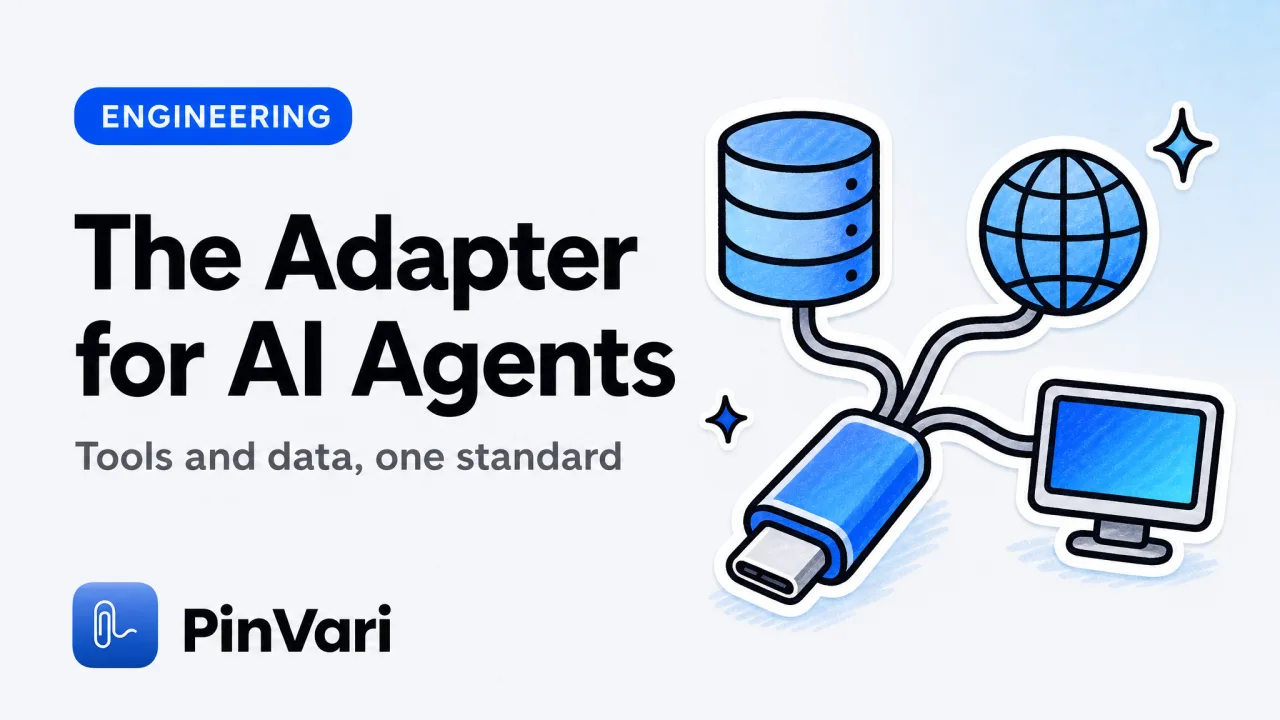
Everyone asking what is MCP server gets the same wall of jargon, so here is the plain answer: an MCP server is a program that exposes tools, data, and actions to an AI agent through the Model Context Protocol, a shared standard for connecting models to the outside world. It is the adapter that lets your AI coding agent read a database, drive a browser, or see your screen without anyone hand-building a one-off integration for every model-and-tool pairing.
Most write-ups get lost in the spec and forget the point. The reason MCP exists is boring and useful: before it, every tool needed a custom connector for every AI app, and that combinatorial mess is what the protocol kills.
What is MCP server, in plain terms?
Think of it as a USB-C port for AI applications. Before USB-C, every device had its own cable.
Before MCP, every AI tool needed a bespoke integration for every model and every client. The Model Context Protocol defines one shape of plug, so any compliant client can talk to any compliant server.
The Model Context Protocol is the standard. An MCP server is one thing that speaks it.
There are two roles. An MCP client is the AI application: Claude Code, Cursor, Codex, Zed, or a chat app.
An MCP server is the thing offering capabilities. The client connects to the server, discovers what it offers, and lets the model use it during a task.
That is the plain answer to what is MCP server: not an AI, not a model, but a well-described set of abilities the model can reach through a standard interface. The server is the hands; the model is still the brain.
An MCP server does not think. It advertises a list of tools and data, waits for the model to call them, runs the work, and returns a result.
The intelligence stays in the client's model. The server just extends its reach.
What does an MCP server actually expose?
Three kinds of things: tools, resources, and prompts. Tools are functions the model can call, each with a name, a description, and typed inputs.
A git MCP server might expose git_commit and git_log. When the model decides it needs one, it calls the tool and the server does the work.
These are the MCP tools that give an agent new verbs. Resources are data the server makes readable: files, database rows, documentation, the contents of a window.
The model pulls a resource into context when it is relevant, rather than the server dumping everything up front. Prompts are reusable templates the server offers, so a client can surface a ready-made workflow the user can trigger.
The description on each tool matters more than people expect. The model chooses tools by reading their descriptions, so a badly described tool is a tool the model never calls.
The handshake between client and server is worth picturing. When the client starts, it connects to the server and asks "what do you offer."
The server replies with its list of tools, resources, and prompts, each with a name and a description. From then on, when the model wants one, the client sends the call to the server, the server runs it, and the result comes back into the conversation.
There is no magic and no separate AI on the server side. Just a request and a response over a defined protocol.
That design is why one MCP server works across every compliant client. The same git server you use in Claude Code works in Cursor, Codex, or Zed, because none of them needs to know the server's internals.
What is the difference between a local and remote MCP server?
Where it runs and how the client talks to it. A local MCP server runs as a process on your own machine.
The client launches it and talks over stdio or a loopback address like 127.0.0.1. Nothing leaves the machine unless the server itself reaches out.
A remote MCP server runs somewhere else and the client connects over HTTP. That suits shared, hosted, or team-wide capabilities.
Local MCP server
Runs on: Your machine.
Transport: stdio or 127.0.0.1.
Data exposure: Stays local by default.
Best for: Files, git, screen, private data.
Setup: Install a binary or script.
Latency: Effectively none.
Remote MCP server
Runs on: A hosted service.
Transport: HTTP / SSE.
Data exposure: Crosses the network.
Best for: Shared APIs, team tools.
Setup: A URL and auth.
Latency: Network round-trip.
For anything touching private data or your live environment, a local MCP server is the safer default. Your files, your screen, and your repo never need to leave the Mac for the agent to use them.
If you are choosing between local and remote for sensitive work, start local. You can always graduate a capability to a hosted server later, but you cannot un-send data that left your machine.
What are good MCP server examples to start with?
Start with the ones that map to what you already do by hand. A few common MCP server examples, roughly from safest to most powerful:
- Filesystem — lets the agent read and write files in directories you allow.
- Git — inspect history, diff, stage, and commit.
- Database — run read (and optionally write) queries against Postgres, SQLite, and others.
- Browser — navigate pages, read the DOM, and take actions.
- Screen context — resolve what is on your display so the agent knows what you are looking at.
The pattern to notice: each server turns a thing you would otherwise describe in prose into a thing the agent can act on directly. That is the whole value.
Instead of pasting a query result, the agent runs the query. Instead of you narrating your screen, the agent reads it.
Which brings us to the most concrete Mac example, and the one that shows why the "named" part of what a server exposes matters so much.
What can a local MCP server do on a Mac?
It can give a terminal coding agent the one thing it structurally lacks: your screen, resolved into named elements. A coding agent in a terminal cannot see your display.
Ask it to fix "this misaligned button" and it has nothing to go on. That is why the honest answer to whether Claude Code can see your screen is "only if you give it a way to."
A screen-context MCP server is that way. On macOS, every on-screen control is addressable through the Accessibility API.
AXUIElementCopyElementAtPosition returns the element under any point, with its role, title, value, and frame. A local MCP server can walk that tree and hand the agent a named element, not a screenshot the model has to squint at and re-interpret every turn.
PinVari is exactly this kind of server. You hold ⌥⌘A, circle a control, and speak.
It resolves the named accessibility element on-device, transcribes your voice on-device, and exposes the result to your agent through pinvari_next_instruction: the element path, the spoken instruction, the region, and a cropped shot. The engineering detail behind it is in the local MCP server for screen context post.
Because it resolves structure rather than guessing at pixels, it also attaches a confidence score and marks whether you deliberately circled a target or merely dwelled over it. Below 0.8 confidence it asks instead of guessing.
It runs on-device with no API keys of its own, ships as a notarized DMG, and is a one-time $39 launch license rather than a subscription, priced here.
FAQ
What is MCP server, in one sentence?
An MCP server is a program that exposes tools, data, and actions to an AI agent through the Model Context Protocol, so any compatible client can use those capabilities without a custom integration. The model does the reasoning; the server provides the reach.
Is an MCP server the same as an API?
They are related but not the same. An API is a general interface for programs; an MCP server is a specific kind of interface designed for AI models to discover and call, with tool descriptions the model reads to decide what to use.
Do I need to code to use an MCP server?
No. Using one usually means installing it and adding a few lines to your client's config. Building your own does require code, but for most people the win is installing existing servers for git, files, databases, and screen context.
Are local MCP servers safe?
A local MCP server runs on your own machine and does not send data anywhere by default. The safety depends on what capabilities you grant it, so prefer read-only or scoped access for anything sensitive.
What are the best MCP servers for a coding agent?
The most useful starting set is filesystem, git, and a database server, plus a screen-context server if you do UI work. Which are the best MCP servers depends on your stack, but those four cover the majority of daily tasks.
How do I add PinVari as an MCP server?
Install the app, keep it running, then run claude mcp add --scope user pinvari -- "$HOME/.pinvari/mcp/pinvari-mcp". The connector talks to the app on 127.0.0.1:3402. Never write the bare claude mcp add pinvari — it errors.
Hand your agent the exact element
PinVari resolves what you point at into a named, executable instruction — on-device, no keys, your own agent. One click inside PinVari connects Claude Code, Cursor, VS Code or Codex — or paste one CLI line from pinvari.com/connect.
PinVari → Connect → your agent (one click)Get PinVari — $39 →


