Model Context Protocol: What MCP Is and How It Works
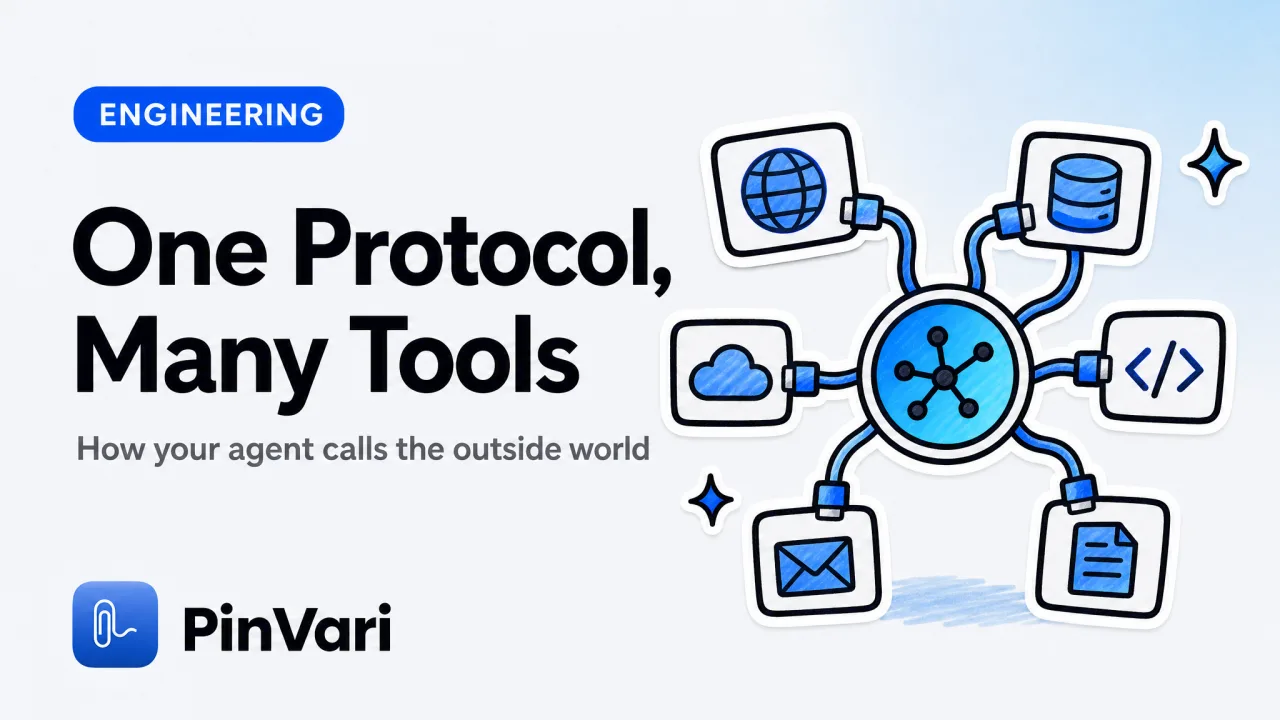
The Model Context Protocol (MCP) is an open standard that lets an AI coding agent talk to external tools and data sources through one uniform interface, so the agent can read files, query a database, or drive an app without bespoke glue code for each one. It works by running small MCP servers that expose a fixed set of named tools over JSON-RPC; the agent, acting as the MCP client, discovers those tools at startup and calls them by name when it needs them.
Most explanations of MCP stop at "it's like USB-C for AI" and leave you no wiser about what actually crosses the wire. The useful mental model is narrower: a server advertises tools, resources, and prompts; a client lists them and invokes them; the LLM decides when.
What problem does the Model Context Protocol actually solve?
Before MCP, every integration was a one-off. If you wanted Claude to read your Postgres schema, you wrote a Claude-specific adapter.
If you wanted the same for a different model, you wrote it again. MCP removes that N-times-M integration problem by standardizing the contract between any agent and any tool.
The standard was introduced by Anthropic in late 2024 and has since been adopted across the ecosystem. The point of the model context protocol from Anthropic was never lock-in; the spec, the schema, and the reference SDKs are open.
You can read the model context protocol documentation and the model context protocol github repos, then build a server in an afternoon.
A server offers three kinds of capability:
- Tools — functions the model can call (with typed arguments), like
run_queryorcreate_issue. - Resources — readable data the client can pull in as context, like a file or a schema.
- Prompts — reusable prompt templates the server exposes to the client.
MCP standardizes the contract, not the intelligence. The server says "here are my tools and their argument schemas"; the model decides which to call and with what values. That split is why one server works for many agents.
How does an MCP server work under the hood?
Communication is JSON-RPC 2.0. The client sends a request like tools/list, the server replies with the available tools and their JSON schemas, and later the client sends tools/call with a tool name and arguments.
Nothing exotic — request, response, notifications.
Transport comes in two common flavors. stdio runs the server as a local child process and pipes JSON over standard in/out; this is what most desktop coding agents use for local tools. Streamable HTTP (with server-sent events) runs the server as a network service for remote or shared deployments.
The lifecycle is the same either way:
- Client launches or connects to the server and sends
initialize. - Server returns its capabilities.
- Client calls
tools/list,resources/list,prompts/list. - During a session, the model chooses a tool; the client sends
tools/call; the server does the work and returns a result.
Because the interface is fixed, the protocol is genuinely model-agnostic. The same server answers a hosted frontier model or a local one.
If you run a model context protocol LLM setup on your own hardware, the wiring does not change; only the client behind it does.
When a server "doesn't show up" in your agent, it is almost always the config file, not the code. Check the JSON entry points to the right executable and the process actually starts. Run the server by hand first and watch it print its capabilities before you blame the agent.
MCP with a local LLM through Ollama
You do not need a cloud key to use the protocol. A model context protocol Ollama setup runs the model on your machine and points a compatible client at your local MCP servers.
The agent still lists tools, still calls them by name, and still gets structured results back. The tradeoff is capability: smaller local models are less reliable at multi-step tool use, so keep the tool surface tight and the argument schemas strict.
This local path matters for privacy-sensitive work. If both the model and the servers run on your Mac, no code, no schema, and no screen content has to leave the machine.
How does the Model Context Protocol run on a Mac?
Here is the concrete example the abstract docs skip. Your coding agent is the client.
You add a local server with one line:
claude mcp add --scope user pinvari -- "$HOME/.pinvari/mcp/pinvari-mcp"
That registers PinVari, a native macOS server on 127.0.0.1 that hands your agent real screen context. When you hold a hotkey and circle a UI element while speaking, PinVari resolves the exact accessibility element you pointed at — its role, label, and frame — with a confidence score.
Then it exposes that as an MCP tool, pinvari_next_instruction, which returns the resolved element path, the spoken instruction, the region you circled, and a screenshot cropped to that region. pinvari_mark_done closes it out.
The lesson generalizes: a good MCP server does not just relay raw data. It resolves meaning on your side and hands the agent something already structured.
A screenshot server ships pixels; a context server ships a named element the agent can act on with certainty. If you want the deeper version of that argument, see how a local MCP server gives an agent screen context and why screenshots are the wrong primitive for telling an agent what you mean.
Everything in that flow is on-device: transcription and OCR use Apple frameworks, there are no API keys, and nothing is uploaded by default. You bring your own agent.
Model Context Protocol vs a plain REST API
People ask why the protocol exists when tools already have REST APIs. They solve different layers.
A REST API is a service contract for humans and code; MCP is a discovery-and-invocation contract for an autonomous model.
| Dimension | REST API | Model Context Protocol |
|---|---|---|
| Who calls it | Your code, explicitly | The model, at its discretion |
| Discovery | Read the docs, hardcode routes | tools/list at runtime |
| Schema | OpenAPI, if you're lucky | Tool schemas are mandatory |
| Per-model glue | One integration per client | Write once, any MCP client |
| Transport | HTTP | stdio or streamable HTTP |
| State | Stateless request/response | Session with initialize + notifications |
REST does not go away. Many MCP servers are thin wrappers that call a REST API underneath.
The protocol adds the runtime discovery and the model-facing schema that let an agent use the tool without you writing model-specific code.
Do not paste API keys into an MCP config you will commit. Local stdio servers inherit your environment; keep secrets in a file that stays off git.
Which MCP servers are worth running for a coding agent?
Start with the ones that remove real friction: a filesystem server, a git or GitHub server, your database, and a screen-context server so the agent can see what you mean. A curated set beats a sprawling one, because every extra tool is another thing the model can pick wrong.
For a working shortlist, see the best MCP servers for Claude Code and the plain-language take on what an MCP server is.
Keep two rules. Give each tool a narrow, well-named job.
And return structured results, not prose the model has to re-parse. Those two habits are the difference between a server the agent uses correctly and one it fumbles.
If a screen-context server is the piece you're missing on a Mac, PinVari is a one-time purchase rather than a subscription; the details are on the pricing page.
FAQ
What is the Model Context Protocol in simple terms?
It is an open standard that lets an AI agent call external tools and read data through one consistent interface. Instead of writing a custom integration for every model, you write one MCP server and any compatible agent can use it.
Who created the Model Context Protocol?
Anthropic introduced it in late 2024 and released it as an open specification with reference SDKs. The model context protocol github organization hosts the spec, schema, and libraries, and other vendors and open-source projects have since adopted it.
Does the Model Context Protocol only work with Claude?
No. The protocol is model-agnostic. It works with any client that implements it, including editors and CLIs built on other models, and it works with a local model context protocol LLM served through Ollama.
What is the difference between an MCP client and an MCP server?
The client is the agent side that discovers and calls tools, usually your coding assistant. The server is the process that exposes tools, resources, and prompts and does the actual work when a tool is called.
Is MCP the same as a plugin system?
It is close in spirit but standardized across models. A plugin usually targets one host; an MCP server targets any client that speaks the protocol, and it advertises its tools at runtime rather than being hardcoded.
How do I add an MCP server on a Mac?
Register it with your agent's config or a command like claude mcp add <name>, point it at the server executable, and restart the agent. Verify the server starts and lists its tools before debugging anything downstream.
Hand your agent the exact element
PinVari resolves what you point at into a named, executable instruction — on-device, no keys, your own agent. One click inside PinVari connects Claude Code, Cursor, VS Code or Codex — or paste one CLI line from pinvari.com/connect.
PinVari → Connect → your agent (one click)Get PinVari — $39 →


