Workflows
Point-and-speak workflows for bug reports, design reviews and agent hand-off.
Download Animated Images Without Breaking Them
Download animated images without breaking them — original preserve vs single-frame converts with PinVari.
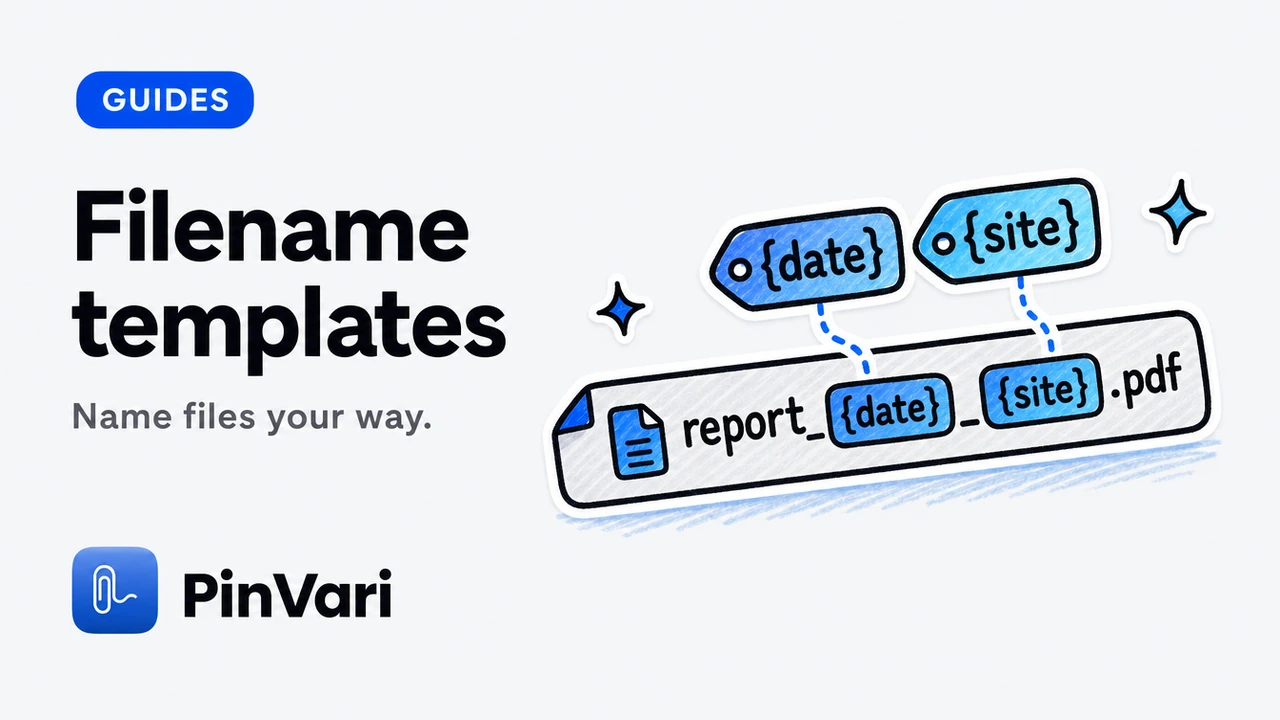
Filename Templates for Bulk Image Downloads
Filename templates for bulk image downloads — tokens, collisions, and readable order with PinVari.
Image Downloader for Designers
Image downloader for designers — moodboards, comps, and clean file names without Downloads chaos.
Image Downloader for Ecommerce Teams
Image downloader for ecommerce teams — product media collection with filters, templates, and organized ZIP export.

Image Downloader for Marketers
Image downloader for marketers — campaign refs without folder chaos, with preview, ZIP, and source records.
Image Quality Settings When Converting Downloads
Image quality settings when converting downloads — quality sliders that do not surprise you later, with PinVari.
Copy / Paste Images as PNG from Extension
Copy and paste images as PNG from a Chrome extension so pixels land cleanly in other apps without a re-export.

Resize Images Before Download in Chrome
Resize images before download in Chrome to shrink huge assets at export time with PinVari local resize.
Split Large Image ZIP Downloads
Split large image ZIP downloads using 200-image / 100MB part limits done right with PinVari.

Batch Download Images in Chrome Without the Mess
Batch download images in Chrome with selection, filters, and ZIP parts that stay manageable—without Save-dialog chaos.
Bulk Product Photo Downloader for Catalog Work
Bulk product photo downloader for catalog work — SKU-oriented filtering and ZIP export from storefront pages.

Back Up Your Chrome Image Library
Back up your Chrome image library — export and restore local collections from Image Downloader by PinVari.
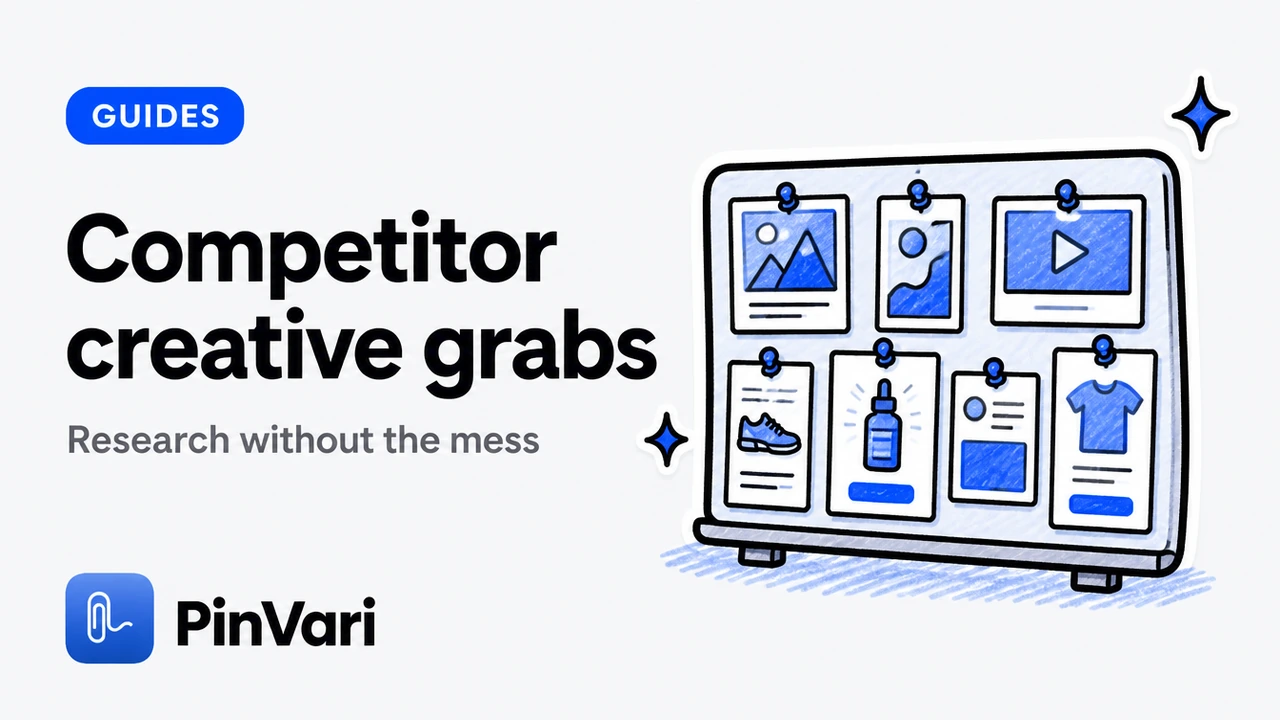
Save Competitor Page Images for Creative Research
Save competitor page images for creative research — legal/ethical framing plus organized ZIPs.
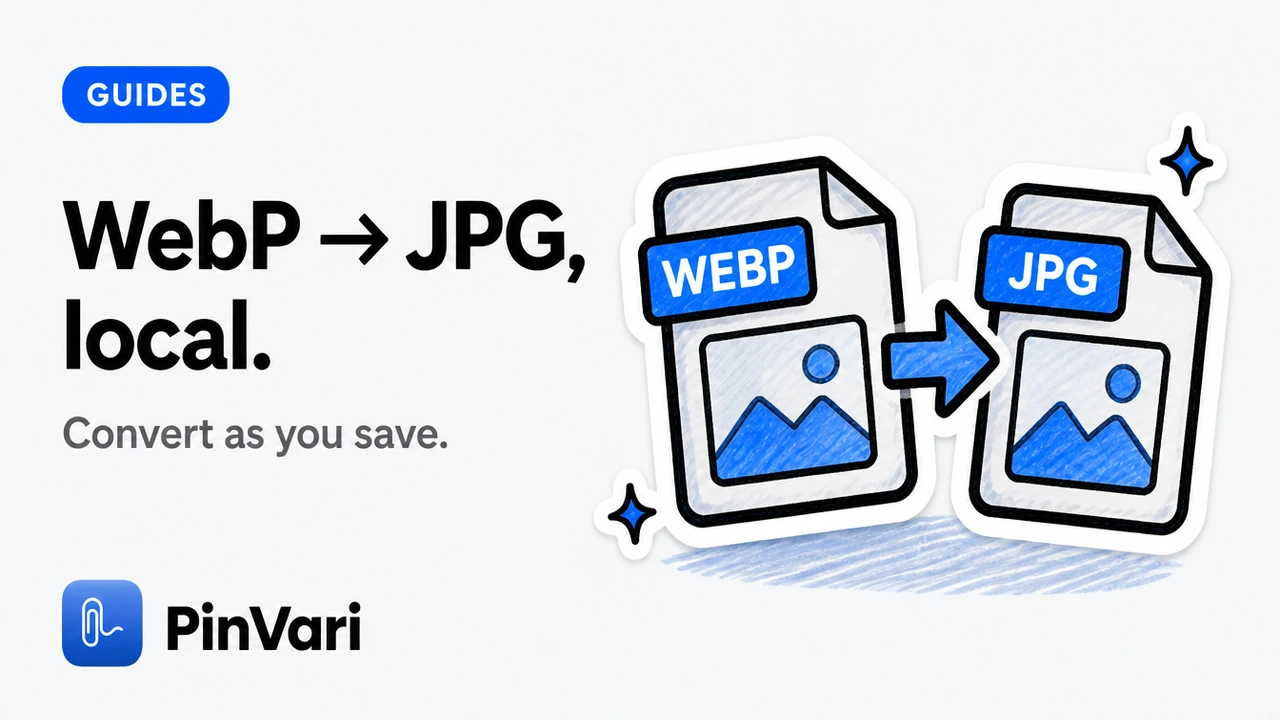
Convert WebP to JPG with a Chrome Extension
Convert WebP to JPG with a Chrome extension while you download — local PinVari convert flow for toolchains that reject WebP.
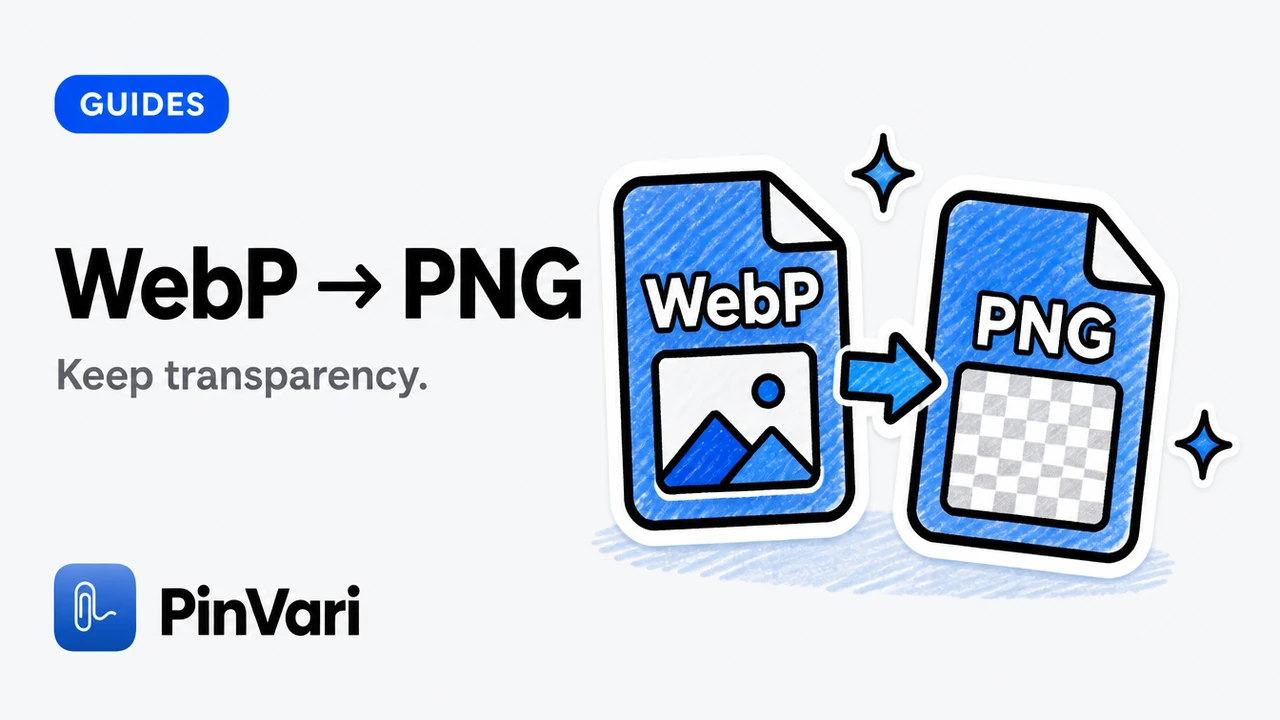
Convert WebP to PNG in Chrome
Convert WebP to PNG in Chrome while downloading — keep transparency where the format allows with PinVari local convert.
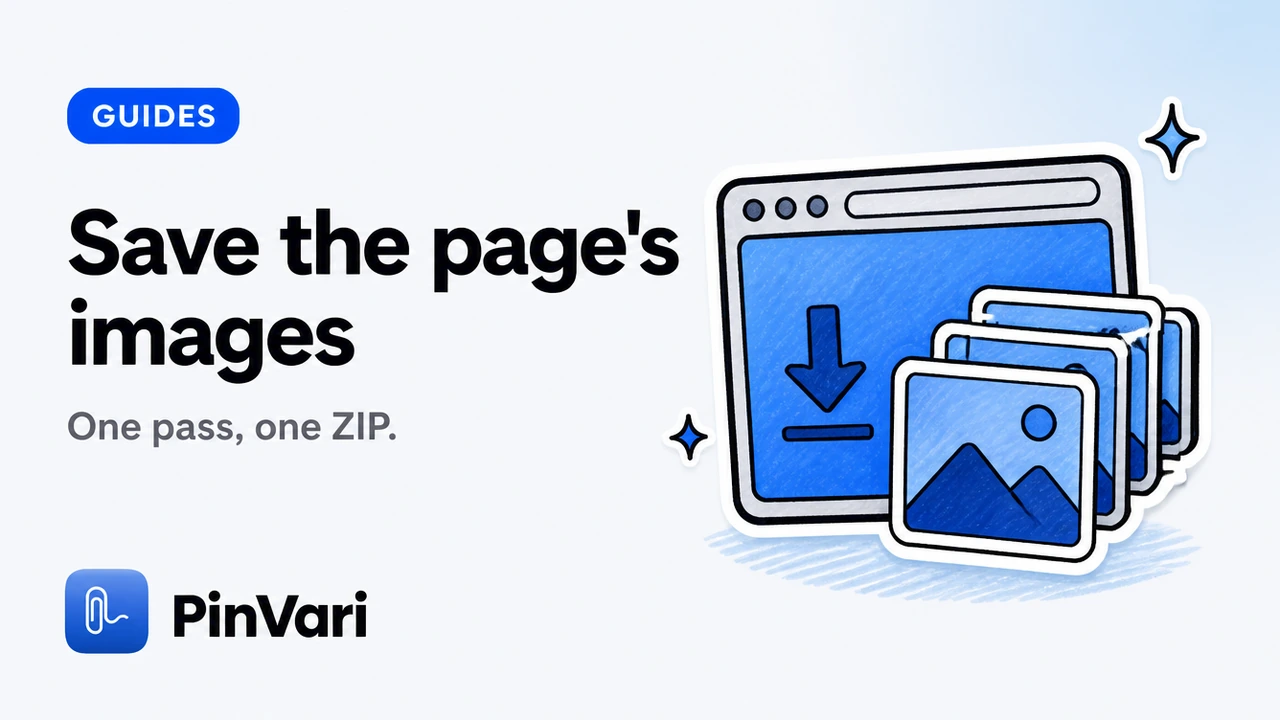
How to Download All Images from a Webpage in Chrome
Step-by-step: download all images from a webpage in Chrome—scan, filter junk, preview heroes, and save an organized ZIP.
Handoff Downloaded Images into Figma
Handoff downloaded images into Figma — formats and naming that import cleanly into design files.
Check Image Dimensions Before You Save
Check image dimensions before you save in Chrome. Use versions-minded preview to compare page-provided sizes with PinVari.
Create a Contact Sheet from Downloaded Images
Create a contact sheet from downloaded images in Chrome: PNG grids with filenames for review or handoff.
Download CSS Background Images from a Page
Download CSS background images from a webpage in Chrome. What extensions can see versus DevTools, with honest PinVari limits.
Download Gallery Images from Modern Websites
Download gallery images from modern websites in Chrome — carousels, lightboxes, and partial loads — with PinVari Scroll & collect.
Download Images as a ZIP in Chrome
Download images as a ZIP in Chrome: one archive, split parts, retries for failed files, and organized names.
Download Images for a Moodboard Workflow
Download images for a moodboard workflow in Chrome — selective saves that stay usable in Figma and boards with PinVari.

How to Download Images from Chrome (Bulk + Selective)
How to download images from Chrome in bulk or selectively: keyboard-simple flow from open tab to organized ZIP.
Download Images from Multiple Chrome Tabs
Download images from multiple Chrome tabs: choose tabs deliberately, keep order, and avoid duplicate junk across pages.
Download Images from Portfolio / Agency Sites
Download images from portfolio and agency sites in Chrome — case-study grids without harvesting logos — using PinVari.
Download Images from a Shopify Storefront Page
Download images from a Shopify storefront page with product media collection and honest access limits using PinVari.

Download Website Images Without Signing Up
Download website images without signing up. A no-account Chrome workflow with Image Downloader by PinVari — local processing, preview, and ZIP.
How to Download Lazy-Loaded Images in Chrome
How to download lazy-loaded images in Chrome with Scroll & collect—for infinite galleries and SPA pages—before you filter and ZIP.
How to Download Product Images from Ecommerce Pages
How to download product images from ecommerce pages: SKU galleries without grabbing every icon and badge.

Download Reference Images for Design Work
Download reference images for design work in Chrome with resolution checks before you paste into a deck — PinVari preview first.
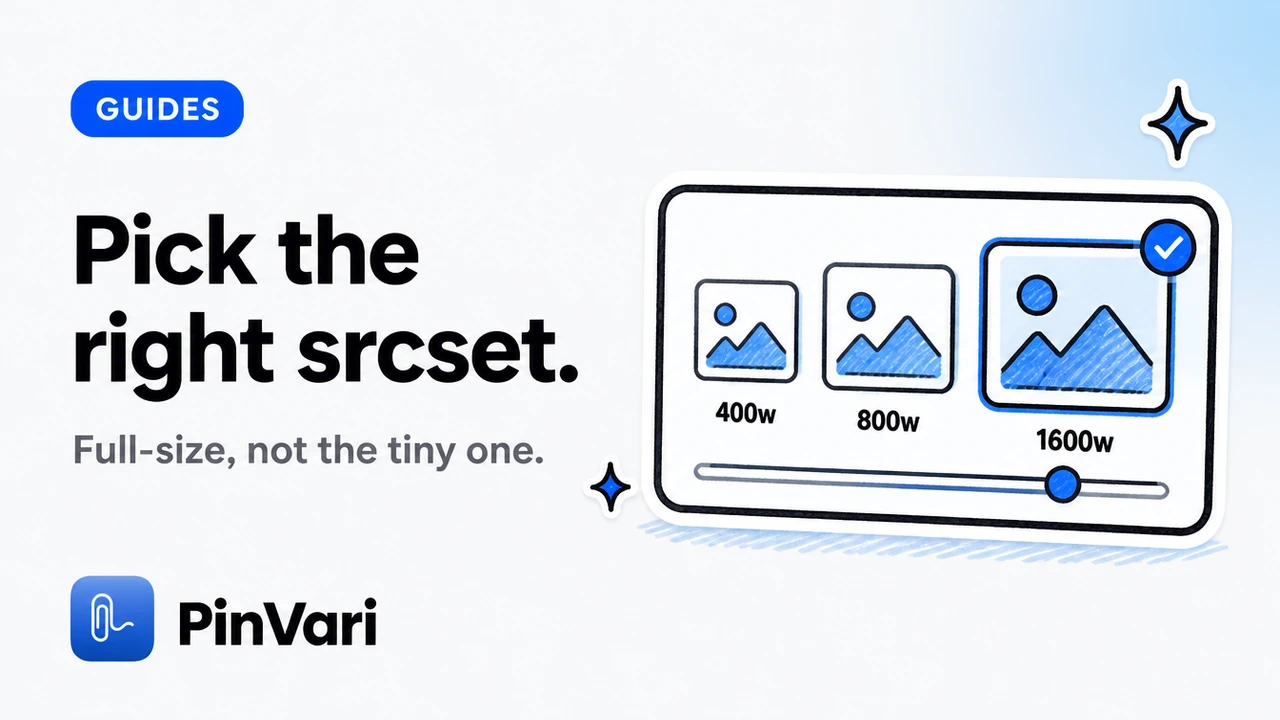
Download srcset / Responsive Images Correctly
Download srcset and responsive images in Chrome by picking larger page-provided versions when exposed. Avoid thumbnail traps with PinVari.
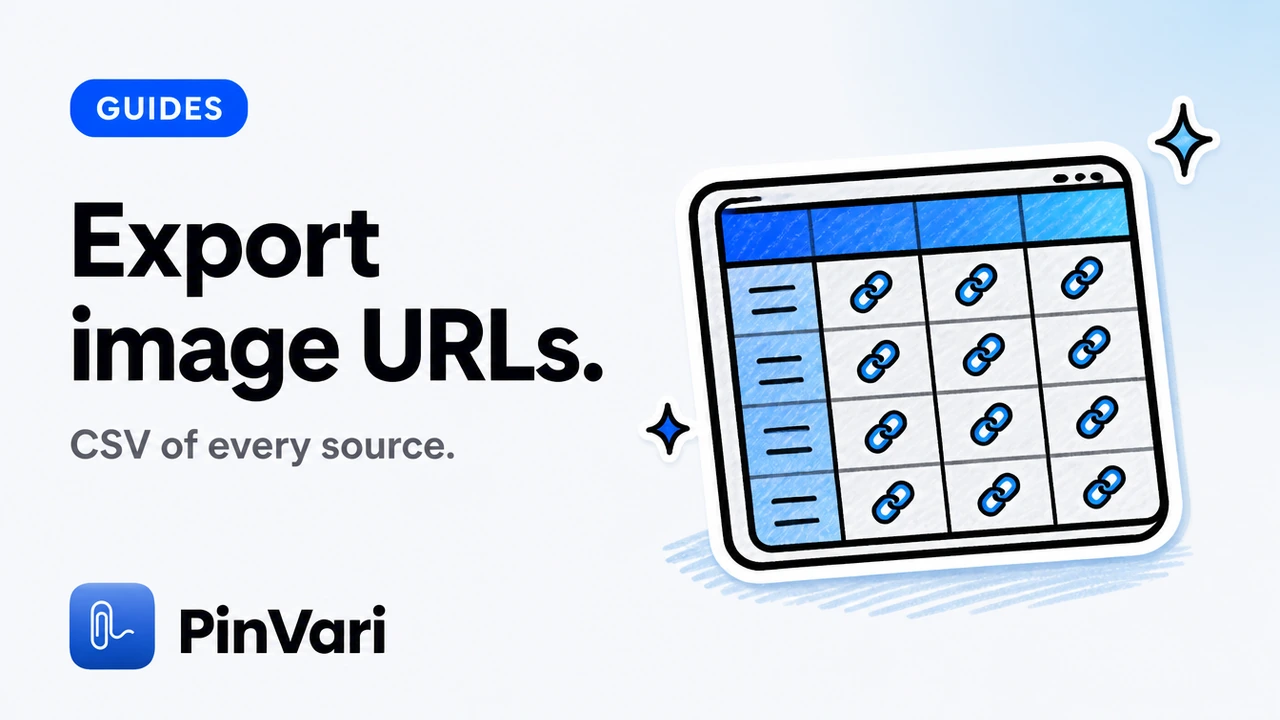
Export Image URLs and CSV Source Records
Export image URLs and CSV source records from Chrome: keep a manifest of where each downloaded file came from.
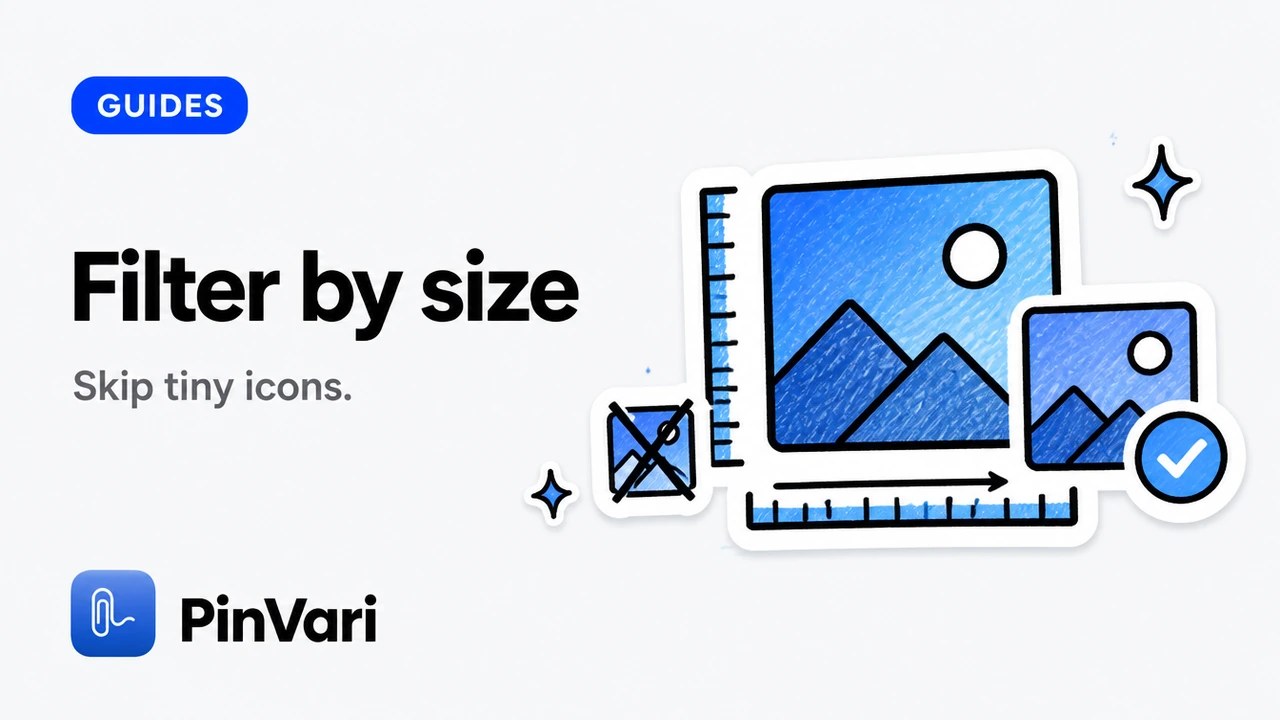
Filter Images by Size Before You Download
Filter images by size in a Chrome extension before download—hide tiny icons, keep hero and gallery assets.
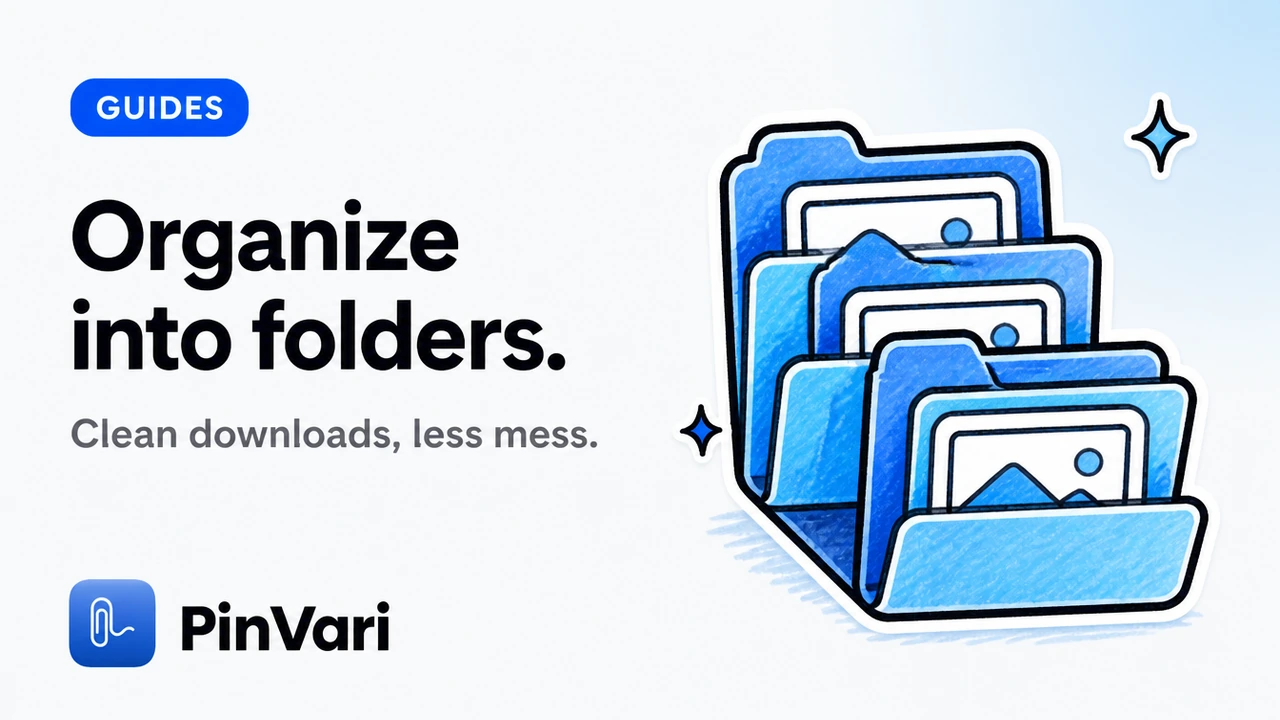
Organize Downloaded Images into Folders
Organize downloaded images into folders by source domain, format, or collection name. Use PinVari templates and ZIP structure.

Preview Images Before Download in Chrome
Preview images before download in Chrome: check dimensions and source, compare page-provided versions, then commit disk space.
Rename Downloaded Images with Templates
Rename downloaded images with templates in Chrome: tokens, zero-padding, folders by source, and collision-safe order.

Retry Failed Image Downloads Cleanly
Retry failed image downloads in Chrome without rebuilding the whole ZIP. Keep completed files and requeue only failures with PinVari.
Right-Click Image Download with a Chrome Extension
Right-click image download with a Chrome extension: collect or download from the context menu without leaving the page.
Save Image Collections Locally in Chrome
Save image collections locally in Chrome: favorites, presets, library backups on your device—not a forced cloud account.
Stop Downloading Favicons and Icon Junk
Stop downloading favicons and icon junk in Chrome. Use size filters and preview to keep real content images with PinVari.
Use a Side Panel Image Downloader While You Browse
Use a side panel image downloader while you browse: keep the page open, collect in the panel, then filter and ZIP.

Image Downloader for Agencies
Image downloader for agencies — client-page grabs with source records, contact sheets, and clean ZIP handoffs.
Image Downloader for Content Creators
Image downloader for content creators — selective saves for scripts, thumbnails, and reference boards.

Image Downloader for Developers
Image downloader for developers — asset audits, srcset checks, and CSV URL exports for QA.

Image Downloader for Researchers
Image downloader for researchers — local collections with URL provenance for citeable visual notes.

Image Downloader for Students
Image downloader for students — citeable saves with dimensions and URLs; permission still required.

Local-First Image Workspace in Chrome
Local-first image workspace in Chrome — why Image Downloader by PinVari keeps processing on-device.
Organize Creative References from the Web
Organize creative references from the web with collections, favorites, and presets in Chrome.
Prepare Web Images for AI Moodboard Tools
Prepare web images for AI moodboard tools — permission-aware collection plus convert and resize.

Save Images from a Website in Chrome — Fast Workflow
A reliable save-from-web workflow in Chrome for designers and marketers: collect, filter, preview, and ZIP without folder chaos.
When an Image Downloader Beats Screenshots
When an image downloader beats screenshots — real assets vs flattened screen grabs for design and QA.

UI Inspiration Image Collector in Chrome
UI inspiration image collector in Chrome — selective capture for design systems and pattern libraries.

Export Images During a Website Migration
Export images during a website migration — URL lists plus files for replatforming without guessing CDN paths.
Bug Report Form: Templates & Best Practices for QA
A bug report form QA can fill from zero: short fields, a named element, steps, expected versus actual. Copy the template.
Bug Report Template Jira Teams Can Actually Use
A bug report template Jira will honor needs environment, named element, steps, and evidence. Copy the fields, then capture them from the Mac UI.
Bug Reporting Tools Free in 2026
Bug reporting tools free enough for QA: GitHub Issues, Jam, Linear's free tier, and when a named Mac capture beats another web form.

Claude Code Tips: 15 Shortcuts to Code Faster with AI
Claude Code tips that cut context waste and fix the right element the first time. Named elements, MCP tools, and workflows developers actually use.
Design Review Process: PM & QA Best Practices 2026
The fastest design review process points at the exact element, names it with accessibility data, and hands a resolved instruction to your dev or AI agent—no prose misreadings.
Design Review Software Engineering: Process & Tools
Design review software engineering turns vague feedback into named, executable instructions. See the real process — from capture to Linear ticket to agent fix — with tools and a copyable checklist.
Design Review Tool for PMs Who Point
A design review tool should name the element, not drop another pin on a screenshot. Compare Marker, Jam, Figma comments, and Mac capture.
Feature Enhancement Request Template: Engineering Specs
A feature enhancement request template that captures exact UI elements, screen context, and actionable developer specs — not prose feedback that gets lost in translation.
Feature Request Form Template (Copy-Paste)
A feature request form template you can paste into Linear or GitHub, with fields that pin the request to a named UI element.
Game Tester Bug Report Example: 7 Templates That Work
Seven proven game tester bug report examples with exact format, element names, and steps that developers and AI agents can reproduce without bouncing.
How to Evaluate a Website Design: PM Review Checklist
Evaluate a website design by pointing at the exact element, speaking your feedback, and filing named instructions to your dev team or AI agent. Here's the 2026 PM workflow.
Include Cursor in Screenshot on Mac
Include cursor in screenshot on macOS with Shift-Command-5, screencapture -C, or CleanShot. A pointer overlay is still not a named UI element.

Jira MCP for Cursor: Connect Issue Tracking to AI
Jira MCP for Cursor: connect issue tracking to Agent with a named UI element, not a vague ticket body.
Lovable for Vibe Coding: When It Works
Lovable for vibe coding is a browser builder that turns prompts into a preview. Here is when it ships, and when you need a named element.
Screenshot to Code Cursor: Turn Designs into Working Apps
Screenshot to code Cursor in 2026: a start-to-finish walkthrough from a design PNG to a named-element review in the real window.
Software Feature Request Template: Idea to Spec
A software feature request template that turns a raw idea into a dev spec, with a real checkout example from first note to Linear.
Speech to Text Mac Shortcut: Set Up Voice Dictation
Set up the speech to text Mac shortcut from zero: enable Dictation, pick a key, and know when to bind words to a UI element.

UI Testing Checklist for Visual Bugs
A UI testing checklist for visual bugs, from named elements to multi-display, so QA files reports developers and agents can act on.

AI Pair Programming: What Actually Works in 2026
AI pair programming means an AI agent writes and reviews code beside you. Here is what actually works in the terminal, and where it still breaks.
Bug Report Template: Free Format for Developers & QA
A free bug report template developers and AI agents can act on. Copy the format, add the element name and steps, and stop getting reports bounced.
Claude Code Workflow: Optimize Your AI Coding Process
Claude Code workflow combines agent instructions, context, and verification steps. Point-and-speak captures on macOS resolve the exact element Claude needs to edit.
Cursor Screenshot: Capture UI Elements & Context Fast
Cursor screenshot workflows miss named elements and context. Learn how to capture UI with accessibility paths, spoken instructions, and MCP integration.

Design QA: Checklist & Process for Visual Testing Teams
Design QA is catching UI regressions before they ship. Here's a checklist and process for visual testing teams that need named, reproducible reports fast.

Feature Request Form: Template & Best Practices
A feature request form that developers can execute on, with template fields, real examples, and how to capture the exact UI element you mean.
How to Annotate a Website for Bug Reports
How to annotate a website so developers and AI agents can act on it: the methods, the fields a report needs, and how to name the exact element fast.

Tools Required for Product Manager: AI & Feedback
Tools required for product manager: The tools required for a product manager fall into six jobs. Here is the stack, plus the feedback tool most PMs are mi
AI Agent Workflow: A UI Feedback Loop That Works
An AI agent workflow for UI work needs a tight feedback loop. Here is how to build one on macOS so your agent fixes the right element.
Bug Report Example: Named Elements Beat Pixel Guesses
A bug report example that shows how to give developers and AI agents the exact named UI element, repro steps, and screenshot.
Claude Code Best Practices: 12 Tips for Better AI Coding
12 Claude Code best practices for agentic coding — from context management to MCP servers. Start shipping faster with your AI coding agent today.

Feature Request Template: 5 Formats That Ship
A feature request template with 5 copy-paste formats for product teams, plus how to anchor each request to the exact UI element it touches.
Format of Bug Report: Fields, Template, Examples
The standard format of bug report writing is title, environment, steps, expected vs actual, and evidence. Get the fields, a template, and examples.

How to Give Claude Code Context That Actually Works
Give Claude Code the exact element, spoken instruction, and screenshot it needs—no token waste, no guessing. Here's how to make context work.

How to Transcribe on Mac: Offline Voice-to-Text
How to transcribe on Mac offline using on-device Apple speech recognition for private voice-to-text, with no cloud upload and no subscription.
Product Feature Request Template That Ships
A product feature request template that pins the request to the exact UI element, captures the why, and lands in Linear, GitHub, or your AI agent.
Product Manager AI Tools: 12 Worth Adopting
Product manager AI tools cover research, roadmapping, and review. Here are 12 worth adopting, sorted by the job each one does.

Vibe Coding with Claude: A Workflow That Ships
Vibe coding with Claude, step by step: the loop from "that looks wrong" to fixed, plus how to point at the exact element instead of describing it.

Website Annotation: Tools for Visual Feedback & QA
Website annotation marks exact UI elements with voice or pointer so QA files executable bug reports developers and AI agents can act on.
Point and Speak to File Bugs to Linear and GitHub
File a bug to Linear from a screenshot and voice on Mac — circle the broken element, speak, and get a named, ready-to-file ticket.

Push-to-Talk Voice for Claude Code on Mac
Push-to-talk voice for Claude Code on Mac lets you hold a hotkey, point at a UI element, and speak — the agent gets the named element, not a vague prompt.