How to Download Product Images from Ecommerce Pages
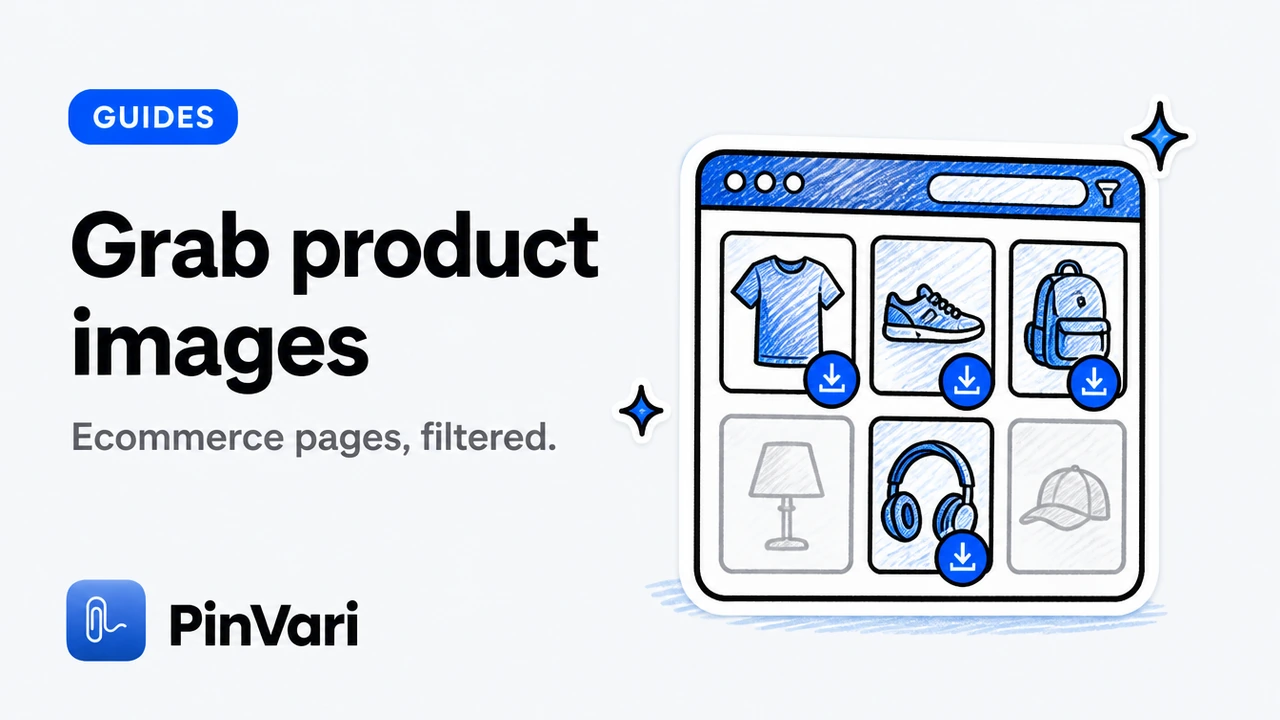
To download product images from ecommerce pages cleanly, collect the gallery after opening carousels, filter out badges and icons, preview true dimensions, then ZIP with SKU-friendly names. Heroes over chrome is the rule.
Ecommerce DOMs are noisy on purpose. Trust badges, payment marks, swatches, and tracking pixels sit beside the photos you actually need.
This how-to keeps catalog and competitive research sets usable with Image Downloader by PinVari.
How do you capture a full SKU gallery?
Open the product page. Advance through image carousels or thumbnails so secondary shots load. Then collect.
Shopify-shaped notes: download images from a Shopify storefront. Broader team use: image downloader for ecommerce teams.
Interact, then collect or you will only keep the first hero.
Which filters remove ecommerce junk?
Hide small images to drop icons and badges. Narrow formats if your DAM wants JPG. Details: filter by size.
Deselect swatches that are still large enough to pass a weak threshold. Visual check beats pure automation.
Save an ecommerce filter preset if you repeat the same cleanup daily.
How should you name and hand off product sets?
Include SKU or product tokens in templates when URLs expose them. Export CSV for provenance. Catalog-scale framing: bulk product photo downloader.
Contact sheets help merchandisers approve sets before full ZIP transfer.
CSV beside ZIP saves arguments when a lawyer asks where a shot came from.
What must you never assume on storefronts?
That zoom tiles equal studio masters. That logged-out views match logged-in media. That every CDN parameter is safe to strip for dedupe.
Scraping competitors’ product media still requires an ethical and legal frame. Capability is not consent.
How do the options compare as stacked cards?
Skip wide tables. Read each option as a card.
First-hero only
Completeness: Low
Junk: Low
Fit: Quick peek
Carousel + filters
Completeness: High
Junk: Controlled
Fit: Default SKU grab
Unfiltered bulk
Completeness: High
Junk: High
Fit: Avoid for briefs
Where does Image Downloader by PinVari fit this job?
Image Downloader by PinVari is a Chrome extension built as a home for the images you find. Collect → preview → organized ZIP. Local processing. No account required for core download. Fifty-one languages.
Entry points include the current page, chosen tabs, right-click, and the side panel. Scroll & collect helps on lazy galleries. Filters cover format, dimensions, orientation, and source. Search, hide small images, save favorites, and reuse presets when you repeat the same cleanup.
Keep originals or convert to JPG, PNG, or WebP. Resize and set quality where supported. Preview filename templates and folder grouping before you commit. Export URLs, CSV records, and contact sheets when handoff needs more than bytes. Keep completed files after partial failures and retry only what failed.
Review Image Downloader by PinVari on the product page for the workspace tour, and keep the Chrome Web Store listing handy while the release is in review.
Related reading: lazy-load guide; CSV export; filename templates.
How do you practice download product images from ecommerce without creating junk archives?
Start every session with a purpose sentence. Write it in the collection name. If you cannot name the purpose, you are browsing, not downloading.
Hide small images before you select. Preview at least two heroes for dimensions and source. Prefer page-provided larger versions only when the versions UI lists them.
Choose original when animation or exact bytes matter. Convert to JPG, PNG, or WebP when the next tool in your stack is picky. Resize only to shrink, never to invent detail.
For download product images from ecommerce, treat the ZIP filename as part of the brief. Future you should understand it without opening chat history.
Close the loop with a spot check: open one middle file, confirm dimensions, confirm the name sorts correctly, confirm failed counts are zero or retried.
A selection can contain up to 2,400 images. ZIP parts split at 200 images or 100 MB. Source files are limited to 20 MB each. Conversion supports inputs up to 32 megapixels. Contact sheets contain up to 12 images per page. Keep the workspace open while a download runs.
What operational mistakes show up specifically around download product images from ecommerce?
People skip Scroll & collect on lazy pages, then blame the extension for “missing” images that never loaded.
People convert everything, then wonder why an animated asset became a single frame. People ignore permission prompts, then call the host blocked forever.
People ship archives without CSV or URL manifests when legal later asks where a file came from. People confuse a capable tool with a license to reuse.
download product images from ecommerce still depends on page access. No Chrome extension should claim it bypasses paywalls or reconstructs hidden originals.
Availability depends on the website and your access. Protected browser pages, inaccessible frames, and some authenticated images may be unavailable. The extension does not bypass access controls or reconstruct hidden originals. Larger versions are not guaranteed, and page-provided versions may use different crops.
Image processing runs on your device. Image contents, page URLs, and filenames are not sent to PinVari for analytics. Previews and downloads connect to original image hosts. Usage diagnostics may be on for new installs and can be turned off.
Keep diagnostics settings aligned with team policy. Turn them off if required. Downloads should keep working either way.
When a run fails partway, keep completed files, retry failures, and export the failed URL list for manual follow-up instead of restarting from zero.
Build a short personal playbook for recurring sites. Note which filters work, whether Scroll & collect is required, and which filename template you reuse. That playbook is how download product images from ecommerce becomes boring—in the best way—across a quarter of campaigns.
If you collaborate, share the playbook as a checklist, not as a tribal screenshot. Include the product page link and the Store listing link so teammates install the same extension when the release is approved.
Finally, schedule a monthly cleanup of old collections and presets you no longer need. Local libraries only help when they stay searchable.
What does a calm weekly rhythm look like for download product images from ecommerce?
Block one short window to collect references, not to endlessly scroll. End the window with a ZIP or a contact sheet, even if the set is small.
Review favorites you marked during the week. Drop anything that no longer supports an active brief. Export a library backup if your browser profile is about to change.
A weekly rhythm beats heroic late-night dump sessions that nobody can reopen later.
Document one lesson per week: a filter threshold, a site that needs scroll-and-collect, or a naming token that reduced collisions. Those notes compound faster than any generic tip list.
If you still need more structure, write a three-line closeout: selected count, completed count, failed count. Boring numbers prevent silent partial handoffs.
What does a calm weekly rhythm look like for download product images from ecommerce?
Block one short window to collect references, not to endlessly scroll. End the window with a ZIP or a contact sheet, even if the set is small.
Review favorites you marked during the week. Drop anything that no longer supports an active brief. Export a library backup if your browser profile is about to change.
A weekly rhythm beats heroic late-night dump sessions that nobody can reopen later.
Document one lesson per week: a filter threshold, a site that needs scroll-and-collect, or a naming token that reduced collisions. Those notes compound faster than any generic tip list.
If you still need more structure, write a three-line closeout: selected count, completed count, failed count. Boring numbers prevent silent partial handoffs.
FAQ
Can I download every product on a storefront at once?
Work page by page or chosen tabs. Whole-site crawling is a different, riskier job.
Why are secondary product shots missing?
They often load only after carousel interaction.
Should I convert product WebPs?
Convert when your pipeline needs JPG/PNG; keep original when exact bytes matter.
Do size filters remove swatches?
Often, if swatches are small. Always spot-check.
Is PinVari an ecommerce-only tool?
No—it is a general creative workspace that works well on product pages.
Hand your agent the exact element
PinVari resolves what you point at into a named, executable instruction — on-device, no keys, your own agent. One click inside PinVari connects Claude Code, Cursor, VS Code or Codex — or paste one CLI line from pinvari.com/connect.
PinVari → Connect → your agent (one click)Get PinVari — $39 →


