PinVari for Vibe coders
Articles for the vibe coder building a real product with Cursor, Lovable, Bolt or v0 without deep coding skills. The pain we write about: cannot explain in code terms what is wrong on screen, so the AI keeps guessing; wants the fastest loop from 'that looks wrong' to fixed.
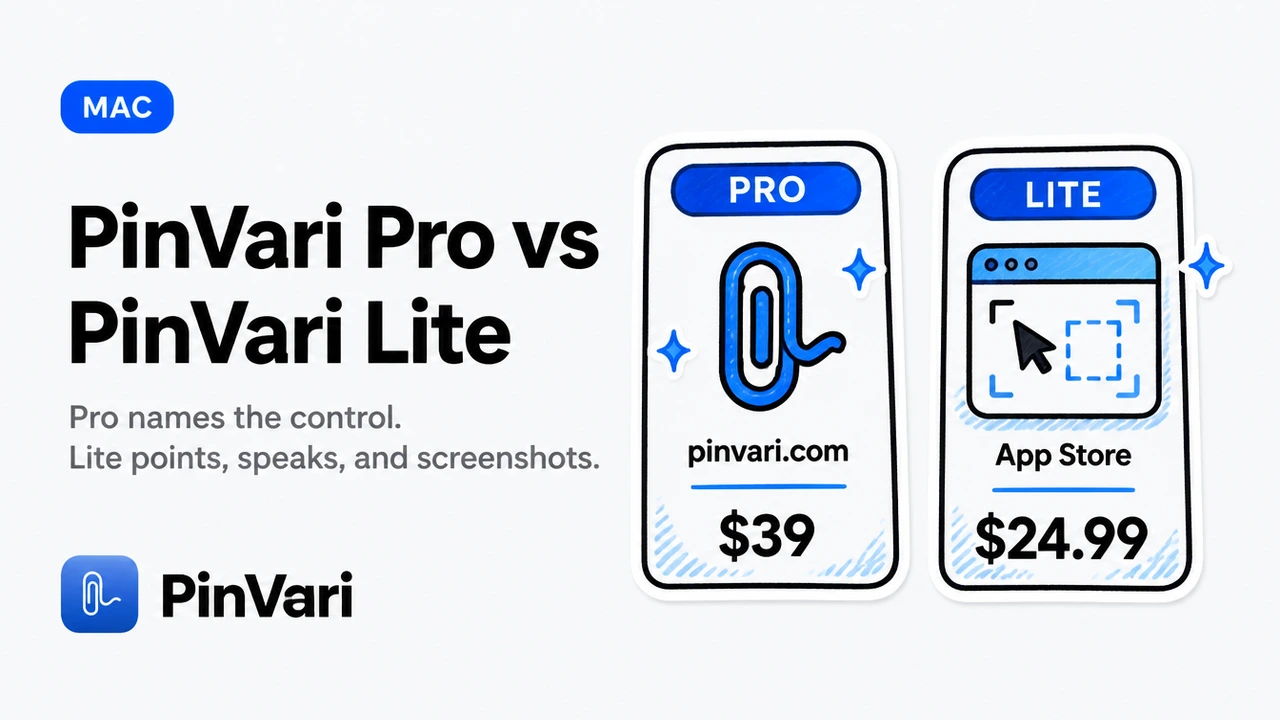
PinVari Pro vs PinVari Lite
PinVari Lite is a capture + paste Mac App Store app. PinVari Pro is the desktop tool that names the control for Claude Code and Cursor. Different products, not two prices for one.
PinVari Pro
PinVari Pro names the control for Claude Code and Cursor. Desktop $39 for the first 500, then $99. Named AX, workflow recording, local MCP.

How to Use PinVari — A Full Visual Tour
A hands-on tour of PinVari for Mac - point and speak to capture the exact UI element, dictate anywhere by holding one key, and hand it all to Claude Code or Cursor. Every hotkey explained, with screenshots of the real app.

AI Coding Assistant Pricing Changes: What Still Holds
AI coding assistant pricing changes keep moving. Here is what stays true: tokens, wrong-element retries, and one-time capture versus a new seat.

Best AI for Coding Help in 2026
Best AI for coding help if you are new: ChatGPT and Claude for questions, Copilot or Cursor to edit, and pointing at the UI when you lack words.

Best MCP for Cursor: Local Tools That Name UI
The best MCP for Cursor is the local server that returns a named UI element, not another screenshot. Here is how I pick.

Build MCP Server: Step-by-Step Implementation Guide
Build an MCP server in under an hour with this practical guide. Real Node.js code, testing steps, and how to connect it to Claude Code or Cursor on macOS.
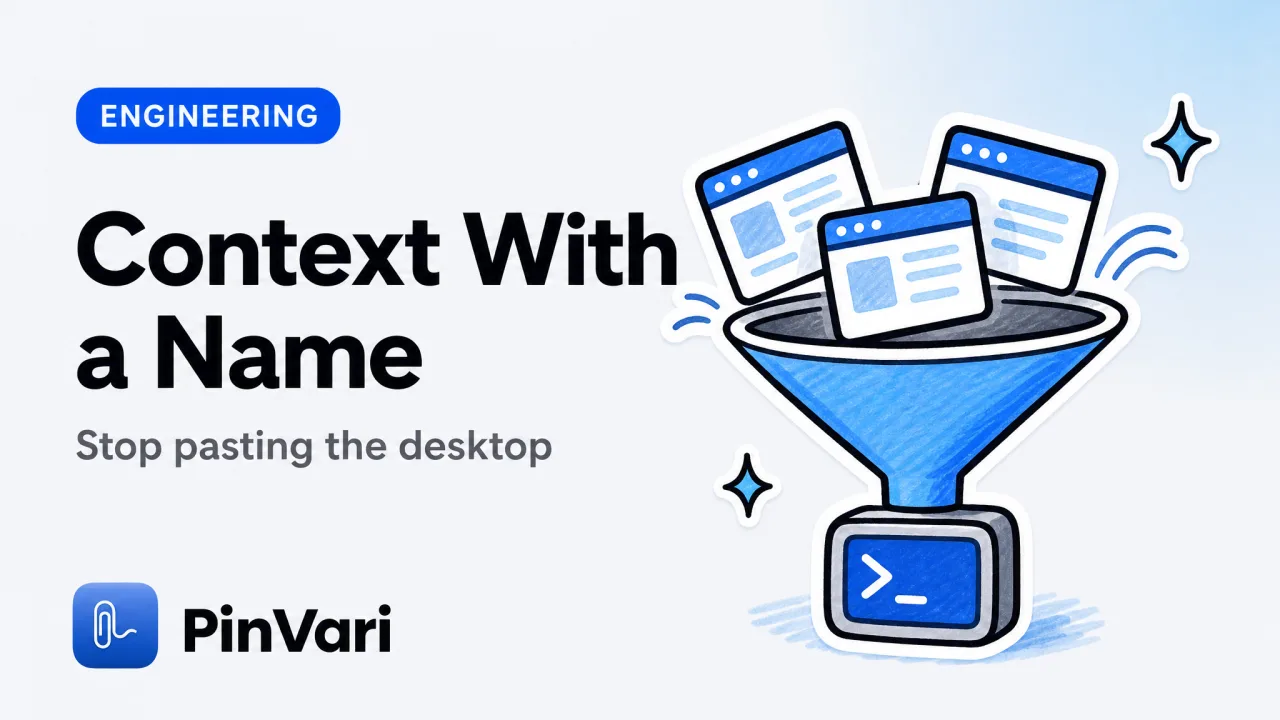
Claude Code Context: What the Agent Actually Sees
Claude Code context is the files, tools, and images in the window. Here is what fills it, what wastes it, and how named UI beats screenshots.
Claude Code for Beginners: Your First Week
Claude Code for beginners is a terminal agent that edits your repo. Install it, give it one small job, and point at UI that is wrong.
Claude Code Memory: Use Context & Project Knowledge
Claude Code memory lives in project instructions and MCP context. Learn how to build persistent knowledge, share UI state via screenshots, and ship faster in 2026.
Claude Code Tips: 15 Shortcuts to Code Faster with AI
Claude Code tips that cut context waste and fix the right element the first time. Named elements, MCP tools, and workflows developers actually use.
Claude Code vs Codex October 2025: Which Agent Wins?
Claude Code vs Codex October 2025 comparison: usage limits, MCP support, speed, and cost. Real workflow benchmarks for developers shipping AI-assisted code.
Claude Code vs Cursor vs Codex
Claude Code vs Cursor vs Codex compared for daily agent work: terminal vs editor, MCP, diffs, and the screen-context gap all three share.

Coding with AI: The Fastest Workflow in 2026
Learn coding with AI assistants in 2026. Start with Claude Code or Cursor, point at broken UI instead of describing it, and ship faster with on-device tools.

Copilot Alternatives: 8 AI Assistants Beyond GitHub
Copilot alternatives a team can run at scale: eight AI coding assistants, what each owns, and how to feed them a named UI element.
Cursor AI Tips and Tricks I Use Every Week
Cursor AI tips and tricks that actually save a turn: Agent scope, rules, MCP, and how to point at UI instead of pasting paragraphs.

Cursor AI Tutorial: Beginner Guide for Teams
Cursor AI tutorial for a team: install, first Agent task, rules, MCP, and how to send a named UI element so the agent stops guessing.
Cursor Context Window Size, Explained
Cursor context window size is the model's token limit, not a Cursor number. What Max mode, @Codebase, and screenshots actually consume.
Cursor MCP Integration: Wire Local Tools in Minutes
Cursor MCP integration connects Cursor's Agent to local tools via mcp.json. Here is the one-click path, the JSON path, and a named-element example.

Cursor MCP Not Working: 8 Fixes for Connection Errors
Cursor MCP not working? Fix connection errors, server crashes, and missing tools in 8 steps. See real fixes for mcp.json, agent mode, and context issues.
Cursor MCP Tools: 15 Best Servers to Supercharge Your AI
Cursor MCP tools give your AI agent real powers — filesystem access, browser control, screenshot capture. Here are the 15 servers that actually work in 2026.
Cursor vs Claude Code vs GitHub Copilot: 2024 Comparison
Cursor vs Claude Code vs GitHub Copilot compared on speed, cost, and real fixing power. See which AI coding assistant wins for vibe coders shipping products.

Cursor vs Windsurf Free Tier: Which to Choose
Cursor vs Windsurf free tier is Hobby versus a light agent quota with unlimited Tab. Here is how to choose without stale request counts.

Cursor vs Windsurf July 2025: Which AI Editor Wins?
Cursor vs Windsurf July 2025 comparison: pricing, agentic modes, context limits, MCP support. Real screenshots, token costs, which one to pick today.

Cursor vs Windsurf vs GitHub Copilot
Cursor vs Windsurf vs GitHub Copilot compared for vibe coders: agents, pricing, MCP, and the describing problem none of them solve.

Cursor vs Windsurf vs Roo Code: Who Edits What You Meant
Cursor vs Windsurf vs Roo Code compared for vibe coders: hosted agents, bring-your-own-key, and the screen-context gap all three share.
Cursor vs Windsurf vs Warp: Pick One
Cursor vs Windsurf vs Warp compared by job: editor agent, editor agent, and AI terminal. Pick one home, then add named screen context.

Excalidraw MCP for Cursor: Visual Diagrams in AI Code
Excalidraw MCP for Cursor turns a whiteboard into named tools the Agent can read and update. Here is the team setup.

Figma MCP for Cursor: Design to Code
Figma MCP for Cursor connects design files to the editor agent. Pair it with a named on-screen element so implementation matches the running UI.
How to Code on Mac: Setup Guide for AI-Assisted Dev
Learn how to code on Mac with AI coding agents in 2026. Complete setup guide with Claude Code, Cursor, and point-and-speak tools for beginners.

How to Learn AI Coding in 2026
How to learn AI coding without memorizing syntax first: pick one agent, one small app, and a way to point at what is wrong.
How to Use Claude Code in Terminal: Complete Setup Guide
Learn how to use Claude Code in terminal with step-by-step setup, MCP integration, and real workflows that ship faster than GUI agents.

Include Cursor in Screenshot on Mac
Include cursor in screenshot on macOS with Shift-Command-5, screencapture -C, or CleanShot. A pointer overlay is still not a named UI element.
Install MCP Server Mac: Complete Setup Guide
Install MCP server Mac by picking a client, a scope, and a running local process. Here is the setup and the mistakes that leave a red tool list.

Jira MCP for Cursor: Connect Issue Tracking to AI
Jira MCP for Cursor: connect issue tracking to Agent with a named UI element, not a vague ticket body.
Lovable for Vibe Coding: When It Works
Lovable for vibe coding is a browser builder that turns prompts into a preview. Here is when it ships, and when you need a named element.

Lovable vs Bolt vs Replit vs Cursor
Lovable vs Bolt vs Replit vs Cursor comes down to where you edit: browser builder, cloud IDE, or local repo. Here is the honest split.
Lovable vs Bolt vs Replit: Which Wins in 2026?
Lovable vs Bolt vs Replit compared on speed, design control, and where each breaks. Real costs, real limits, and what vibe coders actually need to ship.

Screenshot to Code Cursor: Turn Designs into Working Apps
Screenshot to code Cursor in 2026: a start-to-finish walkthrough from a design PNG to a named-element review in the real window.

Vibe Coding Best Practices That Ship
Vibe coding best practices for Cursor, Lovable, Bolt, and v0: tight prompts, one surface, named UI, and how to stop the agent rewriting the app.

Vibe Coding Free: What You Can Ship Without a Card
Vibe coding free options in 2026: free tiers of Cursor, open tools, and the one paid gap free stacks still do not close.
Vibe Coding Lovable: Fix UI Without Code Speak
Vibe coding Lovable is prompting a hosted builder until the UI matches. Point at the broken control and speak; skip fake CSS vocabulary.
Vibe Coding Mobile Apps: Best Tools for App Building
Vibe coding mobile apps lets you build by describing what you want, not writing code. Compare Lovable, Bolt, v0 and the fastest workflows for 2026.

Claude Code Alternatives Free: 7 Tools for 2026 Teams
Claude Code alternatives free: compare Cursor, Codex, Windsurf, Zed, and open-source options. Real prices, token limits, and MCP support for teams at scale.
Claude Code Hooks: Automate Your Agent Workflow
Claude Code hooks run your own commands on agent events like tool calls and stops. Here is how to configure them, with real examples that work.
Claude Code Workflow: Optimize Your AI Coding Process
Claude Code workflow combines agent instructions, context, and verification steps. Point-and-speak captures on macOS resolve the exact element Claude needs to edit.
Cursor MCP JSON: Configure mcp.json the Right Way
Cursor MCP JSON explained: where mcp.json lives, the exact fields, stdio vs SSE, and why 0 tools shows up, with a working local server example.

Cursor Screenshot: Capture UI Elements & Context Fast
Cursor screenshot workflows miss named elements and context. Learn how to capture UI with accessibility paths, spoken instructions, and MCP integration.

Lovable vs Bolt: Which Vibe Coding Tool Wins?
Lovable vs Bolt compared for vibe coders: which builds real apps faster, who each one is for, and how to fix bugs you can see but can't name.
Vibe Coding Tutorial: Build Apps with Cursor & Claude
A vibe coding tutorial for building real apps with Cursor and Claude, focused on the one step most guides skip, telling the AI what is wrong.

Accessibility Inspector Mac: Debug UI Elements Fast
Accessibility Inspector Mac is the free Xcode tool that shows the role, label, value, and frame of any UI element under your cursor.
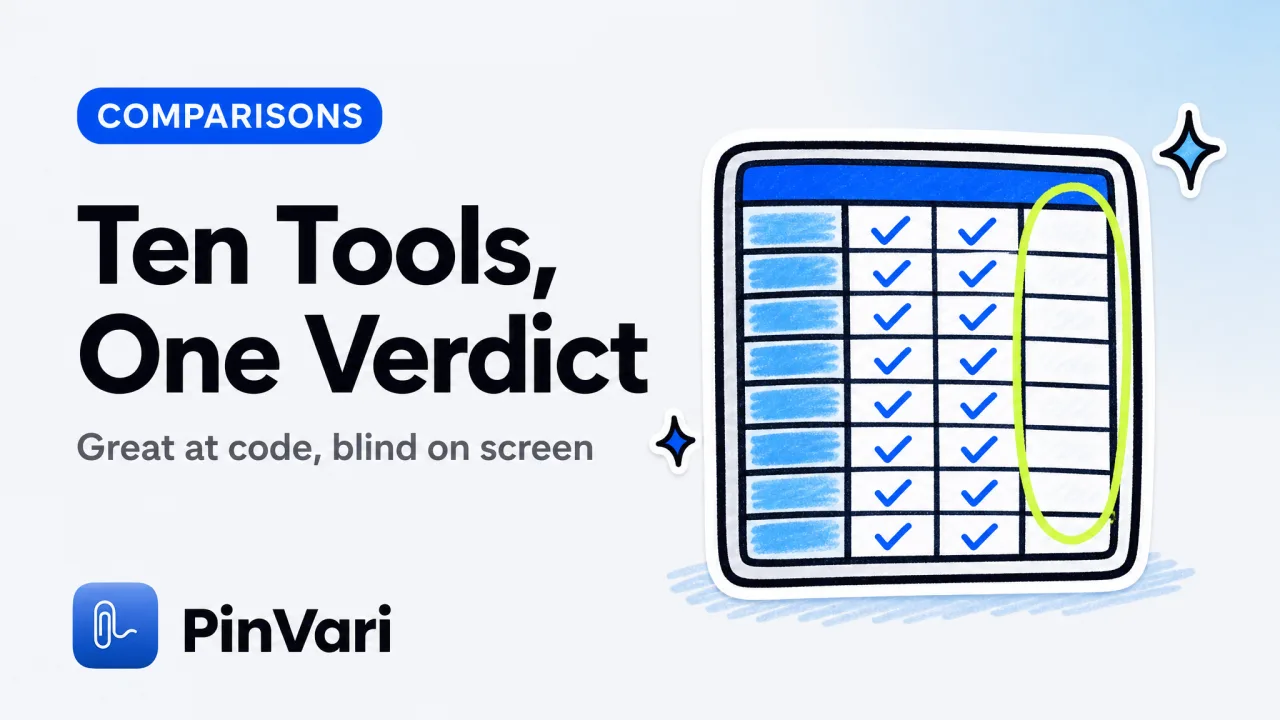
Best AI for Coding: 10 Tools Compared for Devs
Best AI for coding compared across 10 tools: Claude Code, Cursor, Codex, Copilot and more, with pricing and the one gap none of them close.
Best Coding Software for Beginners in 2026
The best coding software for beginners pairs an AI coding assistant with a way to point at bugs you cannot yet name.

Claude Code Alternatives: 6 AI Coding Tools Compared
The best Claude Code alternatives compared: Cursor, Codex CLI, Copilot, Windsurf, Aider, and Zed, plus the gap none of them fix.

Claude Code MCP: How to Add and Use MCP Servers
Claude Code MCP lets your agent call external tools through one interface. Here is how to add MCP servers, with a concrete Mac example that works.
Claude Code Skills: How to Build and Use Them
Claude Code skills are on-demand folders with a SKILL.md that teach Claude Code new workflows. Learn how to create, structure, and reliably trigger them.
Claude Code Tutorial: Build Your First AI Project
This claude code tutorial walks a beginner from install to a first working feature, with a copy-paste checklist and the mistakes to skip early on.

Claude Code vs Codex: Comparison for AI Coding
Claude Code vs Codex compared for real work: agent behavior, context handling, billing, and where each one wins for developers choosing a CLI agent.
Claude Code vs Cursor: Which AI Coding Tool Is Better?
Claude Code vs Cursor comes down to a terminal agent versus an AI editor. Here is how they differ on context, MCP, multi-file edits, and which to pick.

Cursor Agent Mode: Enable Autonomous AI Coding
How to open Cursor Agent mode, use it well, and feed it the exact UI element you mean so it stops editing the wrong component.

Cursor Alternatives Free: 8 Top Editors Compared
Cursor alternatives free in 2026—VS Code, Zed, Codex, Windsurf, and more. Compare free tiers, features, and limits so you pick the right AI editor today.
Cursor Alternatives: 7 AI Code Editors Compared
Cursor alternatives worth trying in 2026, from Claude Code to Windsurf, Zed, and Copilot. A plain comparison for picking the right AI code editor.

Cursor Context Used Meaning: How AI Reads Your Codebase
Cursor context used shows how many tokens of your code the AI read to answer. Learn what it means, how the limit works, and how to give better context fast.

Cursor Context Used: Meaning, Limits, and Fixes
Cursor context used shows how much of the model's context window your prompt, files, and rules consume. Here is what it means and how to keep it low.
Cursor MCP: Add a Local Server to Cursor IDE
Cursor MCP lets Cursor's Agent call external tools. Here is how to add a local MCP server on a Mac, plus a concrete point-and-speak example.
Cursor Rules: Configure AI Behavior With .cursorrules
Cursor rules tell the AI how to behave. Learn .cursorrules vs project rules, the four rule types, and how to keep the agent following your conventions.

Cursor vs Windsurf: Which AI Code Editor Wins?
Cursor vs Windsurf compared for vibe coders: agent modes, free tiers, and the one bottleneck neither editor fixes on its own.
How to Use Claude Code: A Practical 2026 Guide
How to use Claude Code from install to first fix: setup, the core loop, MCP, skills, and the fastest way to point it at a broken UI element.
How to Vibe Code: Build Apps with Cursor, Lovable, v0
How to vibe code: a step-by-step guide to building real apps with Cursor, Claude, Lovable, and v0 — and the fastest loop from "that looks wrong" to fixed.

MCP Server Examples: 12 Real Model Context Protocol Uses
See 12 working MCP server examples — Python, OAuth, sampling code — plus how to connect a local MCP server to Claude Code or Cursor on macOS.

MCP Server List: Servers Worth Running for Coding
An honest MCP server list for coding agents, grouped by job, with a shortlist table and a local Mac example. What to run and what to skip.

Vibe Coding App: Cursor, Lovable, Bolt & v0 Guide
A vibe coding app like Cursor, Lovable, Bolt, or v0 builds software from plain-language prompts. Here is how they compare and where each breaks.

Vibe Coding Platforms Compared: Cursor, Lovable, Bolt
Vibe coding platforms compared: Cursor, Lovable, Bolt, and v0. Which fits your project, what each costs, and how to close the see-it-to-fixed loop.
Vibe Coding Tools: The Real Guide for Non-Coders Building with AI
Vibe coding tools help you build with Cursor, Lovable, Bolt, or v0 without deep coding skills. Compare free and paid options, and close the "it looks wrong" loop faster.

Vibe Coding with Claude: A Workflow That Ships
Vibe coding with Claude, step by step: the loop from "that looks wrong" to fixed, plus how to point at the exact element instead of describing it.

Vibe Coding: Build Software by Describing What You Want
Vibe coding means describing what you want and letting an AI agent write the code. How it works, the tools, and how to close the loop.
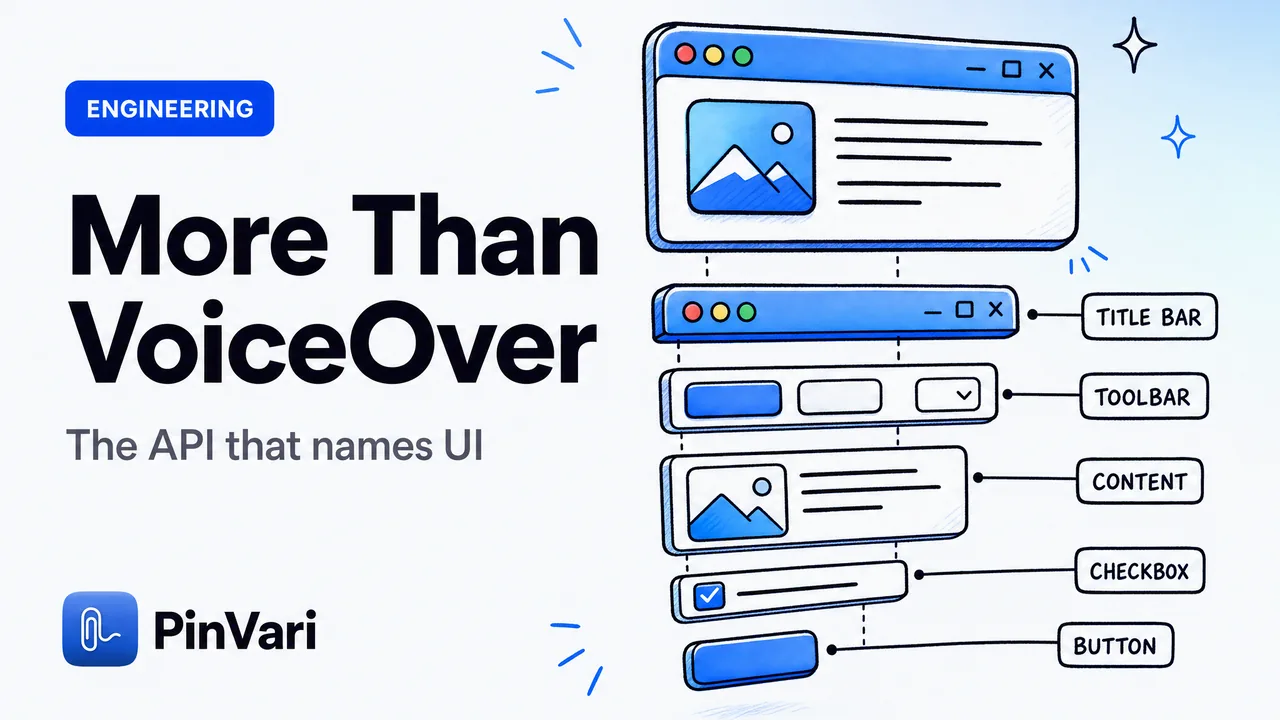
What Is the macOS Accessibility API Used For?
What the macOS Accessibility API is used for beyond screen readers — reading any app's UI as named AXUIElement roles, labels, and frames.

Push-to-Talk Voice for Claude Code on Mac
Push-to-talk voice for Claude Code on Mac lets you hold a hotkey, point at a UI element, and speak — the agent gets the named element, not a vague prompt.