Best AI for Coding: 10 Tools Compared for Devs
The best AI for coding in 2026 is not a single tool; it is Claude Code or Codex CLI if you live in the terminal, Cursor if you want an AI-native editor, and Copilot if you want the lightest touch inside your existing IDE. Every one of them writes strong code, and every one of them shares the same weakness: they cannot tell which element on your screen you are pointing at without a guess.
Most "best AI for coding" lists rank models on benchmark scores. That tells you almost nothing about the part of your day that actually drags.
I switch between these tools depending on the task.
The ranking that matters to me is not which model scores highest on a leaderboard. It is which one costs me the fewest wrong-element edits when I am staring at a broken UI.
What is the best AI for coding in 2026?
The right answer depends on where you want the AI to live. Terminal agents give you the most control, editor agents give you the most in-context help, and browser builders give you the most speed from zero.
Claude Code and Codex CLI run in your terminal and operate on your whole project. They read files, run commands, and hand you git diffs, which makes them the choice when you want an agent that can do real work end to end.
This deep dive on Codex CLI covers how the terminal agent model works in practice.
Cursor is the AI-native editor. It forks VS Code and wraps the whole thing in an agent that sees your open files and project context.
Copilot is the lighter option that lives inside your existing editor and focuses on inline completion and chat.
The browser builders, Lovable and v0 among them, are technically AI for coding too, but they aim at people building from scratch rather than maintaining a codebase. For the wider category of assistants, this guide to the AI coding assistant landscape is a useful map.
How do the top AI coding tools compare?
Benchmarks age fast and models leapfrog each other monthly, so compare on shape instead. Where does the tool run, what does it see, and how does it charge?
Claude Code
- Where it runs: Terminal
- Strength: Whole-project agentic work
- Pricing shape: Usage-based
- Screen awareness: None by default
Codex CLI
- Where it runs: Terminal
- Strength: Scripting, automation, git
- Pricing shape: Usage-based
- Screen awareness: None by default
Cursor
- Where it runs: AI-native editor
- Strength: In-context edits, chat
- Pricing shape: Monthly Pro plan
- Screen awareness: Sees open files only
Copilot
- Where it runs: Your existing IDE
- Strength: Inline completion
- Pricing shape: Monthly plan
- Screen awareness: Sees open files only
Browser builders
- Where it runs: Browser
- Strength: Zero to running app
- Pricing shape: Free to monthly
- Screen awareness: Sees its own preview
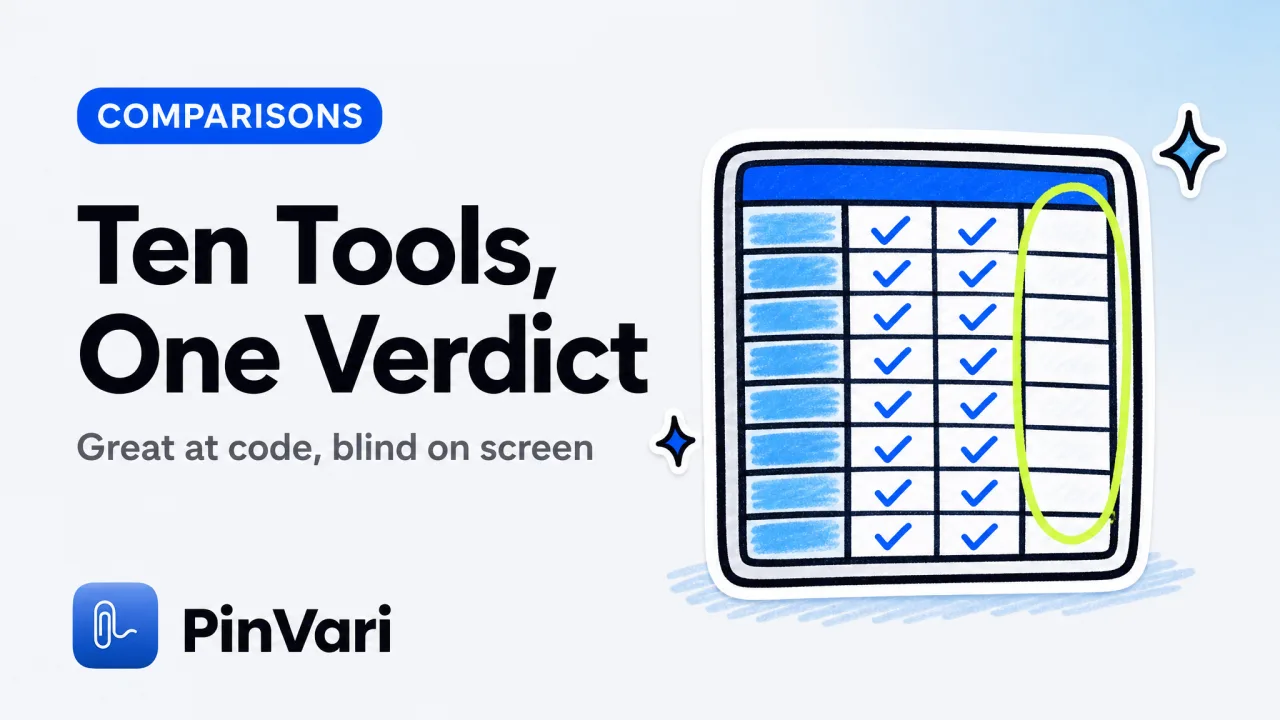
The takeaway is not a winner. It is that none of these tools can see the element you circle on screen unless you feed it to them somehow.
That column is empty across the board. It is where most of the friction lives.
Pick your AI for coding by workflow, not by benchmark. Terminal agents for control, editors for in-context help, browser builders for speed. All of them still need help pointing at a specific control.
What do all these tools still get wrong?
They all struggle with the same task: turning "that element is broken" into "this exact coded component is broken." You see the bug instantly.
The model has to reconstruct which of your components matches the shape you circled, and it does that from a screenshot and your words.
The concrete failure is familiar. You screenshot a misaligned button, paste it into your agent, and type "fix the spacing on this."
The screenshot is pixels. The agent infers which <button> you mean from position and nearby text, and when two buttons look alike, it edits the wrong one.
Claude Code fixing the wrong element documents exactly this, and it is not specific to Claude. It is the shared blind spot of the best AI for coding tools, because they all take pixels and words as input and have to guess at identity.
There is a cost problem stacked on top. Screenshots are expensive in tokens, and pasting them repeatedly to correct a wrong guess burns your budget fast.
Why screenshots waste Claude Code tokens breaks down how much a single high-resolution image costs and why re-pasting to fix a misidentified element compounds it.
A screenshot tells the model what the screen looks like, not which element you mean, and it charges you tokens for the privilege. Pixel data is both the least reliable pointer and one of the most expensive inputs.
How do you make any AI coding tool edit the right element?
Hand the model the actual element you are looking at, resolved by name, before it ever has to guess. macOS exposes this for every native app and Electron window through the Accessibility API.
The call AXUIElementCopyElementAtPosition returns the control's role, title, value, frame, and parent chain.
That turns "this button" into AXButton "Continue" inside AXGroup "login-card" with a confidence score attached. How AI agents know which UI element you mean walks the whole resolution chain, including the retry logic for Electron windows that build their accessibility tree lazily.
This is what PinVari does, and it sits in front of whichever tool from the list you already use. You hold ⌥⌘A, circle or point at the broken control, and speak the fix.
It screenshots the region, transcribes on-device, resolves the named accessibility element under your pointer, and hands your own agent a resolved instruction over a local MCP server on 127.0.0.1. When a control has no accessibility label, it falls back to on-device Vision OCR.
Two things change at once. The agent gets a named element instead of a pixel guess, so it edits the right component.
And because the region is cropped and the element is already resolved, you are not pasting a full high-resolution screenshot every round. That keeps token cost down.
Everything runs on your machine. There are no API keys and nothing is uploaded by default, so you keep using the best AI for coding tool you already pay for and just make it more accurate.
Even without a dedicated tool, name the element in your prompt. "The button labeled Save in the settings panel" beats "this button" with any of these agents, because it removes the guess the model would otherwise make.
Is there a single best AI for coding, or a best combination?
The realistic answer is a combination. Pick one strong agent for the heavy work, keep a lighter one for inline completion, and add the screen-context layer that stops all of them from editing the wrong element.
The models will keep trading the top benchmark spot back and forth, and chasing that is a treadmill. The durable win is fixing the input, so whichever tool you run receives a named element and a scoped instruction.
If that is the upgrade you want across your whole toolchain, PinVari is a one-time purchase that works with Cursor, Claude Code, Codex, and Zed through the same local handoff.
FAQ
What is the best AI for coding right now?
There is no single winner. Claude Code and Codex CLI lead for terminal-based agentic work, Cursor is the strongest AI-native editor, and Copilot is the lightest in-IDE option. The best choice depends on where you want the AI to run and how much control you want over its changes.
What is the best free AI for coding?
Copilot and Cursor both offer limited free tiers, and several browser builders have free plans that are enough for small projects. Claude Code and Codex CLI bill by usage rather than a flat free tier. For pure completion inside your editor, the free tiers are a reasonable place to start before paying.
Which AI coding tool is best for large codebases?
Terminal and editor agents that read your whole project, like Claude Code, Codex CLI, and Cursor, handle large codebases better than browser builders. They keep changes scoped and give you git diffs to review. The limiting factor is usually context window and how precisely you can point the agent at the right file and element.
Why does my AI coding tool edit the wrong element?
Because it infers which coded element matches the shape you circled from a screenshot and your words, and that inference fails when several controls look alike. Naming the element explicitly, or resolving the accessibility element under your pointer, removes the ambiguity for any of these tools.
Do AI coding tools cost tokens for screenshots?
Yes. High-resolution screenshots are expensive to send to a model, and pasting them repeatedly to correct a wrong guess adds up quickly. Cropping to the exact region and resolving the element first cuts both the token cost and the number of correction rounds.
Hand your agent the exact element
PinVari resolves what you point at into a named, executable instruction — on-device, no keys, your own agent. One click inside PinVari connects Claude Code, Cursor, VS Code or Codex — or paste one CLI line from pinvari.com/connect.
PinVari → Connect → your agent (one click)Get PinVari — $39 →


