Engineering
How PinVari works under the hood: the Accessibility API, on-device speech, local MCP.
AI Agent Tools LangChain: Framework and Integration
AI agent tools in LangChain for a team: which tools matter, how they compare to MCP, and why visual bugs still need a named element.
AI Agent Use Context To Execute Tasks: The 2026 Workflow
AI agents use context from MCP servers, screenshots, and accessibility trees to resolve UI elements and execute tasks. Here's how on macOS in 2026.
AI Agent Workflow Platform, Without the Portal
An AI agent workflow platform is often just MCP tools plus your repo. When you need n8n or Temporal, and when a local Mac server is enough.

AI Coding Assistant Pricing Changes: What Still Holds
AI coding assistant pricing changes keep moving. Here is what stays true: tokens, wrong-element retries, and one-time capture versus a new seat.
Best MCP Servers for Claude Code: Top 8 Integrations
Best MCP servers for Claude Code on a team: eight integrations worth installing, how to add them, and why screen context stays on localhost.
Build MCP Server: Step-by-Step Implementation Guide
Build an MCP server in under an hour with this practical guide. Real Node.js code, testing steps, and how to connect it to Claude Code or Cursor on macOS.
Claude Code Context: What the Agent Actually Sees
Claude Code context is the files, tools, and images in the window. Here is what fills it, what wastes it, and how named UI beats screenshots.
Claude Code Memory: Use Context & Project Knowledge
Claude Code memory lives in project instructions and MCP context. Learn how to build persistent knowledge, share UI state via screenshots, and ship faster in 2026.
Codex CLI Docs: Complete Command Reference & MCP Use
The definitive Codex CLI documentation with every command, MCP server setup, and real examples. On-device Mac coding agent with local tool integration.
Codex CLI MCP: Model Context Protocol Integration Guide
Codex CLI MCP connects local context servers to Claude Code. Learn how Model Context Protocol works, how to add MCP servers, and a real macOS example.

Computer Use Agent Local AI Models on a Mac
Computer use agent local AI models can click a Mac UI without a cloud vision API. Pair a local model with named AX context instead of raw pixels.
Computer Use AI Anthropic: Screenshots vs Named Elements
Computer use AI Anthropic lets Claude click pixels from screenshots. A local MCP capture instead hands the named macOS element you pointed at.
Computer Use AI GitHub: Open Source Projects 2024
Computer use AI GitHub repositories let agents control your desktop. Compare open-source projects, see real MCP server examples, and connect Claude Code to macOS apps.
Computer Use AI Open Source: What Exists
Computer use AI open source options, what they actually control, and why a local MCP plus named elements beats a raw screenshot loop.
Cursor Context Window Size, Explained
Cursor context window size is the model's token limit, not a Cursor number. What Max mode, @Codebase, and screenshots actually consume.
Datadog MCP for Claude Code: Monitoring Integration
Datadog MCP for Claude Code in 2026: connect logs and monitors to the agent, then keep UI bugs on a local capture path.
Docker MCP for Claude Code: Setup and Configuration
Docker MCP for Claude Code uses the Desktop toolkit or gateway. Setup, verify, common mistakes and the fix.

Figma MCP for Cursor: Design to Code
Figma MCP for Cursor connects design files to the editor agent. Pair it with a named on-screen element so implementation matches the running UI.
Model Context Protocol Anthropic: Official MCP Guide
Model Context Protocol (MCP) is Anthropic's open standard for connecting AI agents to local tools. Learn how to install, configure, and use MCP servers on Mac with Claude Code.
Model Context Protocol Documentation: A Mac-First Read
Model Context Protocol documentation explained for Mac developers: official spec, local servers, and a concrete pinvari MCP install.
Model Context Protocol GitHub: Implementation Examples
Model Context Protocol GitHub examples show how local MCP servers connect macOS apps to AI coding agents. Real implementations, connection steps, and working code.
Model Context Protocol LLM: Tools, Not Prompts
Model Context Protocol LLM support means a model can call named tools. Here is the client, the local server, and a Mac screen-context example.
Perplexity MCP for Claude Code: Setup & Search Context
Perplexity MCP for Claude Code in 2026: the definitive setup order, search-context rules, and why a named mark still comes first.
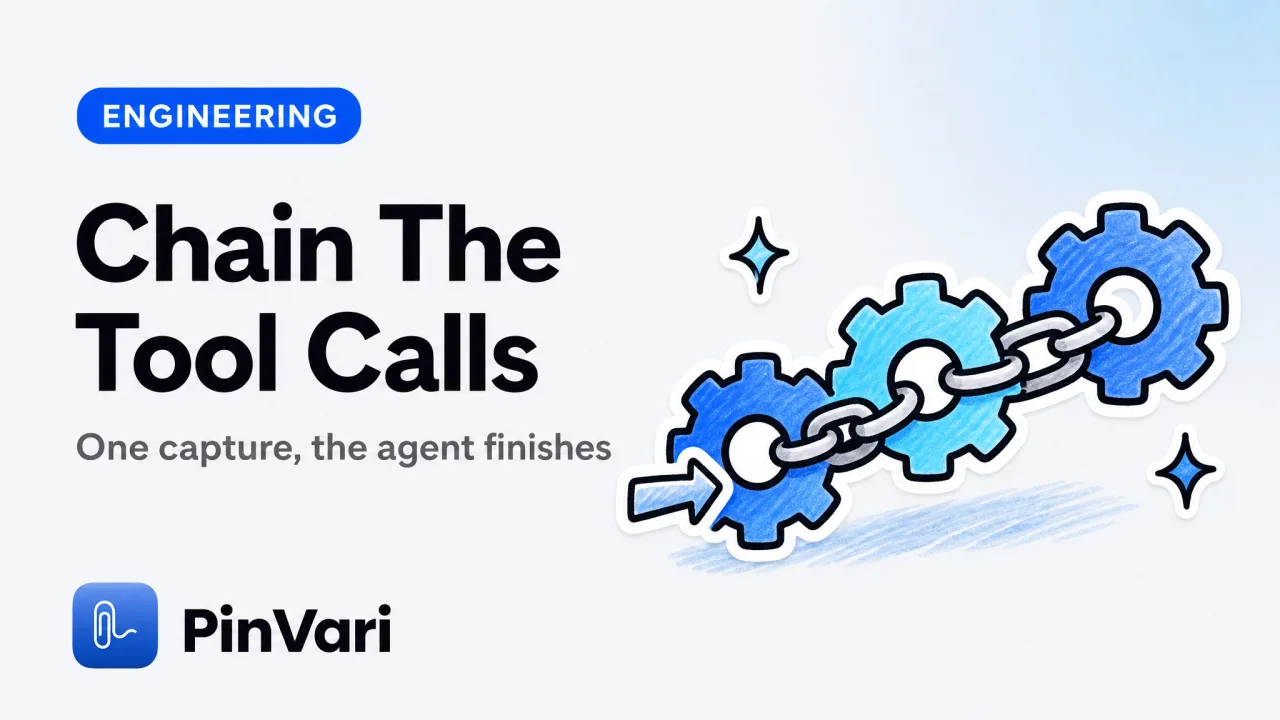
AI Agent Workflow Automation: How to Chain Tool Calls
AI agent workflow automation on a Mac means chaining tool calls over a local MCP server. Here is how to build the loop step by step.
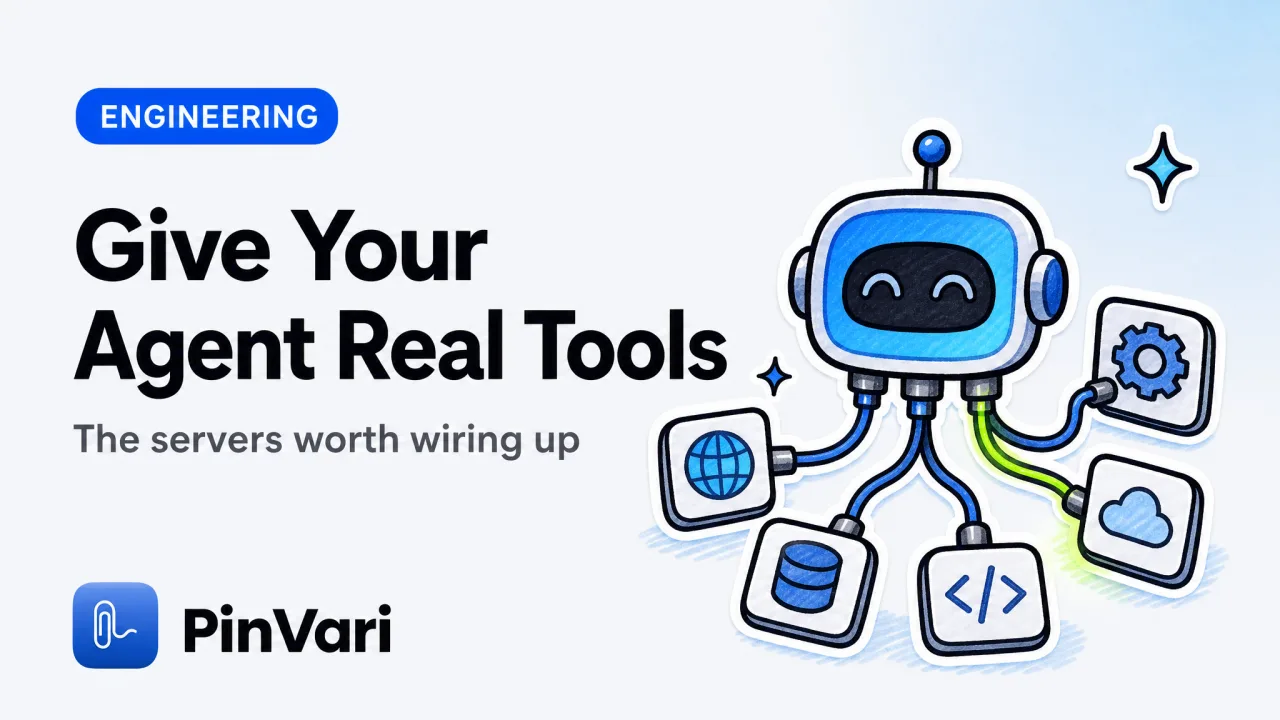
Best MCP Servers: Top Picks for Coding Agents
The best mcp servers give your coding agent real tools: files, GitHub, browsers, databases, and screen context. Here are the top picks and what each does.
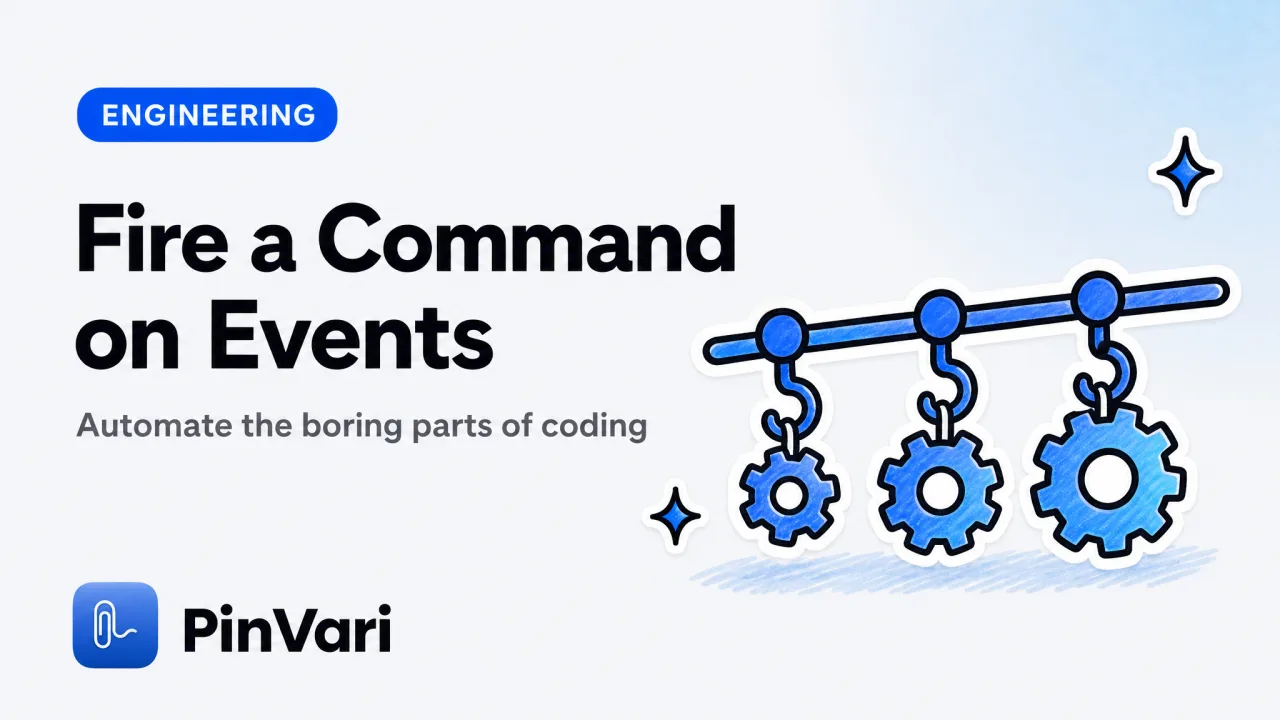
Claude Code Hooks: Automate Your Agent Workflow
Claude Code hooks run your own commands on agent events like tool calls and stops. Here is how to configure them, with real examples that work.
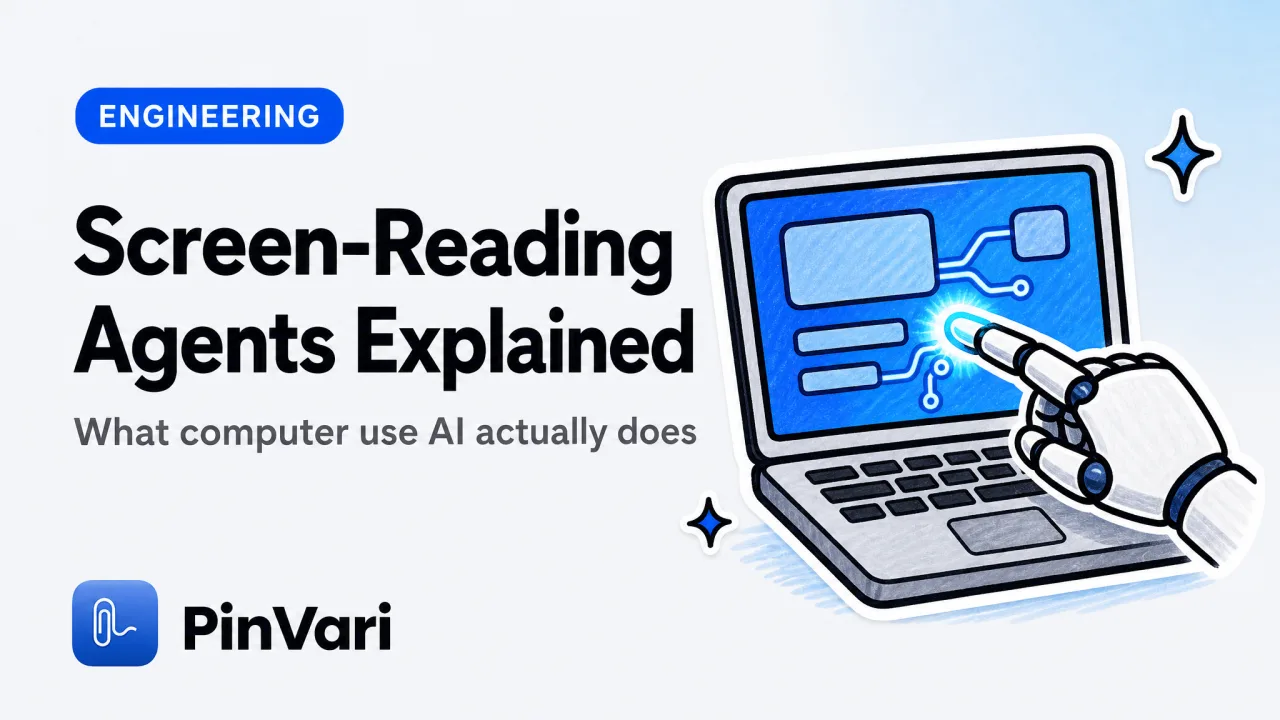
Computer Use AI: What It Is & How It Works
Computer use AI lets agents see your screen and click UI elements. Learn what it is, how Anthropic's API and local MCP servers work, and the Mac example developers actually use.
Cursor MCP JSON: Configure mcp.json the Right Way
Cursor MCP JSON explained: where mcp.json lives, the exact fields, stdio vs SSE, and why 0 tools shows up, with a working local server example.
Local MCP Server: What It Is and How to Run One
A local MCP server runs on your own machine and gives an AI coding agent new tools over 127.0.0.1. Here is what it does and how to run one.
Accessibility Inspector Mac: Debug UI Elements Fast
Accessibility Inspector Mac is the free Xcode tool that shows the role, label, value, and frame of any UI element under your cursor.
Accessibility Tree View Chrome: Inspect UI Fast
Accessibility tree view Chrome: open it in DevTools, read a node's role and name, and see why the same tree resolves named UI elements on macOS.
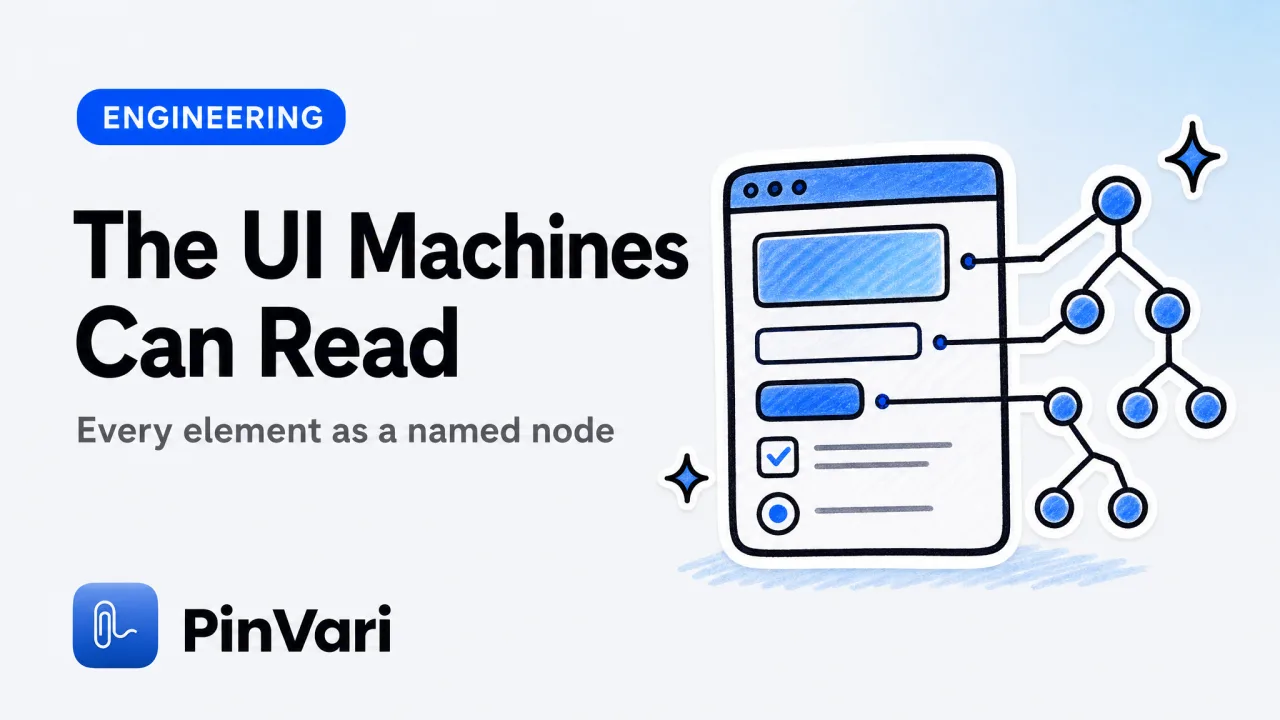
Accessibility Tree: How Browsers and AI Tools Use It
The accessibility tree is how browsers and assistive tech expose every UI element as a named node with a role, label, value, and frame.
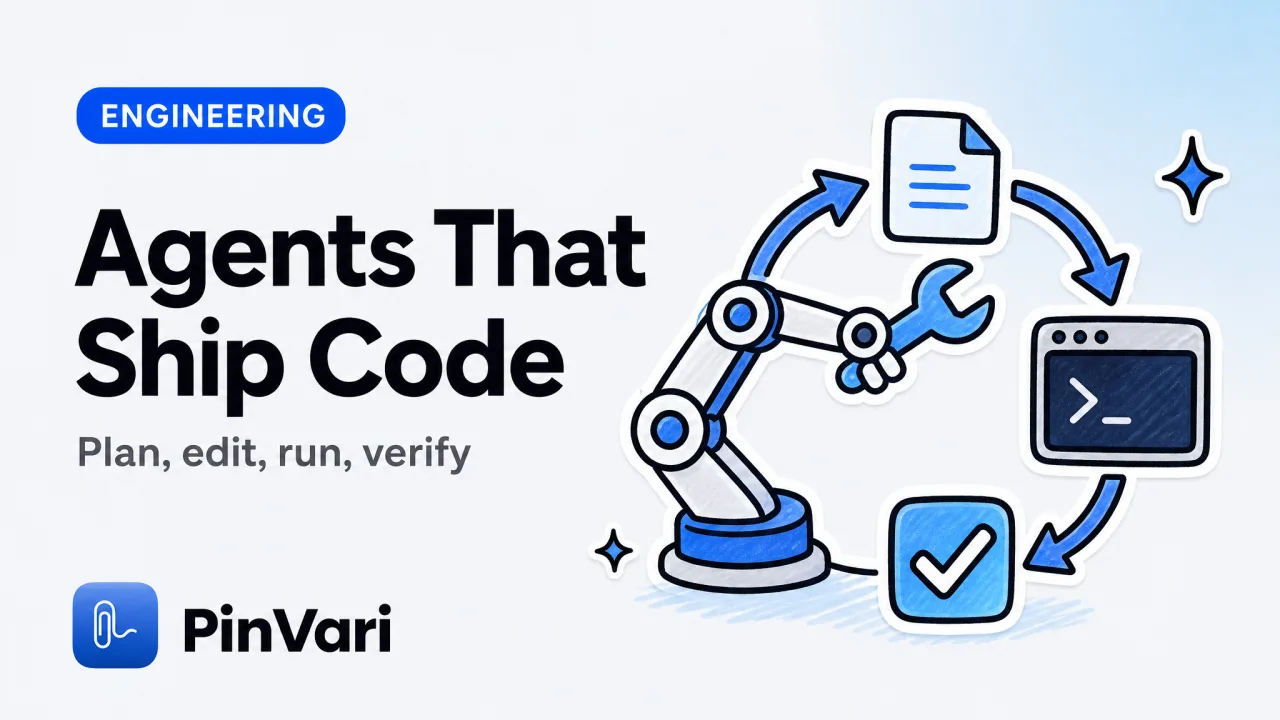
Agentic Coding: How AI Agents Write Real Code
Agentic coding is when an AI agent plans, edits, runs, and verifies code across your project autonomously. Here is what it means and where it breaks.
AI Agent Tools: 10 for Autonomous Code Agents
AI agent tools range from coding agents to orchestration frameworks. Here are 10 compared, plus the on-screen context layer that feeds them.
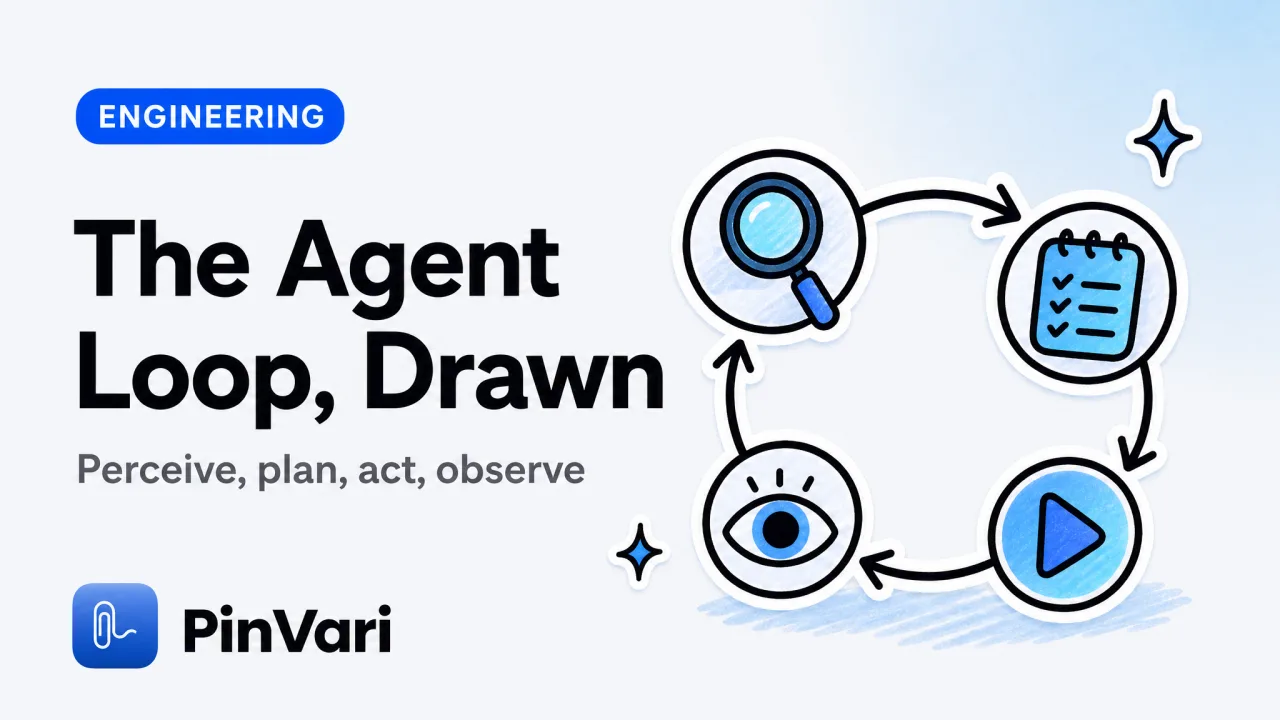
AI Agent Workflow Diagram: How Agents Plan and Act
An AI agent workflow diagram maps the perceive, plan, act, observe loop. Here is what each stage does, where MCP tools fit, and a concrete Mac example.
AI Coding Agents: What They Are and How to Use Them
AI coding agents plan, write, and fix code across your repo. Here is what they are, how to use them well, and the input that trips them up.
Claude Code MCP: How to Add and Use MCP Servers
Claude Code MCP lets your agent call external tools through one interface. Here is how to add MCP servers, with a concrete Mac example that works.
Cursor Context Used Meaning: How AI Reads Your Codebase
Cursor context used shows how many tokens of your code the AI read to answer. Learn what it means, how the limit works, and how to give better context fast.
Cursor Context Used: Meaning, Limits, and Fixes
Cursor context used shows how much of the model's context window your prompt, files, and rules consume. Here is what it means and how to keep it low.
Cursor MCP: Add a Local Server to Cursor IDE
Cursor MCP lets Cursor's Agent call external tools. Here is how to add a local MCP server on a Mac, plus a concrete point-and-speak example.
Element Grounding: Named Elements, Not Pixels
Element grounding turns a gesture at the screen into one named UI element — role, label, bounds, confidence — so an AI agent edits the right thing.
How to Use Accessibility Inspector on macOS
How to use Accessibility Inspector on macOS: open it from Xcode, inspect the AX tree, read roles and labels, and see exactly what an AI agent sees.
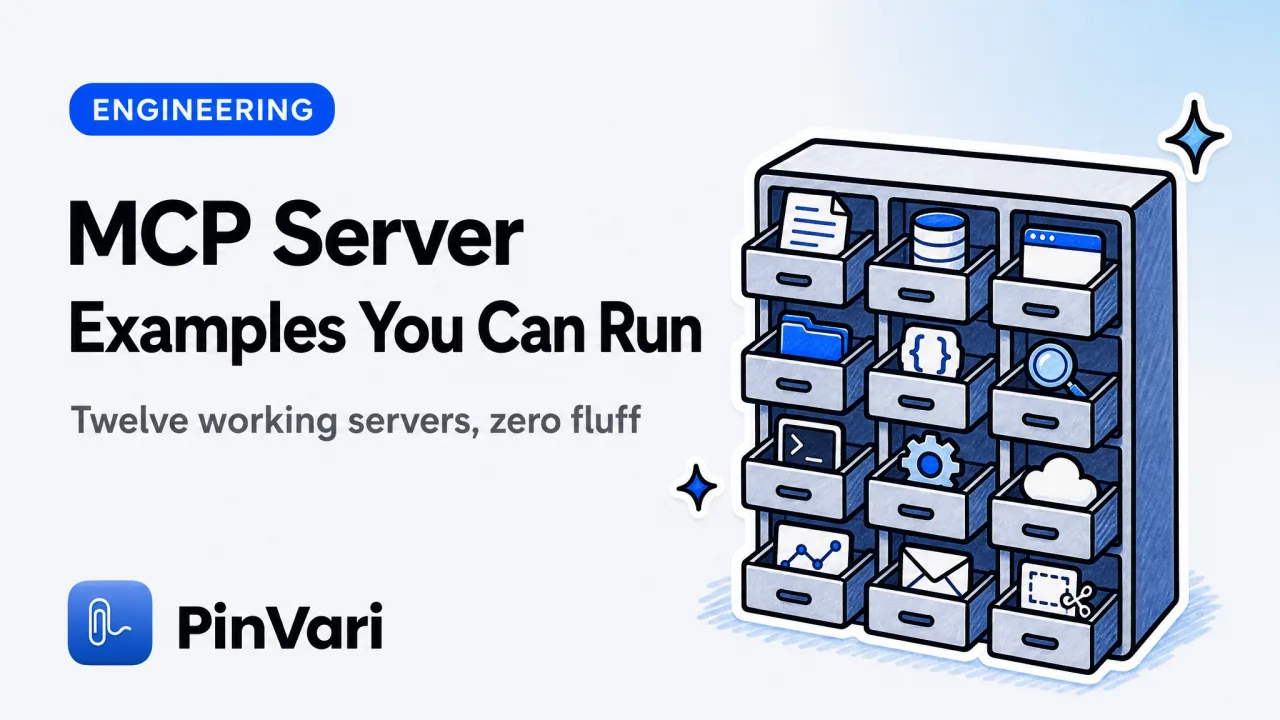
MCP Server Examples: 12 Real Model Context Protocol Uses
See 12 working MCP server examples — Python, OAuth, sampling code — plus how to connect a local MCP server to Claude Code or Cursor on macOS.
MCP Server List: Servers Worth Running for Coding
An honest MCP server list for coding agents, grouped by job, with a shortlist table and a local Mac example. What to run and what to skip.

MCP Tools: Essential Utilities for AI Coding Agents
MCP tools are the named functions an MCP server exposes to your AI agent. Here are the essential MCP tools worth installing on a Mac.
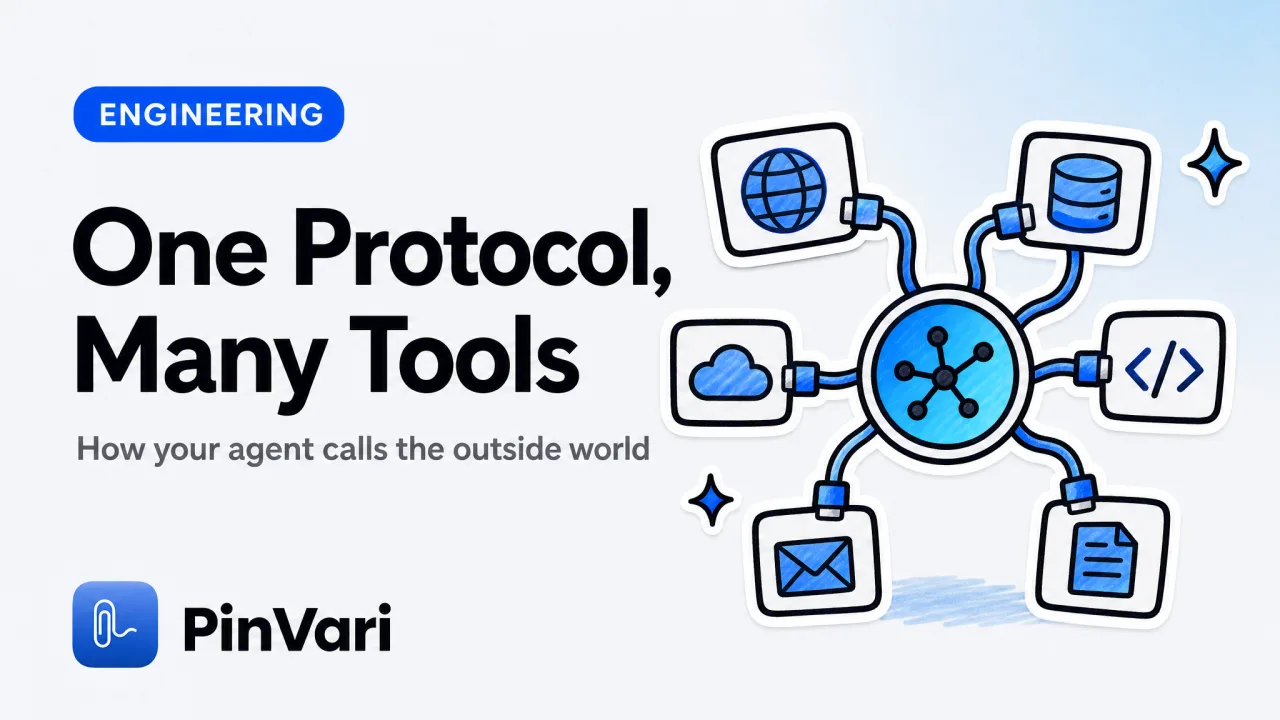
Model Context Protocol: What MCP Is and How It Works
The Model Context Protocol (MCP) lets an AI agent call external tools through one interface. Here is what MCP is and how it works, with a Mac example.
What Is MCP Server? Model Context Protocol, Explained
What is MCP server? It is a program that exposes tools and data to an AI agent over the Model Context Protocol. A plain guide plus a real Mac example.

MCP Server for AI Agent Screen Context
A local MCP server for AI agent screen context resolves the named UI element on-device, so Claude Code gets confidence and provenance, not raw pixels.
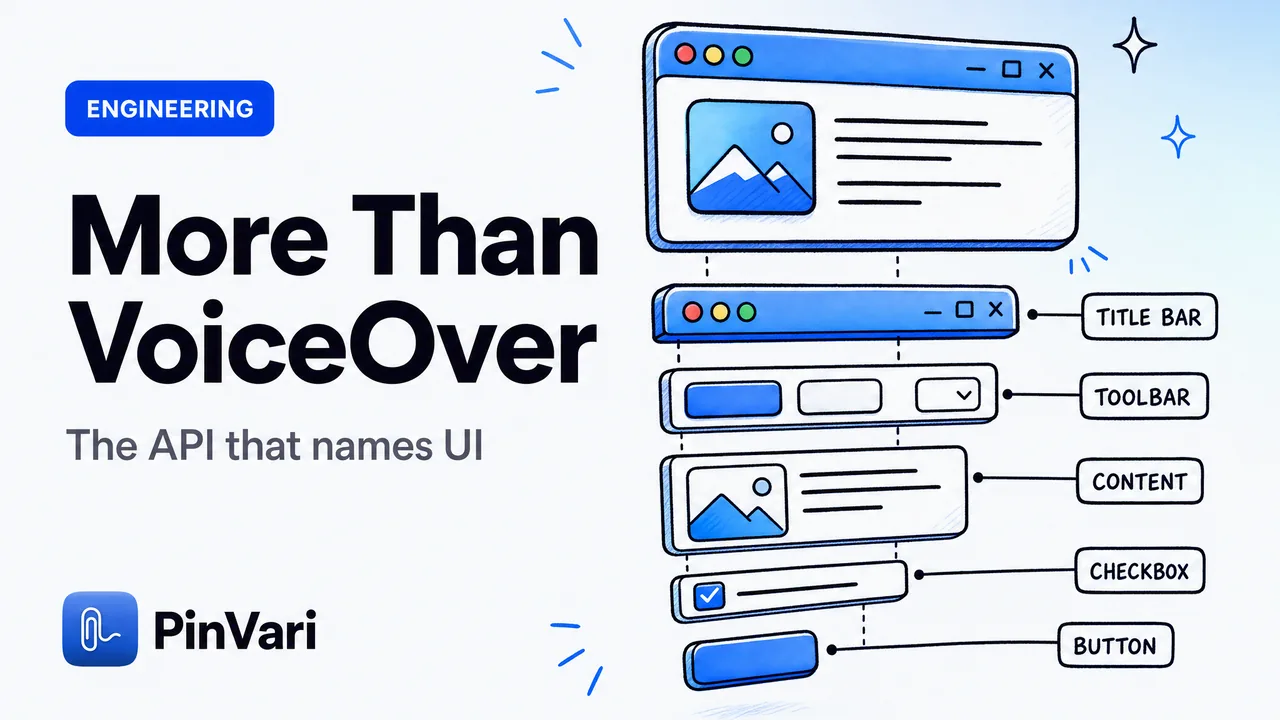
What Is the macOS Accessibility API Used For?
What the macOS Accessibility API is used for beyond screen readers — reading any app's UI as named AXUIElement roles, labels, and frames.