Agentic Coding: How AI Agents Write Real Code
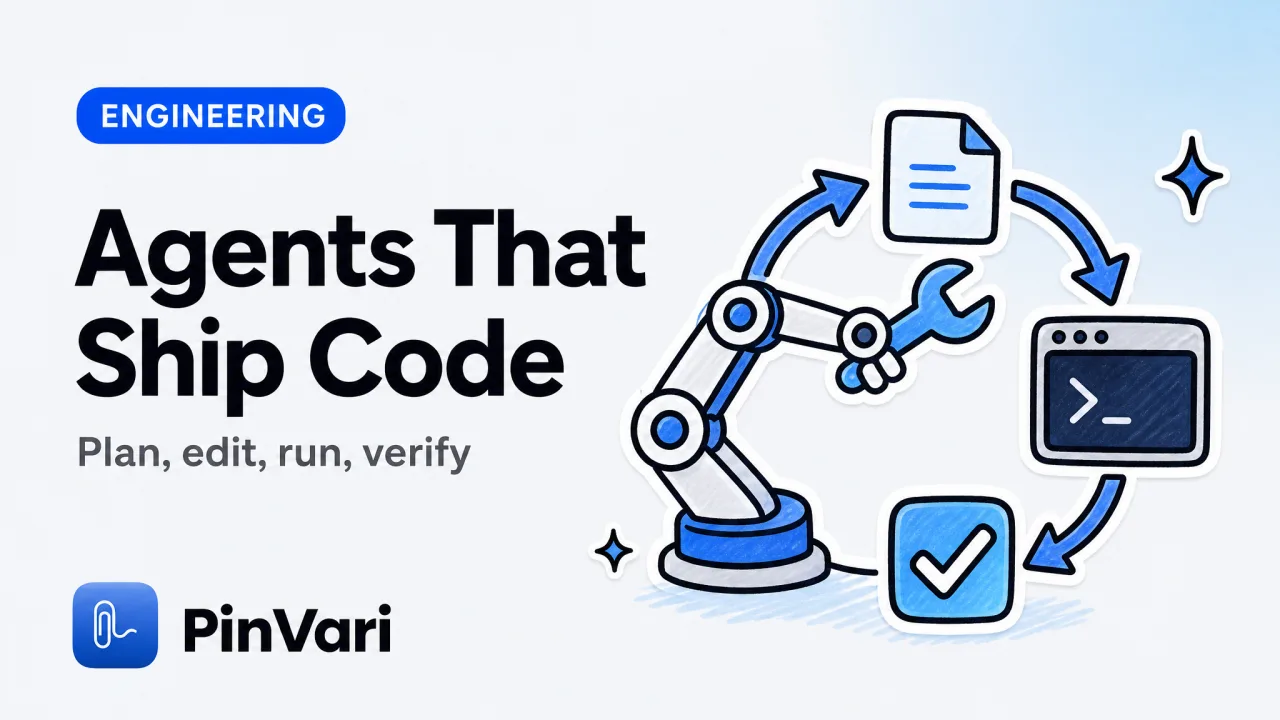
Agentic coding is when an AI agent plans a task, edits files across your project, runs the code, reads the output, and iterates until the work is done. It is the step past autocomplete and past single-turn chat: the agent holds a goal, uses tools like the shell and the file system, and verifies its own results.
Most descriptions treat agentic coding as "AI that writes more code." The real shift is that the agent takes actions and checks them.
If you live in Claude Code or the Codex CLI, you already feel the difference. You stop typing every edit and start reviewing a plan, a diff, and a test run.
The friction that remains is not the code the agent writes. It is the context you have to hand it, especially for anything you can see on screen but cannot easily describe.
What is agentic coding? The meaning behind the term
The agentic coding meaning is straightforward once you separate it from older AI tooling. An agent is a loop: it observes state, decides an action, takes it with a tool, observes the result, and repeats until a goal is met or it needs you.
Applied to code, that loop reads files, edits them, runs commands, reads errors, and keeps going.
Autocomplete
- What it does: Predicts the next line or block
- You provide: The cursor position and open file
- Verifies itself? No
Chat assistant
- What it does: Answers a question or drafts a snippet
- You provide: The prompt and pasted code
- Verifies itself? No
Agentic coding
- What it does: Plans, edits many files, runs, iterates
- You provide: A goal and project access
- Verifies itself? Yes, by running the code
The jump from chat to agent is the whole story. An agent that can run its own code can catch its own mistakes, which is why agentic tools feel different from pasting code out of a chat window.
Agentic coding is defined by the loop, not the model. The same underlying model becomes far more useful when it can take actions and read the results, because it can course-correct instead of handing you broken code.
The tradeoff is that an agent is only as good as the state it can observe. It reads your files well because the file system is structured.
It struggles with anything that is not structured. The biggest unstructured input in most projects is what the running app looks like.
How does agentic coding actually work day to day?
Day to day, agentic coding looks like a conversation about intent followed by review of actions. You describe a goal, the agent proposes a plan, you approve it, and it starts editing and running.
You review diffs and test output rather than writing each change by hand.
A typical session moves through a few phases. The agent gathers context by reading files and running searches.
It proposes edits and applies them. It runs the build or tests, reads failures, and fixes them.
Then it reports back and asks for the next step.
The quality of every phase depends on context. Give the agent a vague goal and it wanders; give it a precise target and it moves fast.
This is why how to give Claude Code context matters more than model choice for most tasks. The agent is not short on intelligence; it is short on grounding.
Front-load context before you ask for a change. Point the agent at the exact files, the exact function, or the exact UI element up front. An agent that starts a task already knowing the target spends its turns fixing the code instead of hunting for what you meant.
Why does agentic coding fail on UI work?
Agentic coding fails on UI work because the agent cannot see your screen the way you do. The usual workaround, pasting a screenshot, hands it unstructured pixels.
You circle a button in an image and say "fix this." The agent has to run OCR, count the buttons in the crop, and guess which rectangle you meant.
That guess is where the wrong element gets edited. If a screenshot shows twenty buttons and you meant one, the agent picks based on position or label text and is often wrong.
The failure mode is documented in why Claude Code fixes the wrong element. The agent is not careless; it is guessing from pixels because that is all you gave it.
Screenshots also cost real money and attention. A full-window image is thousands of tokens of noise, and the agent still has to interpret it.
The math is unforgiving once you send several per session. That is the point of why screenshots waste Claude Code tokens: you pay to send pixels the agent then struggles to parse.
The fix is to give the agent the same thing a good bug report gives a developer: the named UI element. On macOS, the Accessibility API exposes the element under any point through AXUIElementCopyElementAtPosition.
That call returns role (AXButton, AXTextField), title, value, frame, and parent chain. That is structured data the agent can act on, not a picture it has to decode.
How do you give an agentic coding tool the right UI context?
You give an agent UI context by handing it the resolved, named element plus a cropped screenshot, not a full-window PNG. The cleanest way to deliver that on macOS is a local MCP server the agent already knows how to call.
The Model Context Protocol lets an agent request context from a tool running on your machine. A local MCP server for agent screen context runs on 127.0.0.1, so nothing leaves your Mac.
When the agent calls a capture tool, it receives a payload like this:
{
  "element": {
    "role": "AXButton",
    "title": "Publish",
    "frame": { "x": 1142, "y": 687, "width": 120, "height": 36 },
    "parentChain": ["AXWindow", "AXGroup 'Editor Toolbar'"],
    "confidence": 0.94,
    "provenance": "circled"
  },
  "instruction": "Publish button does nothing until you click it twice",
  "screenshot": "base64 crop of the circled region"
}
Now the agent has an executable target. It can search the codebase for "Publish", read the action bound to it, and reason about the double-click bug with the crop as confirmation.
A named element turns pixel archaeology into a direct pointer, which is the grounding an agentic coding loop needs to stop guessing.
The capture side is a push-to-talk interaction. You hold ⌥⌘A, circle or point at the element, speak the change, and the tool resolves the element on-device.
Transcription and OCR use Apple frameworks. No API keys, nothing uploaded by default, and you bring your own agent and model.
For developers who want their agent to stop editing the wrong control, PinVari ships this at a one-time $39 launch price with no subscription for the core app.
When the accessibility tree is empty, on canvas UI or some Electron surfaces, resolution falls back to on-device Vision OCR, and confidence drops. Below 0.8, a good tool asks you to confirm the element rather than silently guessing. Give your agent the confidence score so it knows when the element name is a fact and when it is an OCR estimate.
What agentic coding still needs from you
Agentic coding removes the typing, not the judgment. The agent plans, edits, and verifies, but you still decide the goal, review the diff, and confirm the target when confidence is low.
The teams that get the most from agents give the cleanest context up front. They review the plan before approving actions.
Every improvement in agentic tooling raises the value of precise context. A more capable agent wastes more when it starts from a guess.
Naming the element, pointing at the exact file, and stating the intent plainly are the highest-leverage habits. That holds whether you are on Claude Code, Cursor, Codex, or Zed.
FAQ
What is agentic coding in simple terms?
Agentic coding is an AI agent that works like a junior developer with a terminal: it plans a task, edits files, runs the code, reads the errors, and fixes them until the goal is met. The key difference from autocomplete or chat is that the agent takes actions and verifies its own results rather than only suggesting text.
What is the agentic coding meaning versus vibe coding?
Agentic coding refers to the agent's autonomous loop of planning, editing, running, and verifying. Vibe coding describes a looser style where you steer an AI by feel and accept a lot of its output without deep review. You can do vibe coding with an agentic tool, but the two terms describe different things: one is the mechanism, the other is the working style.
Why do coding agents edit the wrong UI element?
Because a screenshot is unstructured pixels, and the agent has to guess which element you meant from the image. If you hand it a full-window crop with twenty buttons, it picks based on position or OCR and is often wrong. Handing it the named accessibility element instead removes the guess.
Does agentic coding work without sending my code to the cloud?
The agent's model usually runs in the cloud, but context tools can run locally. A local MCP server on 127.0.0.1 supplies screen context, and on-device transcription and OCR keep capture private. You still choose which agent and model to use, so you control where your code goes.
How do I reduce token cost with an agentic coding tool?
Stop sending full-window screenshots and start sending named elements plus a cropped region. A full image is thousands of tokens the agent then has to interpret, while a structured element payload is small and directly actionable. Precise context lowers both cost and error rate.
Which agents work with a point-and-speak workflow?
Any agent that speaks MCP can consume a local screen-context server, including Claude Code, Cursor, Codex, and Zed. The tool resolves the element you pointed at and exposes it over the protocol, so the agent requests it when it needs to know what you meant. You keep your existing agent and model.
Hand your agent the exact element
PinVari resolves what you point at into a named, executable instruction — on-device, no keys, your own agent. One click inside PinVari connects Claude Code, Cursor, VS Code or Codex — or paste one CLI line from pinvari.com/connect.
PinVari → Connect → your agent (one click)Get PinVari — $39 →


