PinVari for Agencies & designers
Articles for the agency owner or designer reviewing client websites and apps and sending change requests. The pain we write about: annotation tools are browser-only and subscription-priced; needs native-app capture and voice notes.
Image Downloader Pro Alternative (2026)
Library, naming, ZIP — overlapping jobs with ExtensioHub-style tools. Image Downloader by PinVari: collect, preview, ==organized ZIP==.

ImageAssistant Alternative for Everyday Pages
When you need simpler select + ZIP than heavy sniffing. Image Downloader by PinVari: collect, preview, ==organized ZIP==.

Pact Image Downloader Alternative (2026)
Legacy bulk tools vs modern preview workspace. Image Downloader by PinVari: collect, preview, ==organized ZIP==.

Download All Images Alternative with Preview
Download All Images alternative with preview first — select-then-download vs one-click ZIP dumps.

Fatkun Alternative for Organized Downloads
Fatkun alternative for organized image downloads — ecommerce grouping vs PinVari collection workspace.

Imageye Alternative: Preview + Organize
Imageye alternative when you want preview plus organize — PinVari as an organized ZIP workspace.

When an Image Downloader Beats Screenshots
When an image downloader beats screenshots — real assets vs flattened screen grabs for design and QA.

UI Inspiration Image Collector in Chrome
UI inspiration image collector in Chrome — selective capture for design systems and pattern libraries.

Annotate Screenshot Mac: Marks That Name Elements
Annotate screenshot Mac tools draw arrows on pixels. Here is native Markup vs CleanShot X vs capture that also names the UI element.
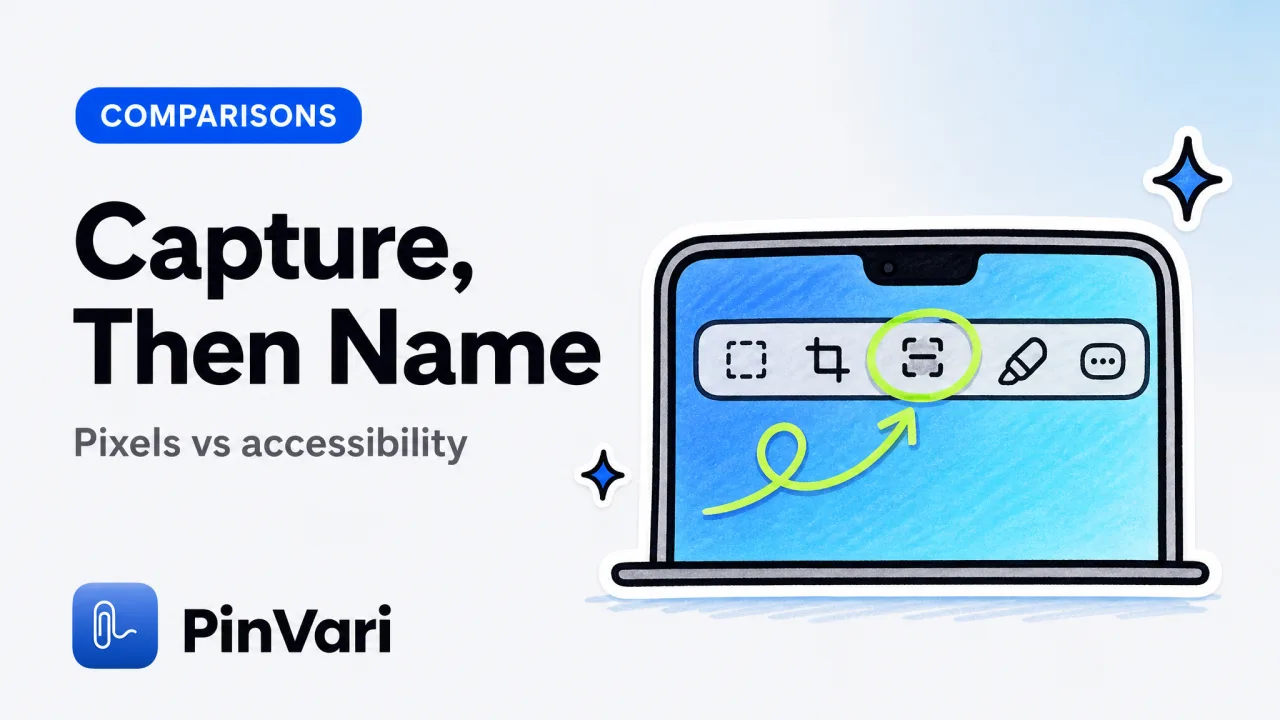
Best Screen Capture App for Mac in 2026
The best screen capture app for Mac depends on the job: pixels, annotation, or a named UI element your coding agent can execute.
Bug Reporting Tools Free in 2026
Bug reporting tools free enough for QA: GitHub Issues, Jam, Linear's free tier, and when a named Mac capture beats another web form.
Claude Code vs Codex October 2025: Which Agent Wins?
Claude Code vs Codex October 2025 comparison: usage limits, MCP support, speed, and cost. Real workflow benchmarks for developers shipping AI-assisted code.

Copilot Alternatives: 8 AI Assistants Beyond GitHub
Copilot alternatives a team can run at scale: eight AI coding assistants, what each owns, and how to feed them a named UI element.

Cursor vs Windsurf Free Tier: Which to Choose
Cursor vs Windsurf free tier is Hobby versus a light agent quota with unlimited Tab. Here is how to choose without stale request counts.

Cursor vs Windsurf vs Roo Code: Who Edits What You Meant
Cursor vs Windsurf vs Roo Code compared for vibe coders: hosted agents, bring-your-own-key, and the screen-context gap all three share.

Cursor vs Windsurf vs Warp: Pick One
Cursor vs Windsurf vs Warp compared by job: editor agent, editor agent, and AI terminal. Pick one home, then add named screen context.

Design Review Process: PM & QA Best Practices 2026
The fastest design review process points at the exact element, names it with accessibility data, and hands a resolved instruction to your dev or AI agent—no prose misreadings.

Design Review Software Engineering: Process & Tools
Design review software engineering turns vague feedback into named, executable instructions. See the real process — from capture to Linear ticket to agent fix — with tools and a copyable checklist.
Design Review Tool for PMs Who Point
A design review tool should name the element, not drop another pin on a screenshot. Compare Marker, Jam, Figma comments, and Mac capture.
Marker.io Alternative: Native Mac Feedback Without a Tab
A Marker.io alternative for founders and PMs who review native Mac apps, Electron, and IDEs, not just websites in a browser.
Screen Capture Mac Laptop: Methods and Apps
Screen capture on a Mac laptop in 2026: built-in shortcuts, apps, and the fastest path from a crop to a named element for an agent.

Vibe Coding Free: What You Can Ship Without a Card
Vibe coding free options in 2026: free tiers of Cursor, open tools, and the one paid gap free stacks still do not close.

Claude Code Alternatives Free: 7 Tools for 2026 Teams
Claude Code alternatives free: compare Cursor, Codex, Windsurf, Zed, and open-source options. Real prices, token limits, and MCP support for teams at scale.

Design QA: Checklist & Process for Visual Testing Teams
Design QA is catching UI regressions before they ship. Here's a checklist and process for visual testing teams that need named, reproducible reports fast.

How to Annotate a Website for Bug Reports
How to annotate a website so developers and AI agents can act on it: the methods, the fields a report needs, and how to name the exact element fast.
AI Code Editor: 9 Best Tools for Developers 2026
The best ai code editor depends on whether you want inline edits, an agent, or a terminal. Here are 9 compared on context, MCP, and the wrong-element bug.

Best Screenshot Tool Mac: 10 Picks for Developers
The best screenshot tool mac developers pick depends on whether you need pixels or an app that understands the screen. Here are 10, compared honestly.

Claude Code Alternatives: 6 AI Coding Tools Compared
The best Claude Code alternatives compared: Cursor, Codex CLI, Copilot, Windsurf, Aider, and Zed, plus the gap none of them fix.

Claude Code vs Codex: Comparison for AI Coding
Claude Code vs Codex compared for real work: agent behavior, context handling, billing, and where each one wins for developers choosing a CLI agent.
CleanShot X Alternative That Understands What's On Screen
CleanShot X captures pixels. A CleanShot X alternative that resolves named UI elements with confidence, on-device, and routes to agents.

Cursor Agent Mode: Enable Autonomous AI Coding
How to open Cursor Agent mode, use it well, and feed it the exact UI element you mean so it stops editing the wrong component.

Cursor Alternatives Free: 8 Top Editors Compared
Cursor alternatives free in 2026—VS Code, Zed, Codex, Windsurf, and more. Compare free tiers, features, and limits so you pick the right AI editor today.
Cursor Alternatives: 7 AI Code Editors Compared
Cursor alternatives worth trying in 2026, from Claude Code to Windsurf, Zed, and Copilot. A plain comparison for picking the right AI code editor.

Cursor vs Windsurf: Which AI Code Editor Wins?
Cursor vs Windsurf compared for vibe coders: agent modes, free tiers, and the one bottleneck neither editor fixes on its own.
Customer Feedback Tool: 11 Picks for Product Teams
A customer feedback tool should turn vague comments into action. Here are 11 picks for product teams, sorted by the job each one does.

Customer Feedback Tools: Best Picks for Product Teams
Customer feedback tools range from survey boards to visual bug capture. Here is how the types compare and which one turns feedback into fixes.

Design Review Software: 8 Tools for Team Feedback
Design review software compared: 8 tools for teams whose feedback must point at the exact UI element and land in Linear, GitHub, or an AI agent.
Feedback Tool for Website: 9 Annotation Platforms
A feedback tool for website review names the exact element and routes it to a developer or AI agent. Here are 9 platforms compared.

Product Manager AI Tools: 12 Worth Adopting
Product manager AI tools cover research, roadmapping, and review. Here are 12 worth adopting, sorted by the job each one does.

Website Annotation: Tools for Visual Feedback & QA
Website annotation marks exact UI elements with voice or pointer so QA files executable bug reports developers and AI agents can act on.

Wispr Flow Alternative: 5 Mac Voice Tools Compared
Looking for a Wispr Flow alternative on Mac? Here are 5 voice input tools compared on price, on-device privacy, and what they do beyond dictation.
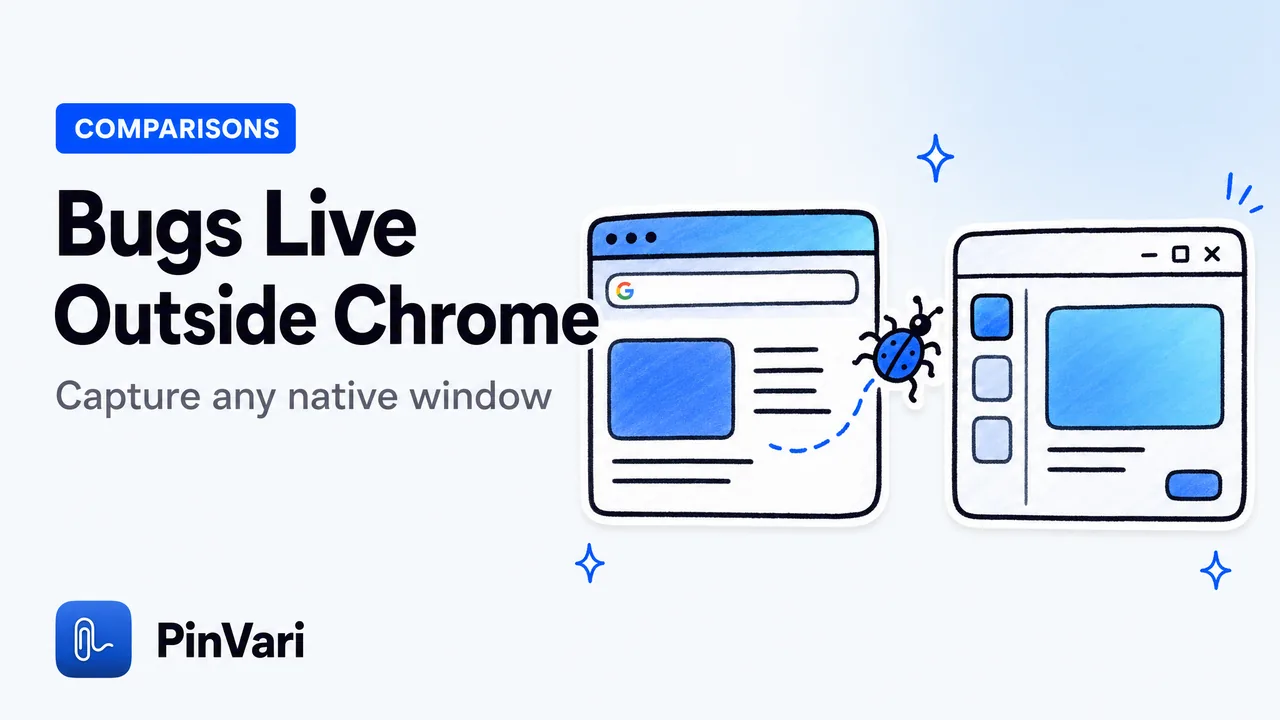
Jam.dev Alternative for Native Mac Apps
The best Jam.dev alternative for native Mac apps captures bugs in any macOS window: IDEs, Electron, and native apps, by voice with named UI elements.

MCP Server for AI Agent Screen Context
A local MCP server for AI agent screen context resolves the named UI element on-device, so Claude Code gets confidence and provenance, not raw pixels.

Push-to-Talk Voice for Claude Code on Mac
Push-to-talk voice for Claude Code on Mac lets you hold a hotkey, point at a UI element, and speak — the agent gets the named element, not a vague prompt.