SupaMaus Alternative: On-Device Point-and-Speak
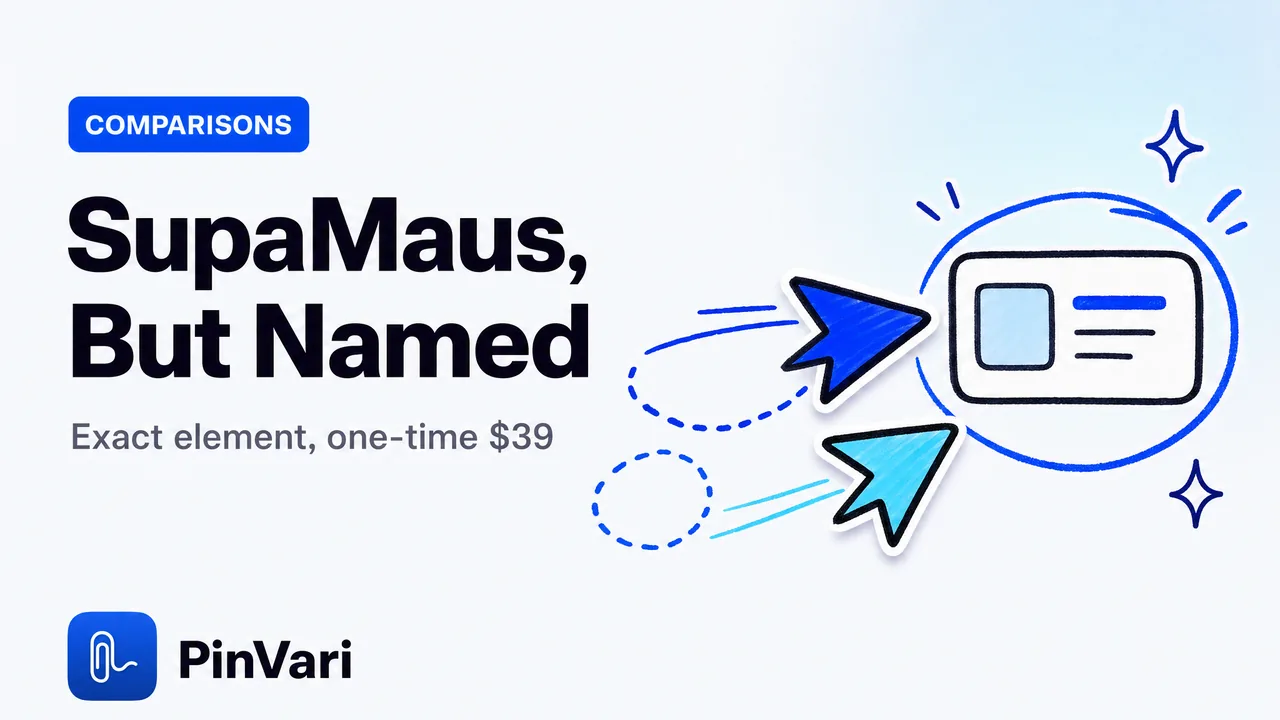
The strongest SupaMaus alternative is PinVari, a native macOS point-and-speak app that resolves the exact named UI element you circle instead of shipping your agent a screenshot and hoping it guesses right. Where SupaMaus sends raw pixels plus window text, PinVari hands your coding agent a resolved accessibility element — role, label, and frame — with a confidence score and provenance, entirely on-device.
Most comparisons stop at "both let you point and talk to your agent." That is the easy part. The hard part is what your agent actually receives, and that is where the two tools diverge.
What does a SupaMaus alternative need to get right?
SupaMaus pioneered the idea worth stealing: hold a key, gesture at something on screen, speak, and your AI coding agent picks up the context. That interaction is genuinely good, and it is why people search for a SupaMaus alternative rather than abandoning the workflow.
The question is what crosses the wire to the agent. SupaMaus leans on raw pixels plus the window's text. Your agent then has to look at the screenshot and infer which of eight near-identical buttons you meant.
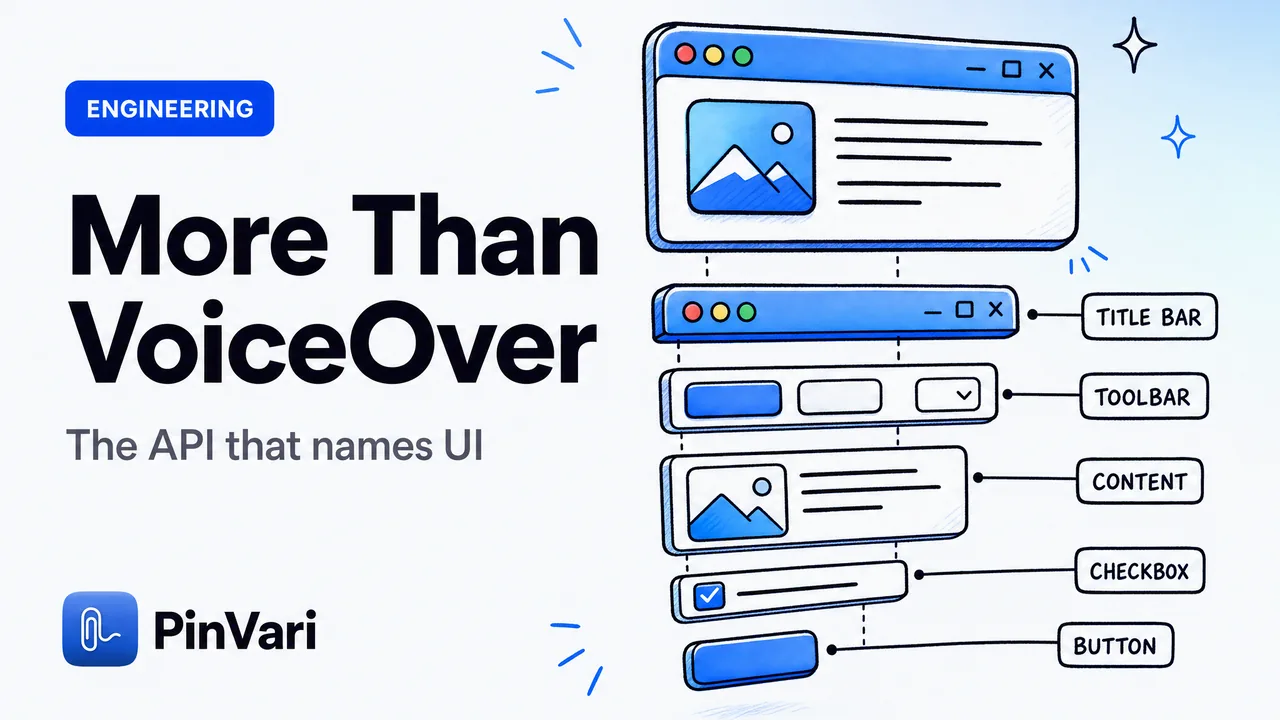
PinVari resolves the element before the agent ever sees it. On macOS, the Accessibility API exposes the UI element under any point — AXUIElementCopyElementAtPosition returns its role, title, value, and full parent chain. PinVari walks that chain and hands over the named element, not a pixel guess.
The differentiator is not "we use screenshots" or "we speak MCP" — SupaMaus does both. It is that PinVari resolves the named accessibility element with a confidence score and circled-vs-dwelled provenance, so your agent edits the thing you meant instead of a lookalike next to it.
That single difference is why agents so often edit the wrong target. A resolved name removes the guess.
SupaMaus vs PinVari: how do they actually differ?
Here is the honest side-by-side. SupaMaus has real strengths — it shipped the point-and-speak-to-agent pattern first, and its context layer is solid. PinVari's edge is in resolution, routing, reach, and price.
| SupaMaus | PinVari | |
|---|---|---|
| What the agent receives | Raw pixels + window text | Resolved named AX element (role, label, frame) |
| Confidence + provenance | Not exposed | Score per element + circled vs dwelled |
| Deictic binding ("this", "that") | Not resolved | Bound to pointer position when each word was spoken |
| On-device | Context layer | Transcription + OCR on-device, nothing uploaded by default |
| Routes to trackers | Agent-focused | Agent or Linear / GitHub / Slack / shareable page |
| macOS / hardware | Recent macOS | macOS 14+, Apple Silicon and Intel |
| Pricing | Subscription | One-time $39 launch (first 500, then $59) |
Two rows carry most of the weight. Confidence and provenance mean PinVari tells your agent how sure it is and whether you deliberately circled the element or merely dwelled the pointer near it. Below 0.8 confidence, it asks rather than silently guessing.
The routing row matters more than it looks. SupaMaus aims at your agent. PinVari can also file the capture as a bug to a tracker, which turns the same gesture into a QA workflow — covered in point and speak to file bugs to Linear and GitHub.
How does PinVari resolve the exact element I circled?
You hold ⌥⌘A, circle or point at any on-screen element, and speak. PinVari screenshots the region, transcribes on-device, and resolves what sat under your ink.
The naive version of this breaks immediately, and the fixes are the actual engineering. PinVari's overlay is topmost, so a plain hit-test resolves to PinVari's own transparent window. It runs chainExcludingSelf, which walks the on-screen window list and hit-tests the real app below the overlay.
Electron and Chromium apps build their accessibility tree lazily, so the first read comes back empty. PinVari sets AXManualAccessibility on the app and retries for roughly 150ms until a labeled element appears. When your point lands on a bare AXGroup with no name, labeledDescendant descends to the deepest labeled child, and Chromium identity attributes like AXDOMIdentifier give a title-less node something to be called.
If a surface has no accessibility tree at all — a canvas, a game, some remote-desktop windows — PinVari falls back to on-device Vision OCR on the exact crop you circled, so the region still gets a name. The mechanics of that resolution are in how AI agents know which UI element you mean.
That fallback is the honest part. Accessibility can be empty, and a tool that pretends otherwise is lying to you. PinVari names what it can name and OCRs the rest.
What is deictic binding and why does it beat a screenshot?
When you say "move this card next to that header," the words "this" and "that" are useless to an agent staring at a still image. PinVari records a timestamped pointer trail and binds each deictic word to where your pointer was at the instant you said it.
So "this" resolves to the card your cursor was over at that moment, and "that" resolves to the header a second later. The agent receives "this" → the card element, "that" → the header element — not a sentence it has to disambiguate against pixels.
The MCP payload also marks provenance per target: ⊙ for elements you deliberately circled (trust it) and ~ for controls the pointer merely passed over, each with a confidence number. Your agent knows which references are load-bearing and which were incidental.
This is also why the approach is lighter on tokens than shipping images. A resolved element path is a few hundred characters; a screenshot costs far more tokens on every capture, a cost I unpack in screenshots waste Claude Code tokens.
Is PinVari really on-device, and what does the agent get over MCP?
Yes. Transcription and OCR run through Apple's on-device frameworks, there are no API keys, and nothing is uploaded by default. You bring your own agent and your own LLM.
The handoff is a local MCP server on 127.0.0.1. You register it once with claude mcp add pinvari, and it works with Claude Code, Cursor, Codex, or Zed.
The agent-facing tool pinvari_next_instruction returns the resolved element path, the spoken instruction, the region you circled, and a screenshot cropped to that region. The agent carries out the change and calls pinvari_mark_done to close it.
PinVari ships as a notarized Developer-ID DMG, not through the Mac App Store. The App Store sandbox forbids the global hotkey (CGEventTap) and reading other apps' AXUIElement, which are the two things this tool exists to do — SupaMaus ships direct for the same reason. Download from the site, not the App Store.
Because the agent is yours and the processing is local, your screen never leaves your machine unless you route a capture somewhere on purpose. That is a different posture from tools that hand your raw screen pixels onward.
Is a one-time $39 actually a fair SupaMaus alternative price?
The core app is a one-time $39 for the first 500 licenses, then $59, sold through Polar as merchant of record. Team seats exist, and there is no subscription for the core app.
Compare that to the category. Marker.io runs $39 and up per month for annotation, Wispr Flow is roughly $12–15 a month for push-to-talk voice, and SupaMaus is subscription. PinVari borrows the push-to-talk voice interaction and aims it at UI feedback, then charges once.
If you want the full breakdown of tiers and team pricing, it is on the pricing section. The short version: you pay for the app, not for the privilege of pointing at your own screen every month.
Who should switch from SupaMaus to PinVari?
Developers shipping with AI coding agents are the core fit — the ones tired of their agent editing the wrong component from a vague screenshot. QA engineers and testers get the tracker routing, so a circled bug becomes a Linear or GitHub issue with the named element already in it.
Agencies reviewing client builds benefit from the shareable page output and the Intel support, since not every client machine is Apple Silicon. Product managers get to point and speak without learning the accessibility internals underneath.
If your entire workflow lives in Chrome, a browser-only tool may still cover you. If your bugs live in native apps, IDEs, and Electron windows, that is exactly the gap PinVari fills, and it is the same argument in the Jam.dev alternative for native Mac apps.
FAQ
Is PinVari a drop-in SupaMaus alternative?
It uses the same core interaction — hold a hotkey, gesture at an element, speak, and your coding agent gets the context. The difference is that PinVari resolves the named accessibility element with confidence and provenance instead of shipping raw pixels, and it routes to trackers as well as to your agent.
Does PinVari work with Claude Code and Cursor?
Yes. It exposes a local MCP server on 127.0.0.1 that you add with claude mcp add pinvari, and it works with Claude Code, Cursor, Codex, and Zed. You bring your own agent and LLM; PinVari only supplies the resolved spatial context.
Is my screen data sent to the cloud?
No. Transcription and OCR run on-device through Apple frameworks, there are no API keys, and nothing is uploaded by default. A capture only leaves your machine if you deliberately route it to a tracker or a shareable page.
What happens when the accessibility tree is empty?
On canvas, games, and some Electron surfaces the AX tree can be blank or unlabeled. PinVari sets AXManualAccessibility and retries, descends to the deepest labeled child of a bare group, and if there is still nothing, falls back to on-device Vision OCR on the circled crop so the region still gets a name.
How much does PinVari cost compared to SupaMaus?
PinVari is a one-time $39 for the first 500 licenses, then $59, with team seats available and no subscription for the core app. SupaMaus is subscription-based, so the long-run cost difference grows the longer you use it.
Does it run on Intel Macs?
Yes. PinVari supports macOS 14 (Sonoma) and later on both Apple Silicon and Intel, and it installs from a notarized Developer-ID DMG rather than the Mac App Store, because the sandbox blocks the global hotkey and cross-app accessibility reads it depends on.
Hand your agent the exact element
PinVari resolves what you point at into a named, executable instruction — on-device, no keys, your own agent. If you run Claude Code, it is one command.
claude mcp add pinvariGet PinVari — $39 →