How to Vibe Code with Claude: Setup & Best Practices
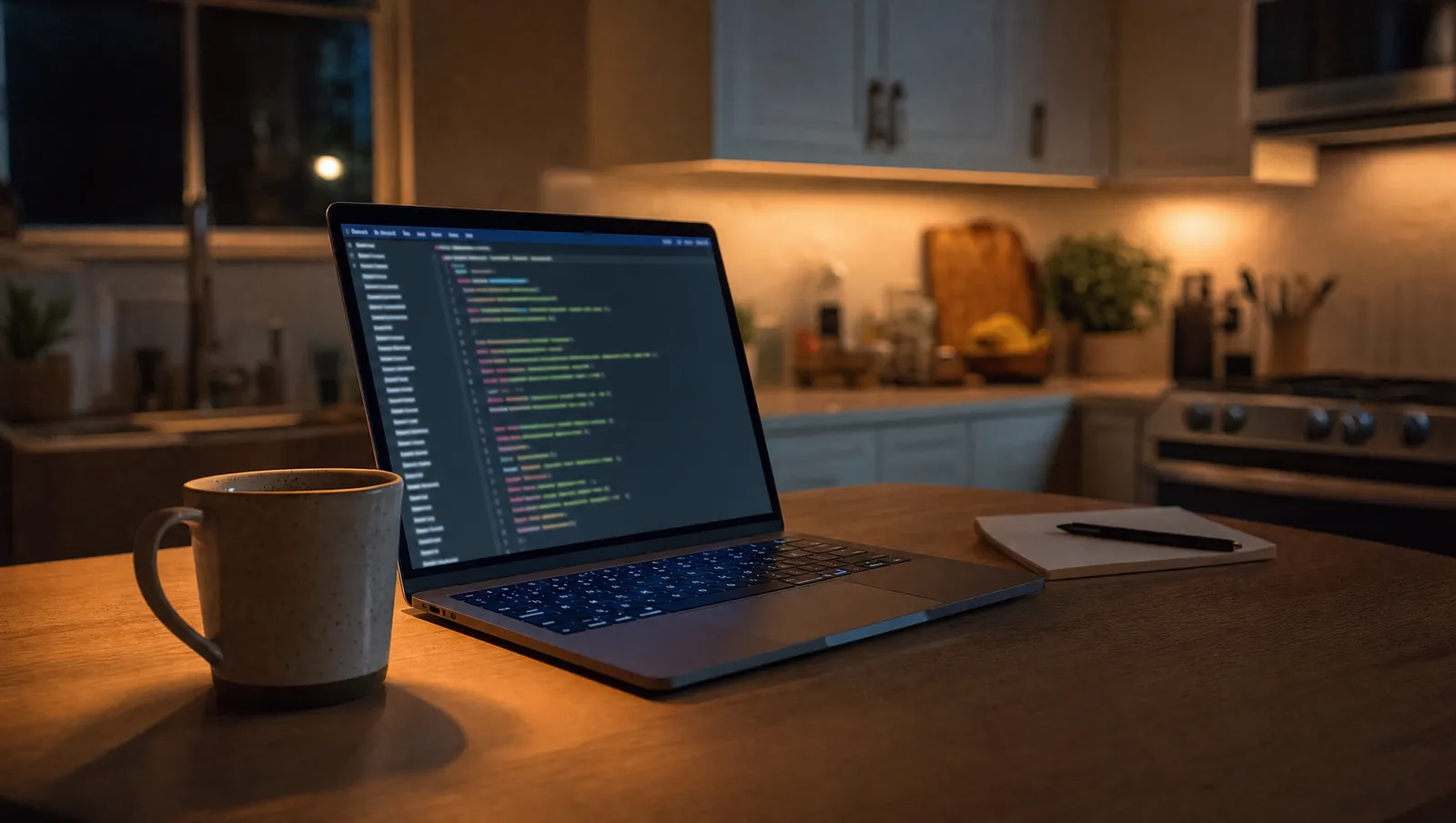
How to vibe code with Claude is a loop: point at the UI, speak the change, let the agent edit the named control. Vibe coding with Claude means you point at a UI element on your screen, speak what needs to change, and Claude writes the code to fix it, no memorizing function names or syntax required.
Most tutorials skip the critical piece: Claude can't see your screen unless you give it screenshots and tell it which element you meant, so you need a spatial-capture tool that resolves the exact button/label/field you circled and feeds that named reference plus your spoken instruction to the agent.
This guide walks you through the complete setup from zero, using tools that work together instead of forcing you to describe "the blue button below the header, no the other one" in a chat box.
How to vibe code with claude: Why can't I just describe UI changes in the Claude chat?
Claude Code, Cursor, and all AI coding agents operate on text prompts, they have no built-in screen awareness. When you type "fix the submit button," Claude doesn't know which of the twelve buttons in your app is "submit," what its current state is, or which file renders it.
You'll waste 4-6 back-and-forth messages clarifying: "the green one," "no the darker green," "it's in the checkout flow," until you give up and grep the codebase yourself.
The vibe coding workflow solves this by capturing the exact on-screen element you point at (role, accessible label, DOM identifier, frame coordinates) and sending that structured reference to Claude alongside a cropped screenshot and your spoken instruction. Claude sees AXButton "Submit Order" at (1420, 680) in CheckoutView.tsx and a 200px screenshot of just that button, no ambiguity.
The delta: typing "that button is too small" forces the agent to guess from your entire codebase. Circling the button and saying "make this taller" gives the agent the file, the component name, and visual proof in one capture.
What tools do I need to vibe code with Claude?
You need three layers working together: a spatial-capture app that resolves UI elements, an AI coding agent that writes code, and a connector (usually MCP) that pipes captures from one to the other. Here's the stack that works on macOS today:
Skip the wide grid. Read each option as a card.
#
Spatial capture
Tool: PinVari
Price: $39 one-time
What it does: Point at any UI element, speak, resolves the named AX element, transcribes on-device, sends to agent
#
AI agent
Tool: Claude Code
Price: Free tier + API costs
What it does: Writes/edits code files based on natural-language instructions; runs in terminal
#
AI agent
Tool: Cursor
Price: $20/mo (Pro)
What it does: Code editor with agent mode; applies Claude suggestions directly in your project
#
Connector
Tool: MCP server
Price: Built-in (PinVari)
What it does: Pipes resolved elements + screenshots + speech from PinVari to Claude/Cursor over localhost
Minimum viable setup: PinVari + Claude Code (the free tier gives 20 messages/day with Claude 3.7 Sonnet). You can vibe code for $39 total, no subscription for the capture layer, no mandatory paid agent.
Cursor Pro open agent mode (applies multi-file edits automatically) but you can start with the free Cursor tier + Claude Code and upgrade once the workflow clicks.
Already using Cursor? You still need a spatial-capture tool, Cursor's built-in screenshots don't resolve which UI element you meant. Connect PinVari via Cursor MCP and you get the same point-and-speak loop inside the editor you already know.
How do I set up vibe coding with Claude Code from scratch?
Start here if you've never touched Claude Code or an MCP server before. These steps assume macOS 14+ (Sonoma or later).
Step 1: Install Claude Code Open Terminal and run:
brew install anthropics/claude/claudeVerify it installed:
claude --versionYou'll see something like claude version 0.x.x. If you don't have Homebrew, install it first from brew.sh.
Step 2: Install PinVari Download the DMG from pinvari.com, drag to Applications, open it. macOS will ask for Accessibility permission (System Settings → Privacy & Security → Accessibility → toggle PinVari on).
This permission lets PinVari read the UI element tree of other apps, without it, the app can't resolve what you point at.
Step 3: Connect PinVari to Claude Code Inside PinVari, click PinVari menu → Connect → Claude Code. This writes the MCP connector to ~/.pinvari/mcp/pinvari-mcp and registers it with Claude's config.
You'll see a green "Connected" badge.
Alternatively, run this in Terminal:
claude mcp add --scope user pinvari -- "$HOME/.pinvari/mcp/pinvari-mcp"(Never run claude mcp add pinvari bare, it errors because the connector is a local binary, not a package name.)
Step 4: Test the loop
- Open any app with UI (Safari, your own dev build, Figma).
- Hold ⌥⌘A (Option-Command-A), circle a button or text field with your mouse, and say out loud: "Make this button 20 pixels taller."
3.
Release ⌥⌘A or press Return. A lime capture appears in the notch island (the HUD at the top center of your screen).
- Open Terminal,
cdinto your project folder, runclaude(orclaude codein newer versions).
- Type:
next instructionand press Return.
Claude fetches the capture, sees the resolved element (AXButton "Sign Up" role=button label="Sign Up" frame=(200,400,150,44) file=SignUpView.swift), the cropped screenshot, and your transcribed speech. It proposes a code change.
Type yes to apply.
Common failure: you circled something but Claude says "no pending instruction." Check that PinVari is running (you'll see the menu bar icon) and that you pressed ⌥⌘A before circling. The hotkey activates the overlay, circling without it does nothing.
What's the fastest vibe coding loop once I'm set up?
The tight loop looks like this (30-90 seconds per change once you're fluent):
- Run your app locally (npm run dev, flutter run, whatever your stack uses). Keep it visible on screen.
- Spot something wrong visually, button placement, color, missing label, broken layout.
- Hold ⌥⌘A, circle it, speak the fix ("move this 10px left," "change the text to 'Submit'").
- In your terminal running Claude Code, type
next instruction. Claude reads the capture, proposes a diff. - Type
yesory. Claude writes the change to the file. - Your dev server hot-reloads (most modern frameworks do this automatically). You see the change on screen in 2-5 seconds.
- Repeat. Circle the next thing, speak,
next instruction,yes.
This loop is faster than alt-tabbing to your editor, finding the component file, searching for the CSS class, editing the value, saving, and waiting for reload, because you never leave the visual layer. The entire "where is this in code" step vanishes.
Pro move: queue multiple captures before switching to Terminal. Circle three broken buttons in one breath (PinVari's word-bucket feature splits your speech by region automatically), then type next instruction three times.
Claude processes them in sequence.
FAQ
#
Can I vibe code without speaking out loud?
Yes, PinVari supports ⌥⌘V for voice-only mode (no circling, just hold and speak) and you can disable transcription entirely and type instructions manually in the Command Center. But the point-and-speak loop is 3-5× faster than typing once you're used to it.
If you're in a quiet room and self-conscious, use the voice-only mode; PinVari transcribes on-device (nothing uploads to cloud servers) so only you hear it.
#
Does vibe coding work with frameworks other than React?
Yes, PinVari resolves UI elements and screenshots; it doesn't care about your framework. Claude Code writes code for React, Vue, Svelte, SwiftUI, Flutter, vanilla HTML, whatever your project uses.
The agent infers the framework from your file structure (sees package.json with "react" or pubspec.yaml with flutter).
Vibe coding is just the input method, Claude's AI coding skills handle the output.
#
Can I vibe code mobile apps or only websites?
You can vibe code any app running on your Mac screen, iOS Simulator, Android Emulator, Electron apps, native macOS apps, even Figma prototypes. Circle an element in the simulator, speak, Claude edits the Swift/Kotlin/Dart file.
The limitation: you can't vibe code directly on an iPhone or Android device (PinVari runs on macOS, captures the Mac screen). Build on the simulator/emulator, then test on hardware.
#
What happens if I circle three buttons at once and speak one instruction?
PinVari's word-bucket feature splits your speech by pointer location. If you said "make this red" while circling button A, paused, circled button B and said "and this blue," PinVari creates two captures: button A → "make this red" and button B → "and this blue".
Type next instruction twice in Claude Code and it processes them separately. This works because PinVari timestamps every word and correlates it with the pointer trail, "this" binds to wherever the pointer was at the instant you said it.
#
Do I need an Anthropic API key or can I use Claude Code free forever?
Claude Code's free tier (20 messages/day) uses Anthropic's hosted API under the hood, you don't provide a key. If you exceed 20/day, you'll hit a rate limit and need to either wait until the next day or add your own API key (claude config set api-key YOUR_KEY).
For side projects, the free tier usually suffices. For agency work shipping 5 client projects in parallel, bring your own key and pay per token.
#
Can I use vibe coding with other AI agents like Codex or Windsurf?
PinVari supports Claude Code, Cursor, Codex, Zed, and any MCP-compatible agent. Connect via the one-click installer (PinVari → Connect → [agent name]) or manually with [agent] mcp add --scope user pinvari -- "$HOME/.pinvari/mcp/pinvari-mcp".
If your agent doesn't support MCP yet, PinVari can export captures to JSON/Markdown and you paste them into the chat, slower, but still better than typing descriptions.
---
The fastest way to start vibe coding today: download PinVari, connect Claude Code with one click, and circle something broken in your app. The loop becomes muscle memory in 5-10 captures, after that, you'll wonder how you ever shipped UI changes by describing them in text.
Hand your agent the exact element
PinVari resolves what you point at into a named, executable instruction — on-device, no keys, your own agent. One click inside PinVari connects Claude Code, Cursor, VS Code or Codex — or paste one CLI line from pinvari.com/connect.
PinVari → Connect → your agent (one click)Get PinVari — $39 →