PinVari for Founders & PMs
Articles for the founder or product manager reviewing builds and giving feedback to developers or to an AI agent. The pain we write about: feedback written in prose gets misread; wants feedback that points at the exact thing and lands in Linear, GitHub or the agent.
Best Coding Software for Beginners in 2026
The best coding software for beginners pairs AI assistants with point-and-speak tools. Learn which AI coding tools work, how to show bugs you can't describe, and what an MCP server does.
Bug Report Example: Named Elements Beat Pixel Guesses
A bug report example that shows how to give developers and AI agents the exact named UI element, repro steps, and screenshot—not a vague pixel guess.
How to Give Claude Code Context That Actually Works
Give Claude Code the exact element, spoken instruction, and screenshot it needs—no token waste, no guessing. Here's how to make context work.
Vibe Coding Tools: The Real Guide for Non-Coders Building with AI
Vibe coding tools help you build with Cursor, Lovable, Bolt, or v0 without deep coding skills. Compare free and paid options, see real rankings, and learn how to close the "it looks wrong" loop faster.
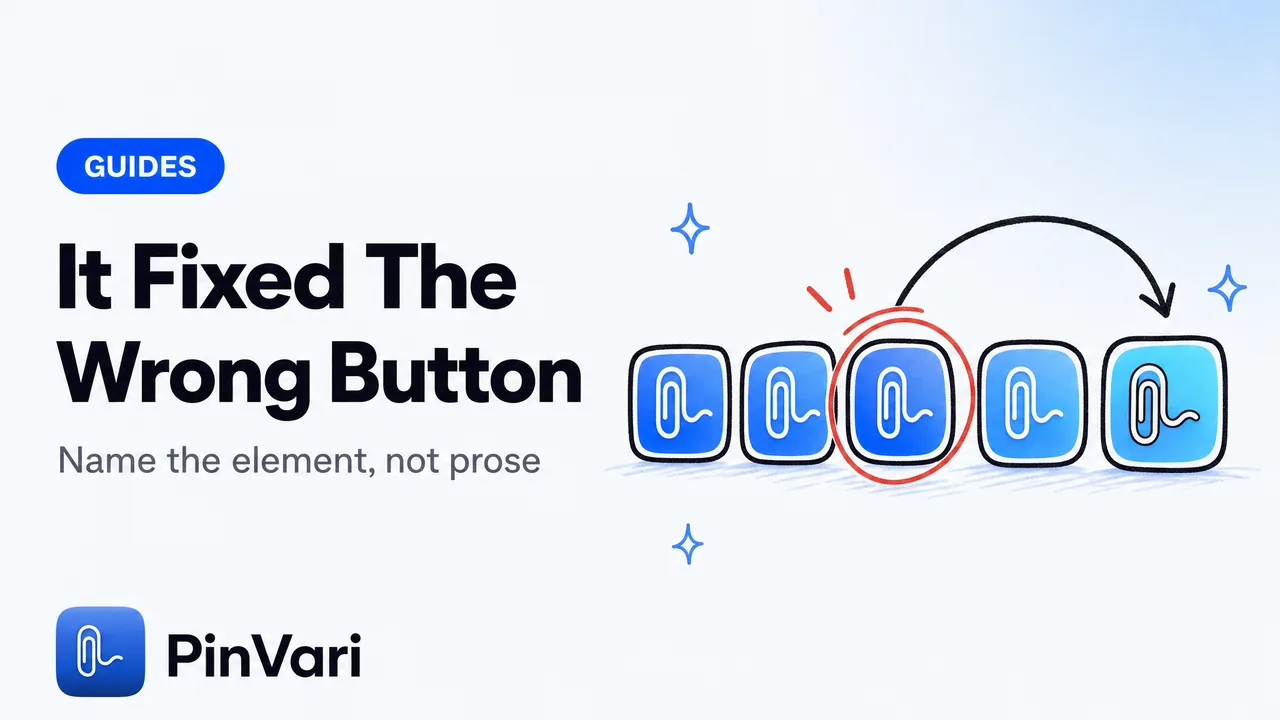
Why Claude Code Fixes the Wrong Element
Claude Code fixes the wrong element because it sees a screenshot, not a named element. Point at the exact control and the guessing stops.
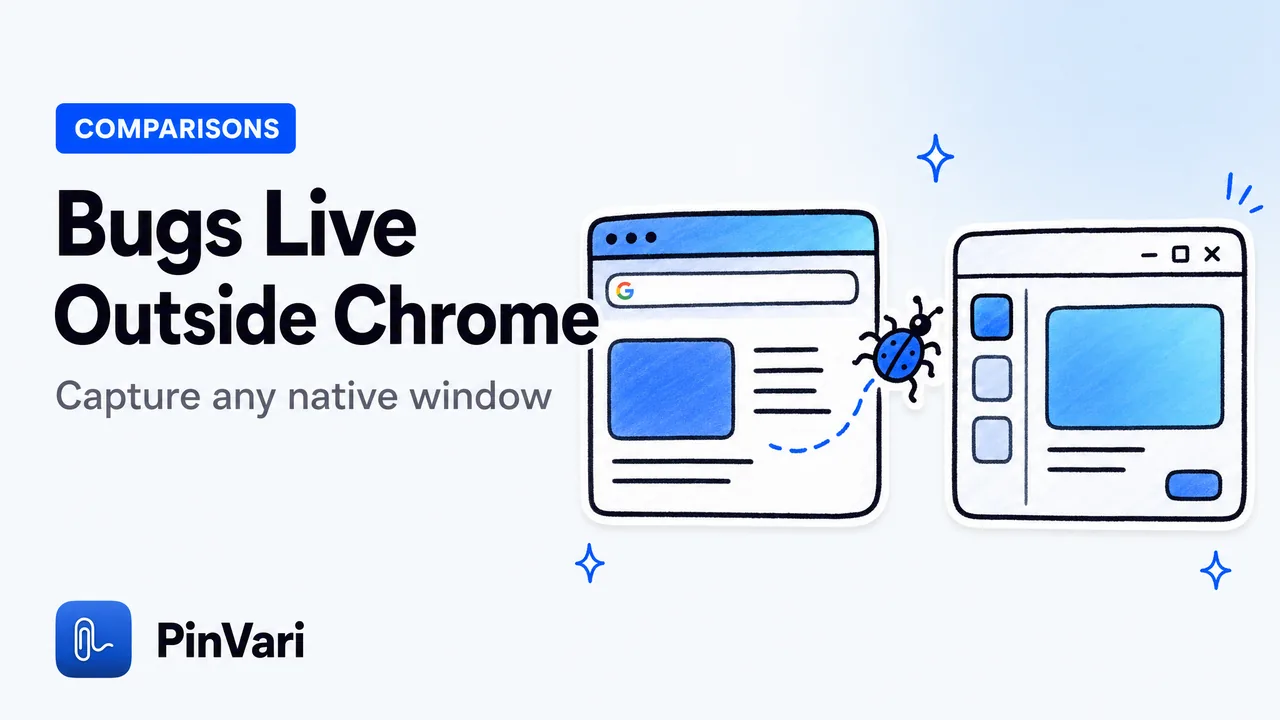
Jam.dev Alternative for Native Mac Apps
The best Jam.dev alternative for native Mac apps captures bugs in any macOS window: IDEs, Electron, and native apps, by voice with named UI elements.
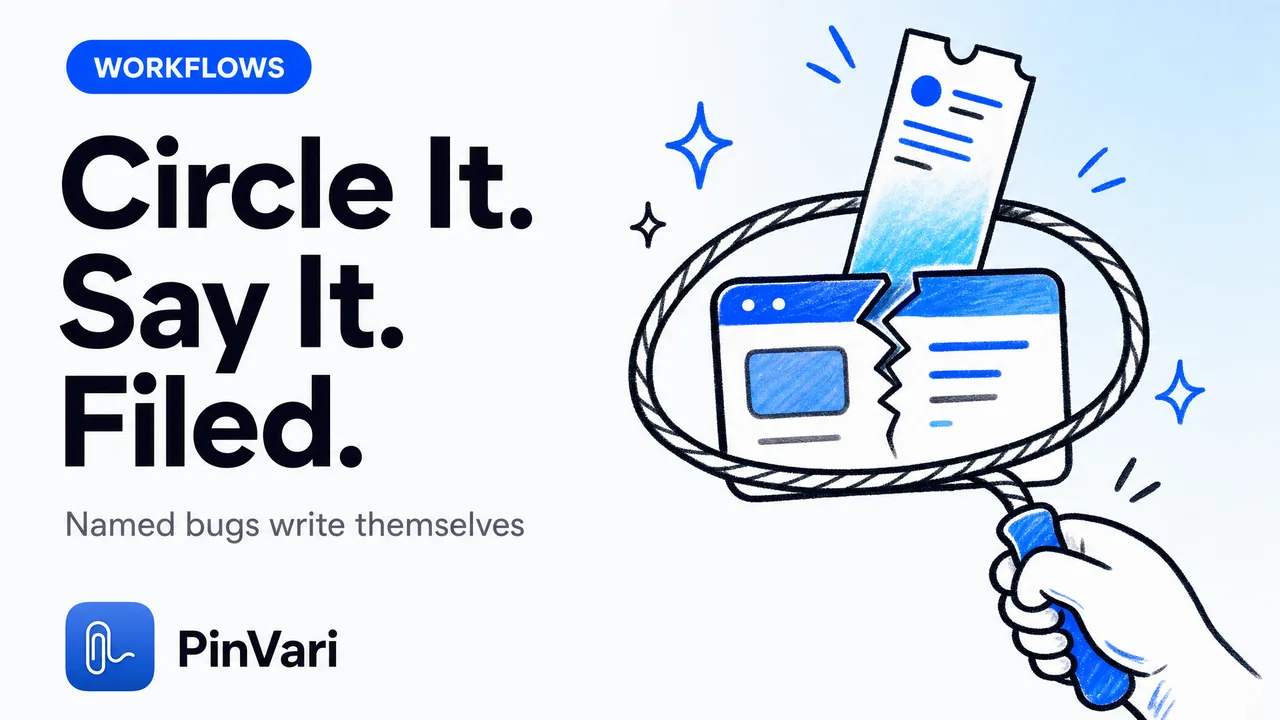
Point and Speak to File Bugs to Linear and GitHub
File a bug to Linear from a screenshot and voice on Mac — circle the broken element, speak, and get a named, ready-to-file ticket.