 Claude Code
 Cursor
 Codex
Codex
 Zed
Any MCP client
Terminal
Zed
Any MCP client
Terminal
Installed in one line. Capturing in ten seconds.
Paste one line in your terminal (or grab the .dmg). PinVari sets itself up and connects to your AI agent for you — no config, no keys. Activate your license and start pointing.
$ curl -fsSL https://pinvari.com/install.sh | shInstall is free. PinVari installs and connects to your agent with no key — but capturing needs a license: buy once, activate in the app, and it's yours. No subscription.
Your AI already writes the code. Now it knows exactly what to change.
Every note you point-and-speak lands in the tool you already use — the exact element, your words, and the screenshot, together. No more "which button did you mean?" Your agent gets the real target and gets to work.
Works with the tools you already use
Claude Code, Cursor, Codex, Zed, the terminal — if it speaks MCP, it pulls your notes straight in. One command to connect. Nothing to configure.
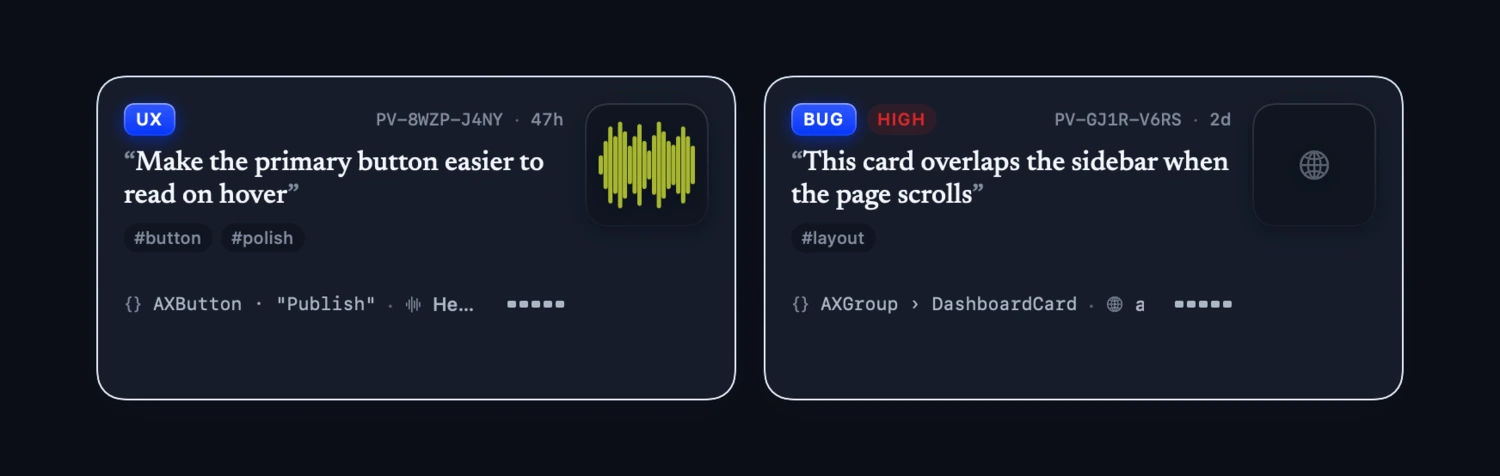
It grabs the exact thing you pointed at
Not "somewhere on the screen" — the actual button, field or row, with your words and the screenshot attached. Your AI never has to guess what you meant.
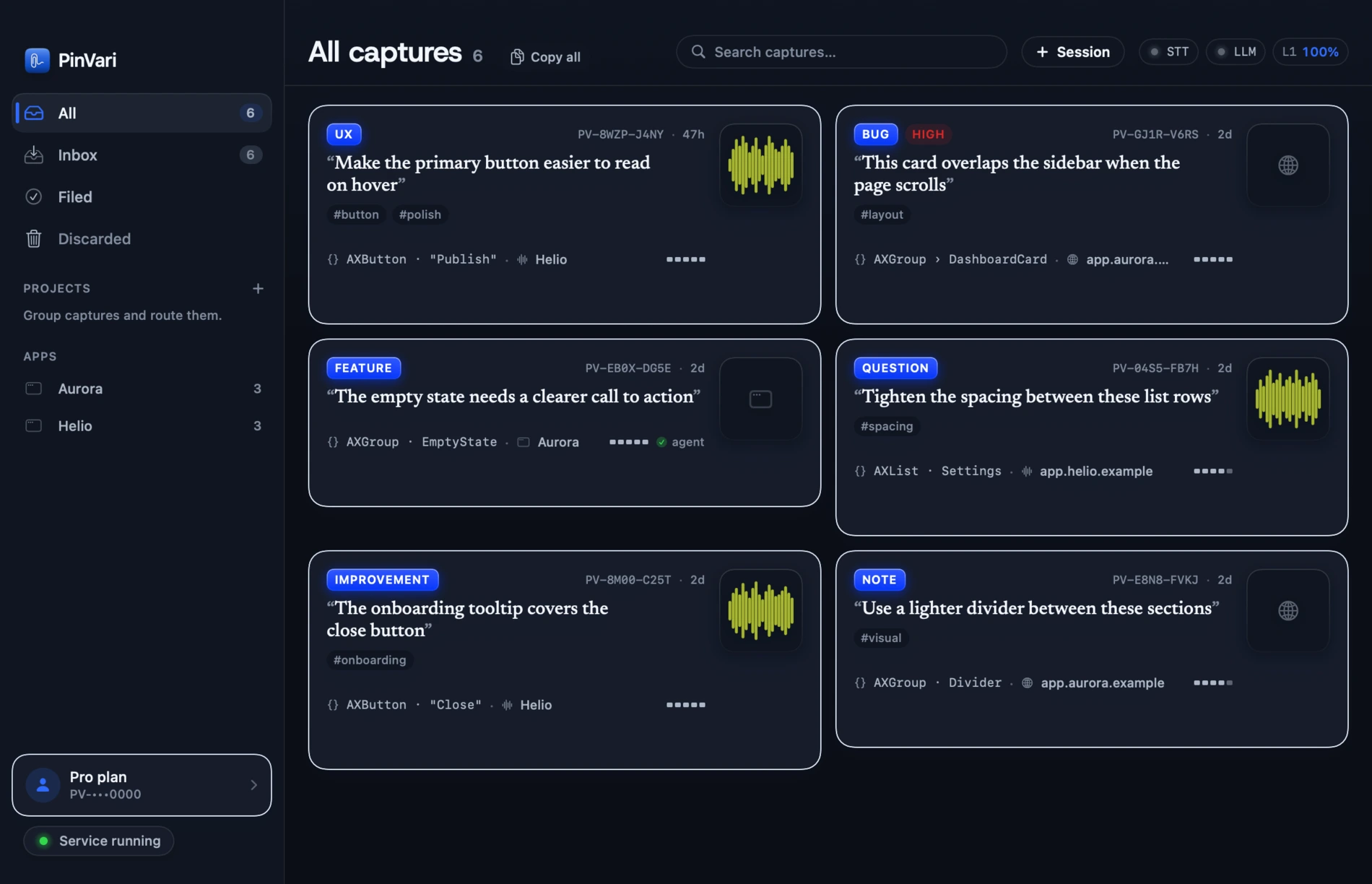
Every note in one tidy place — not lost in a chat thread.
A fast little Mac app that keeps every point-and-speak note sorted by type and by app. Skim them, file the ones you want, toss the rest, and hand the keepers to your agent. It stays out of your way until you need it.
Circle it. Say it. It's saved.
Works on any app — your browser, your editor, a design tool, anything. Just draw around what you mean and talk. No cropping a screenshot, no switching windows, no writing a ticket. Honestly, it's faster than the thought that started it.
- Circle a few things at once — each one gets its own number.
- Say one thing per circle — your words stay pinned to the right spot.
A screenshot shows pixels.
PinVari names the button.
Anyone can send a screenshot and hope the AI figures it out. PinVari does more: it identifies the actual button, field or row you circled — by its real name and role — so your agent isn't guessing at a picture. It knows the exact thing to change. That's the whole point.
- The exact element, with its name and role — every time.
- Your words, matched to the exact spot you meant.
One tap, and your AI takes it from here.
Every note carries the exact element, your words and the screenshot in one bundle. Tap Copy for agent, or let Claude Code or Cursor pull it in directly — either way, your AI knows exactly what you meant before it writes a single line.
- Connects in one command — nothing else to install.
- Every note gets a shareable link you can drop anywhere.
Everything you'd want. None of the nonsense.
Fast, private, and quiet — it disappears until the second you need it.
Your voice never leaves your Mac
Everything you say is transcribed right on your Mac with Apple's engine. No cloud, no uploads. Nothing leaves your machine unless you choose it.
No accounts, no API keys
Nothing to paste, nothing to sign up for. Install it and you're capturing in seconds.
Hides in the notch
It tucks into the one strip of screen you never use — invisible until you hold the key, gone the moment you're done.
Made for Claude Code & Cursor
Connects to the AI agent you already build with — one command, zero setup. Your notes just show up where you need them.
Quick and quiet
Starts on its own, survives restarts, and never gets in your way. You'll forget it's running — until you need it.
Pay once. Keep it forever.
$39 today for the first 500 buyers, then $99. One payment — no subscription, ever.
Record a whole workflow
Hit record, work as normal, and PinVari saves a step-by-step trail your agent can follow — as named buttons and fields, not coordinates. Sealed on your Mac, and it never keeps what you type. How it's kept safe →
Pay $39 once. Never pay again.
The first 500 buyers get it for $39 instead of $99 — one payment, yours for good. No monthly fee, no catch. When the 500 are gone, so is this price.
- Unlimited captures
- On-device transcription, no keys
- Works with Claude Code, Cursor & any MCP client
- Free updates
- Everything in Solo
- Shared team license & roster
- Admin controls & seat management
- Priority support
- Volume pricing
- Invoicing & purchase orders
- Onboarding support
- Security review
Stop typing out bugs. Start pointing at them.
$39 once for the first 500 (then $99). Straight from pinvari.com, notarized for macOS 14+, and working with your AI agent the moment you open it.
The stuff people ask before they hit buy.
Straight answers on what it grabs, where your data goes, and exactly what you pay. No fine print.
What does it actually grab?
Circle anything on your screen and talk. PinVari grabs a screenshot, figures out the exact button or field you circled (not just the pixels), turns your voice into text right on your Mac, and keeps your words tied to the right spot. The result is one neat note your AI agent can pull in — with everything it needs to make the change.
Is my screen and voice private?
Yes. Your voice is turned into text on your own Mac — it never gets uploaded. There's no account, no API key, no sign-up. Nothing leaves your machine unless you decide to hand a note to your agent.
How hard is it to hook up to my AI?
It's one command. That connects PinVari to Claude Code, Cursor, Codex or any MCP client — then you just tell your agent "use PinVari to see what I mean," and it pulls your note in. That's the whole setup.
Will it run on my Mac?
If you're on macOS 14 (Sonoma) or newer, yes — Apple Silicon or Intel, one app for both. It works whether or not your Mac has a notch.
Does it read more than the screenshot?
Yes. Alongside the screenshot, PinVari reads the full text of the window you captured — up to 40,000 characters, including text scrolled out of view — plus a map of its buttons and fields, the browser's real URL, and on-device OCR as a fallback. Your agent gets the whole stack trace, not the three lines that fit on screen. The nuts and bolts are on the MCP reference page.
Does it work with more than one monitor?
Yes. Every mark remembers which display it was drawn on and the screenshot is taken from that exact monitor, so one capture can span several screens. You can also circle several things in one breath — each mark keeps its own slice of your words.
Can my AI agent ask me to point at something?
Yes — it works both ways. Mid-task your agent can ask you to show it something: PinVari's island lights up asking you to point, you circle the thing and speak, and the capture flows back to the agent automatically. And the agent can never take a screenshot on its own — capture only happens when you hold the hotkey.
Is it really pay-once — no subscription?
Really. $39 one time for the first 500 buyers (then $99). Teams pay $29 a seat, once. No monthly bill, no login, no way to get stuck — you buy it and it's yours.
Still have a question? [email protected]